Run 9xBuddy - Video Downloader on PC
9xBuddy - Video Downloader allows you to download your favorite videos across the web as a video downloader app by The App Door LLC. While going through the internet, it is now easier to download your favorite videos in real time. You don’t have to do much here because 9xBuddy - Video Downloader can detect the video automatically and then track it from your currently browsing webpage. LDPlayer 9 is the best emulator to run 9xBuddy - Video Downloader on your PC.
9xBuddy - Video Downloader Features
-
Automatically detect the videos while browsing the internet or web page.
-
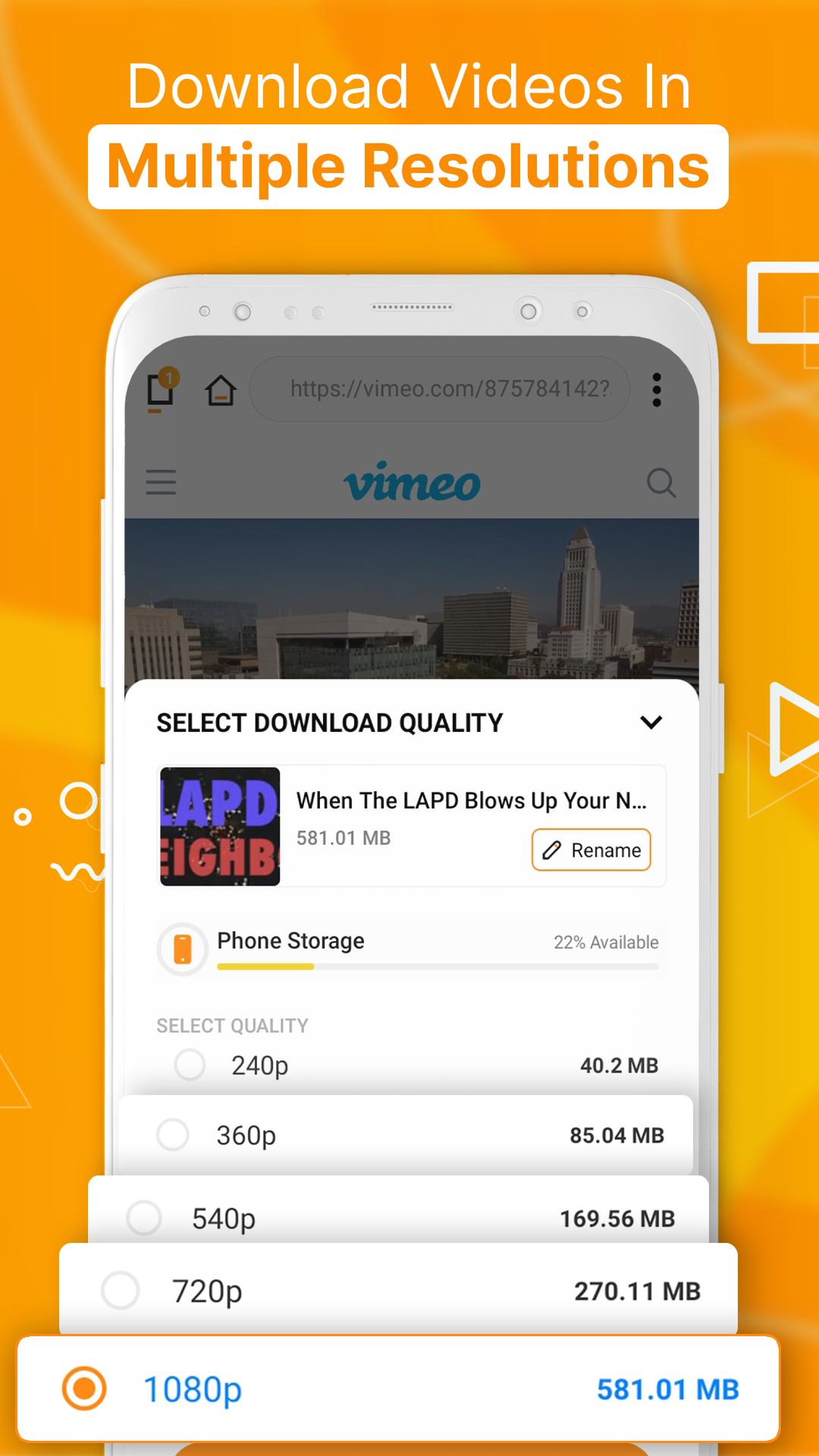
Several video formats are offered to download as per your choice.
-
You are allowed to track the download status of your video while it is downloading from the app.
-
Have a built-in download manager that makes you easy to interact with the 9xBuddy - Video Downloader app
-
This app supports several social media sites so that any user can save their favorite videos from it to the phone.
-
There is unlimited bandwidth from 9xBuddy - Video Downloader from a VPN.
-
Although 9xBuddy - Video Downloader works for so many social media platforms, it doesn’t support YouTube as it violates the policies of the 9xBuddy - Video Downloader app.
Most Convenient Way to Use the 9xBuddy - Video Downloader App
You don’t use your phone for browsing these social media platforms for always while we sometimes use the PC as well. For such cases, there should be an alternative to download your favorite video, which is where LDPlayer comes. Now there is no worry because you get a bigger screen in the most convenient way to download the video you want, even on a PC.