Aesthetic Icon Changer: Theme is a Lifestyle application developed by GBB Studio, but with the best Android emulator-LDPlayer, you can download and play Aesthetic Icon Changer: Theme on your computer.
Running Aesthetic Icon Changer: Theme on your computer allows you to browse clearly on a large screen, and controlling the application with a mouse and keyboard is much faster than using touchscreen, all while never having to worry about device battery issues.
With multi-instance and synchronization features, you can even run multiple applications and accounts on your PC.
And file sharing makes sharing images, videos, and files incredibly easy.
Download Aesthetic Icon Changer: Theme and run it on your PC. Enjoy the large screen and high-definition quality on your PC!
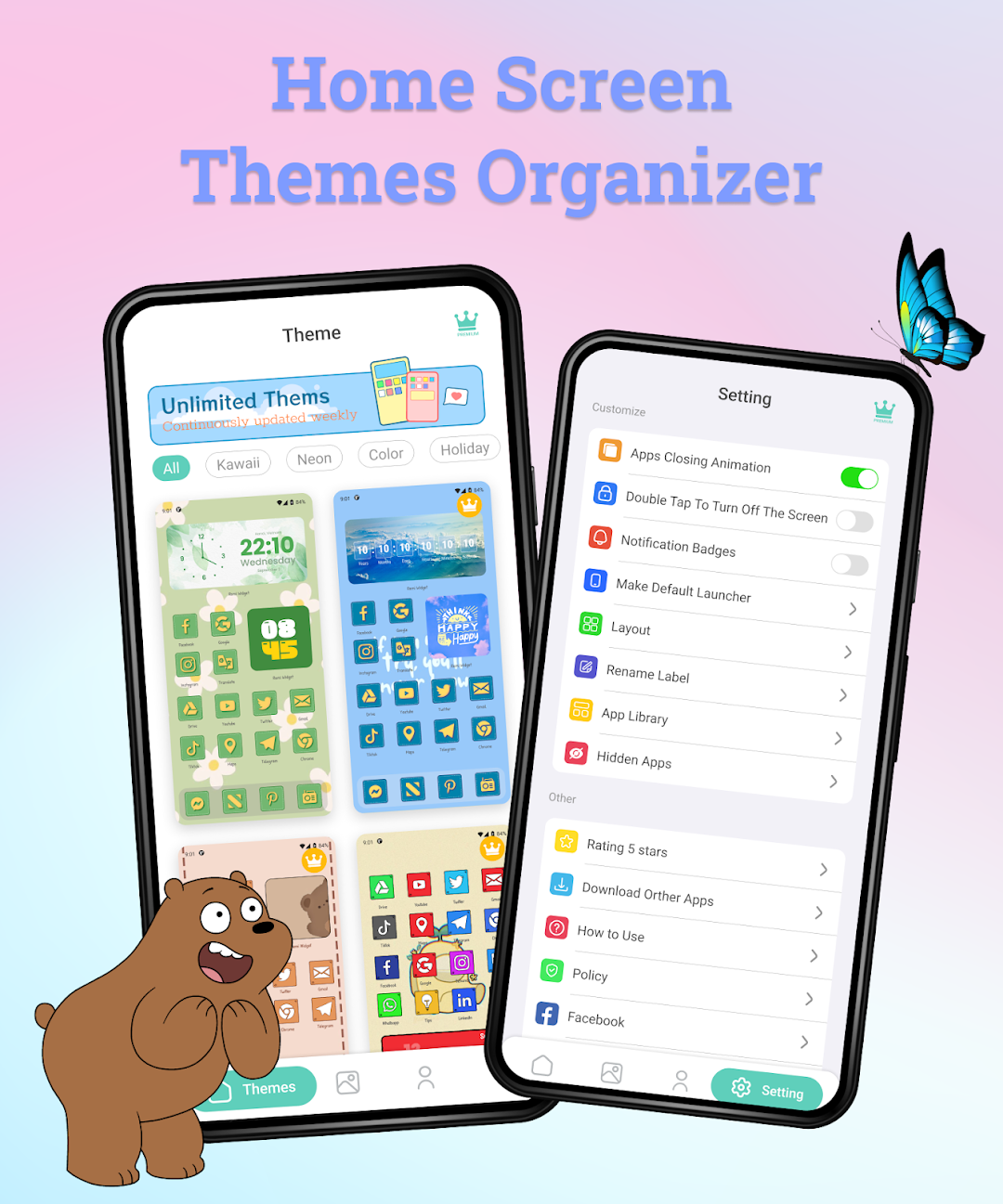
Aesthetic Icon Changer: Icon Themes & Widgets Theme is an application that allows you to decorate home screen with lots of amazing icon packs and widgets themes.Main keywords:
- free theme launcher
- home screen themes organizer
- fancy widget themes
- aesthetic app icon widgets
- icon changer app for android
- free app icon changer
- best icon changer app
- customize your app icons
If you want to change the app icons and decorate your android phone then download Aesthetic Icon Changer: Icon Themes & Widgets Theme now!
Main features:
- aesthetic launcher theme for android
- unique design, easy to use, super fast launcher
- help you to change & customize icons and names for any apps
- help you create shortcut with a new icon on your home screen
- lots of personalized icon packs
- lots of free launcher theme, Many advanced and exciting features for your phone
- your phone will look awesome when you change icons of apps
icon Changer – app icons
- awesome icon packs
- many types and packs of icon images to choose from
- 100+ icon packs with many themes, 5000+ customize app icons
- help you change app icon pack
- super fast to change and apply icon packs
- help you change & customize icons and names for any apps
Home screen – Launcher theme - Launcher maker
- Launcher theme for android
- Wonderful home screen customizer
- Easy to make your own home screen
- can satisfy your custom home screen
- help you make your own home screen
- 100+ free launcher themes for android
Widgets
- fancy widgets themes
- Customize the look of your home screen with hundreds of widget styles to choose from
- multiple aesthetic widgets and themes
- Easy to add your own widgets to home screen launcher
- Set multiple widgets on the home screen.
- Unlimited widgets add on home screen
- Weather widget, calendar widget, photo widget, contact widget, clock widget, countdown widget, note widget, quote widget, counter days widget…
Aesthetic themes
- 100+ free aesthetic themes for launcher
- Lots of themes: Halloween theme, black theme, white theme, aesthetic theme, girls theme, anime theme, kawaii theme…
- Easy and fast to apply theme on launcher
- Make your phone look gorgeous
- Aesthetic Icon Changer: Icon themes & Widgets Theme is the easiest way to decorate your Android phone.
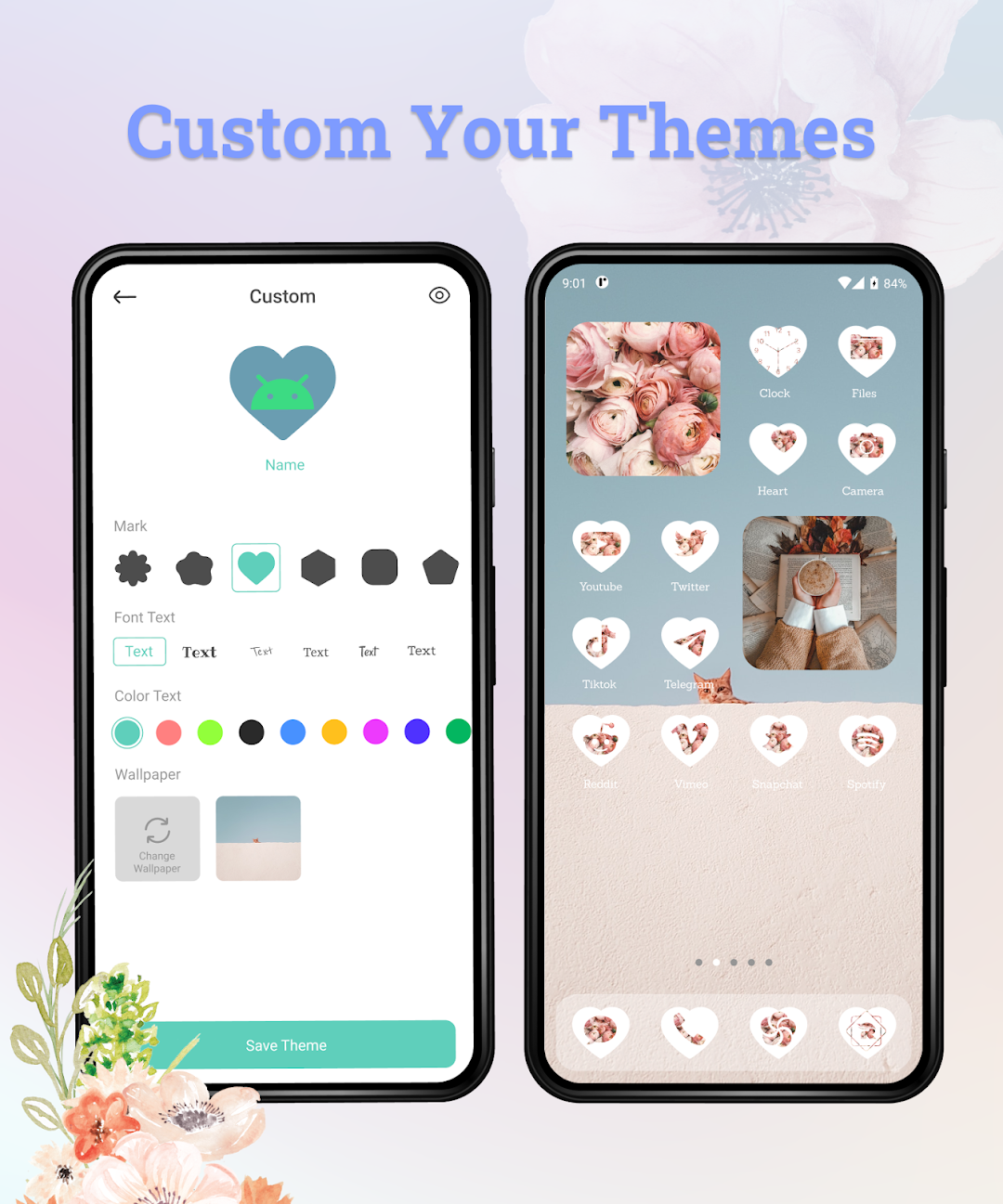
Customize your own app icons
- Allow to upload image from album to make icon
- Allows renaming the app. You can ask your friend to guess the icon name or app name.
- Allows change the text color
- Allows editing the app logo size
How to use “Aesthetic Icon Changer: Icon themes & Widgets Theme” application
- Download and install “Aesthetic Icon Changer: Widgets Theme” app
- Open “Aesthetic Icon Changer: Widgets Theme” app
- Choose the icon packs you like
- Download and Apply theme.
In addition, you can completely change the home screen theme, wallpaper…
Beautify and refresh your screen with “Aesthetic Icon Changer: Icon themes & Widgets Theme”!
If you have any feedback or suggestions, please contact to us via gmail: phamnhathuy460@gmail.com
We always listen to you!
Thank you so much!