Akademi Youtuber is a Education application developed by Akademi Youtuber, but with the best Android emulator-LDPlayer, you can download and play Akademi Youtuber on your computer.
Running Akademi Youtuber on your computer allows you to browse clearly on a large screen, and controlling the application with a mouse and keyboard is much faster than using touchscreen, all while never having to worry about device battery issues.
With multi-instance and synchronization features, you can even run multiple applications and accounts on your PC.
And file sharing makes sharing images, videos, and files incredibly easy.
Download Akademi Youtuber and run it on your PC. Enjoy the large screen and high-definition quality on your PC!
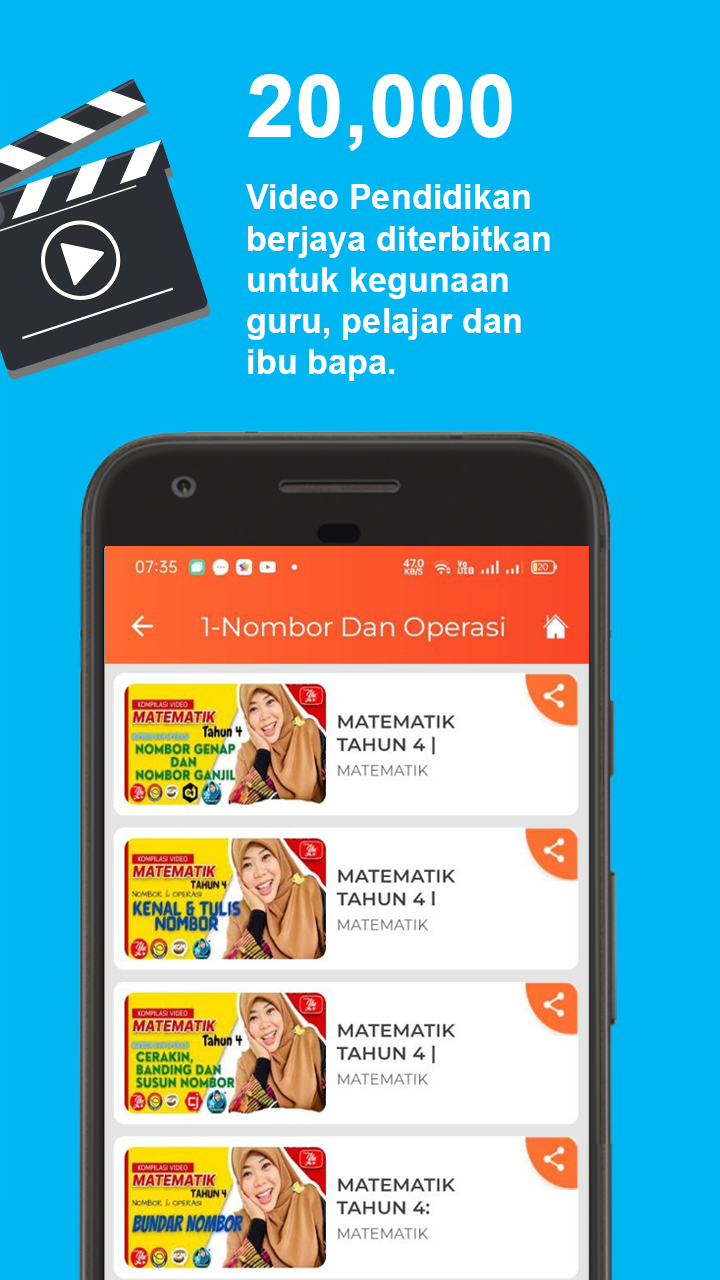
Akademi Youtuber - Hab pembelajaran khas norma baharu di Malaysia menawarkan lebih 20,000 video PdPc yang dihasilkan oleh lebih 1,000 sukarelawan AYU. Selain daripada itu, Tuisyen Percuma secara langsung juga disediakan dan telah mencapai lebih 3,000 jam bersiaran sehingga kini. Lebih 50 segmen khas turut tersedia untuk meningkatkan ilmu pengetahuan mengenai pelbagai bidang kemahiran guru-guru di Malaysia. Aplikasi ini dibina khas untuk memudahkan semua mencari bahan pendidikan berkualiti tinggi dengan lebih tersusun.