All in One Photo Editor is a Photography application developed by Molla's Lab, but with the best Android emulator-LDPlayer, you can download and play All in One Photo Editor on your computer.
Running All in One Photo Editor on your computer allows you to browse clearly on a large screen, and controlling the application with a mouse and keyboard is much faster than using touchscreen, all while never having to worry about device battery issues.
With multi-instance and synchronization features, you can even run multiple applications and accounts on your PC.
And file sharing makes sharing images, videos, and files incredibly easy.
Download All in One Photo Editor and run it on your PC. Enjoy the large screen and high-definition quality on your PC!
All in One Photo Editor is a free photo editor that allows you to edit pictures with a multiplicity of photo effects and exclusive photo filters. It contains a vast editing kit of tools for basic and advanced editing of your photos. No matter if you are a beginner or pro, this will be your best choice for photo editing apps. Pick the layout you like, edit the picture and decorate it with filters, stickers, text and much more.== KEY TOOLS ==
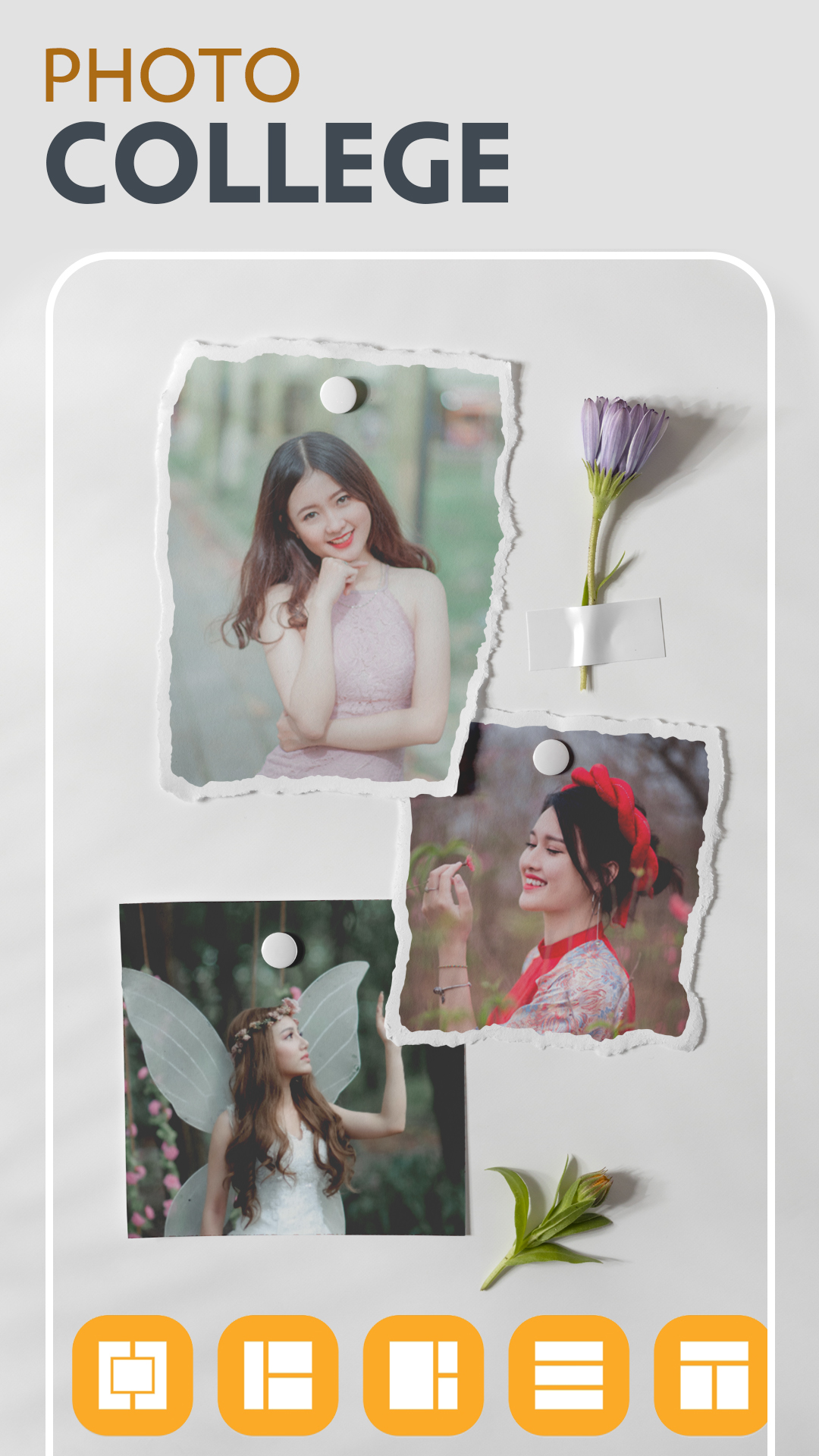
● Photo Collage
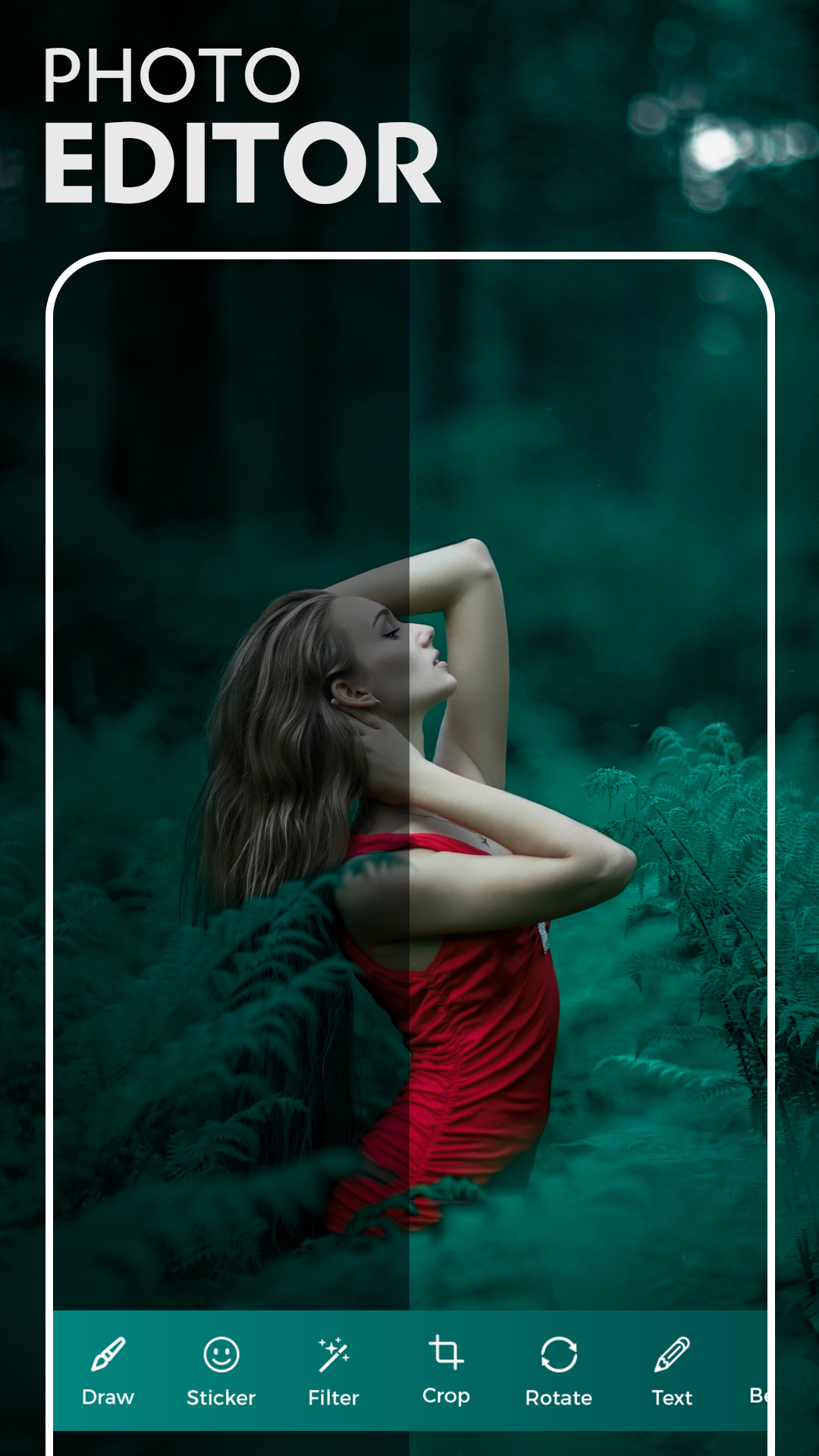
● Photo Editor
● PIP Collage
● Body Shape Editor
● Scrap Book
❤ Photo Collage Maker Features
★ Layout
★ Adjust
★ Sticker
★ Bg Color
★ Text
★ More...
❤ Photo Editor Features
★ Draw
★ Sticker
★ Filter
★ Crop
★ Rotate
★ Text
★ Beauty
★ More...
❤ PIP Collage Features
★ Sticker
★ PIP Collage
★ Text
★ More...
❤ Body Shape Features
★ Slim
★ Face
★ Waist
★ Hip
★ Chest
★ More...
❤ Scrap Book Features
★ Images
★ Sticker
★ BG Picture
★ Text
★ More...
Display Your Ingenuity
Bring your ideas to life! The All in One photo editor brings templates and customization together to give you everything you need to get inspired. Create quick and easy collages to share during a party, or take your time and make a truly custom design to flex your skills! The All in One Photo Editor gives you everything you need to tell your story!