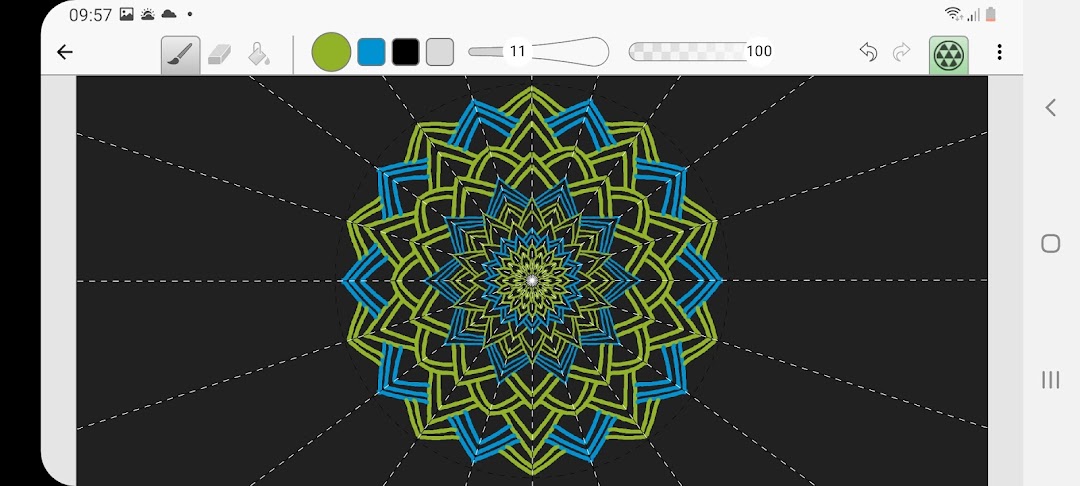
Amaziograph is a Entertainment application developed by Amaziograph Ltd., but with the best Android emulator-LDPlayer, you can download and play Amaziograph on your computer.
Running Amaziograph on your computer allows you to browse clearly on a large screen, and controlling the application with a mouse and keyboard is much faster than using touchscreen, all while never having to worry about device battery issues.
With multi-instance and synchronization features, you can even run multiple applications and accounts on your PC.
And file sharing makes sharing images, videos, and files incredibly easy.
Download Amaziograph and run it on your PC. Enjoy the large screen and high-definition quality on your PC!
Have you ever dreamed to paint pictures like nobody else?Do you want to feel like an artist or modern designer?
Could this be so easy and amusing?
Amaziograph is the answer.
With Amaziograph creating art has never been easier.
Professional tattooists, artists, designers and architects will also have great fun with Amaziograph and even can use it in their projects.
Amaziograph is already used in school art rooms - It is a perfect application to introduce the amazing world of tessellations and symmetries in art.
Amaziograph will bring you in the world of digital art in a new innovative and fun manner.
In the ocean of drawing applications what does make Amaziograph so unique?
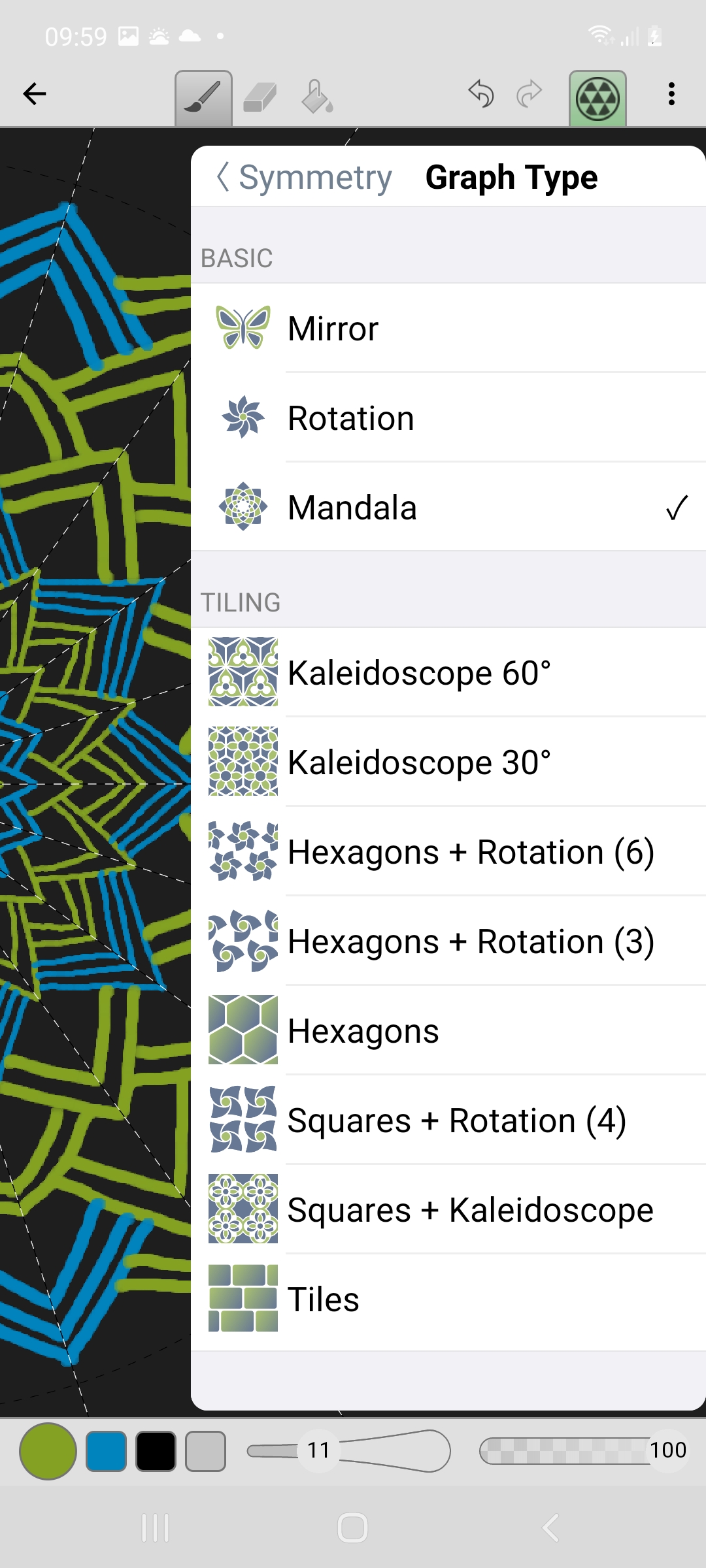
- Astonishing symmetric pictures using different type of tessellations like kaleidoscopes, mirrors and more. Creating a tessellation is easy: choose the type of graph you want and then draw! You can see how your tessellation changes as you draw. Whatever you draw, it looks beautiful.
- Simple to use interface. It is so simple that children can easily use it.
- Completely new intuitive approach in using basic colors in the palette and mixing them, just like professional painters. To create a new color, just drag an existing color from one cell into another cell and mix!
Amaziograph features:
- Tessellations and symmetries
- Intuitive drawing interface
- User definable canvas size
- Pinch to zoom
- 30 level undo
- Brush, eraser and paint bucket tools
- Ability to draw dashed lines easily
- Adjustable brush size, opacity and softness
- Innovative color palette with gradient option to create a gradient colors
- Save amaziographs in JPG and PNG format
- Pressure sensitivity
- Customized canvas size up to 4096px x 4096px
- Import an image and draw symmetries or tessellations over it.
We cannot describe the feeling, going beyond your imagination, while drawing with Amaziograph - it’s up to you to discover your art nature.