
古文觀止
5.05+

古文觀止

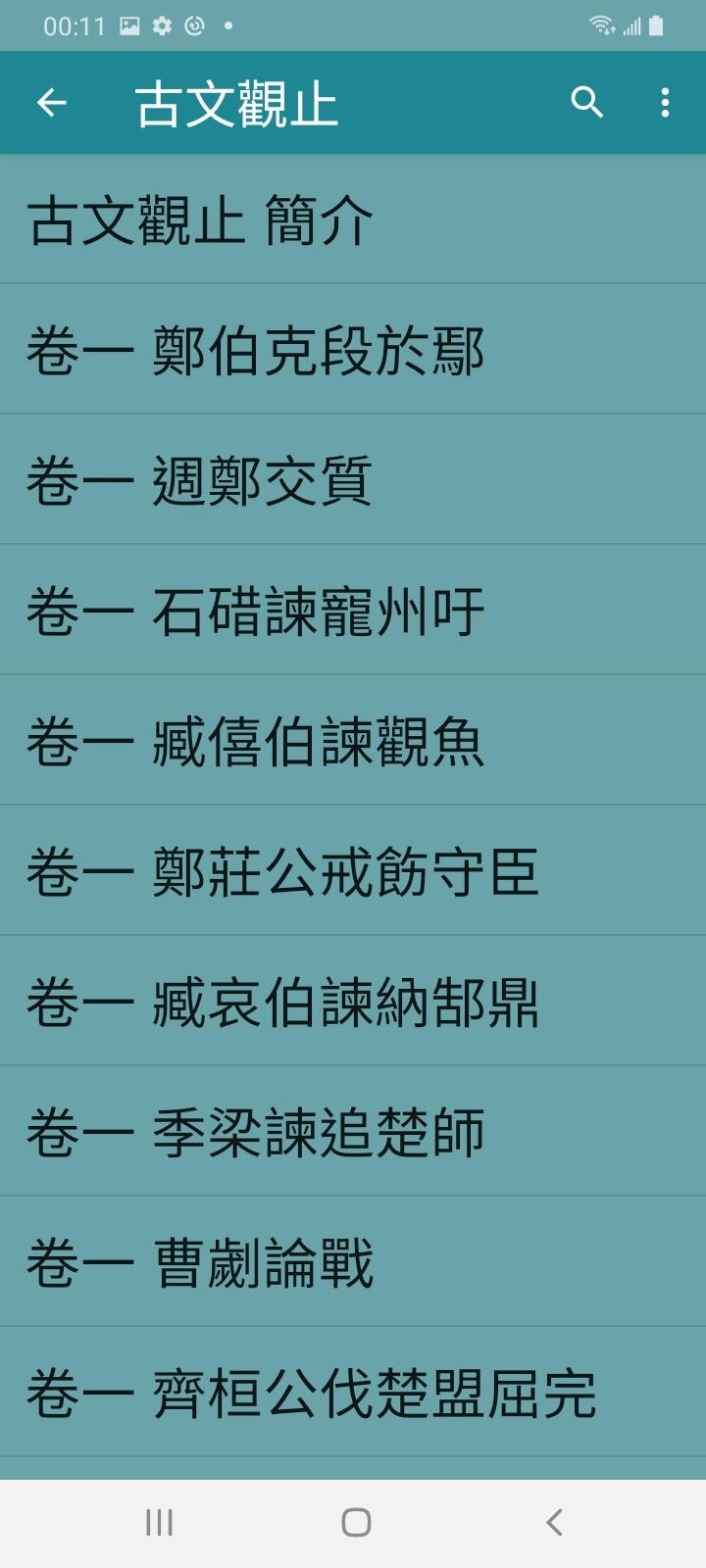
為了讓你有更佳的用戶體驗,我們會定時更新內容。避免更新後影響使用,請開啟網絡才使用。<br><br>古文觀止 簡介<br>卷一 鄭伯克段於鄢<br>卷一 週鄭交質<br>卷一 石碏諫寵州吁<br>卷一 臧僖伯諫觀魚<br>卷一 鄭莊公戒飭守臣<br>卷一 臧哀伯諫納郜鼎<br>卷一 季梁諫追楚師<br>卷一 曹劌論戰<br>卷一 齊桓公伐楚盟屈完<br>卷一 宮之奇諫假道<br>卷一 齊桓下拜受胙<br>卷一 陰飴甥對秦伯<br>卷一 子魚論戰<br>卷一 寺人披見文公<br>卷一 介之推不言祿<br>卷

recommendDownload apkrecommend

古文觀止 is developed and provided by Gan Sheng Chuan.

Gan Sheng Chuan
How to Download&Play 古文觀止 on PC?
Last Updated: 2024-12-19
ancientchinese.classic.chinese
  • Overview

  • FAQ

Run 古文觀止 on PC with LDPlayer

古文觀止 is a Books&Reference application developed by Gan Sheng Chuan, but with the best Android emulator-LDPlayer, you can download and play 古文觀止 on your computer.

Running 古文觀止 on your computer allows you to browse clearly on a large screen, and controlling the application with a mouse and keyboard is much faster than using touchscreen, all while never having to worry about device battery issues.

With multi-instance and synchronization features, you can even run multiple applications and accounts on your PC.

And file sharing makes sharing images, videos, and files incredibly easy.

Download 古文觀止 and run it on your PC. Enjoy the large screen and high-definition quality on your PC!

null
Open up

Screenshots and Videos of 古文觀止 PC

With LDPlayer, you can download and run 古文觀止 on PC, simultaneously managing multiple apps and multiple accounts. Become a master of time management, balancing work and entertainment effortlessly.

How to Download and Run 古文觀止 on PC

  • 1

    Download and install LDPlayer on your computer

  • 2

    Locate the Play Store in LDPlayer's system apps, launch it, and sign in to your Google account

  • 3

    Enter "古文觀止" into the search bar and search for it

  • 4

    Choose and install 古文觀止 from the search results

  • 5

    Once the download and installation are complete, return to the LDPlayer home screen

  • 6

    Click on the game icon on the LDPlayer home screen to start enjoying the exciting game