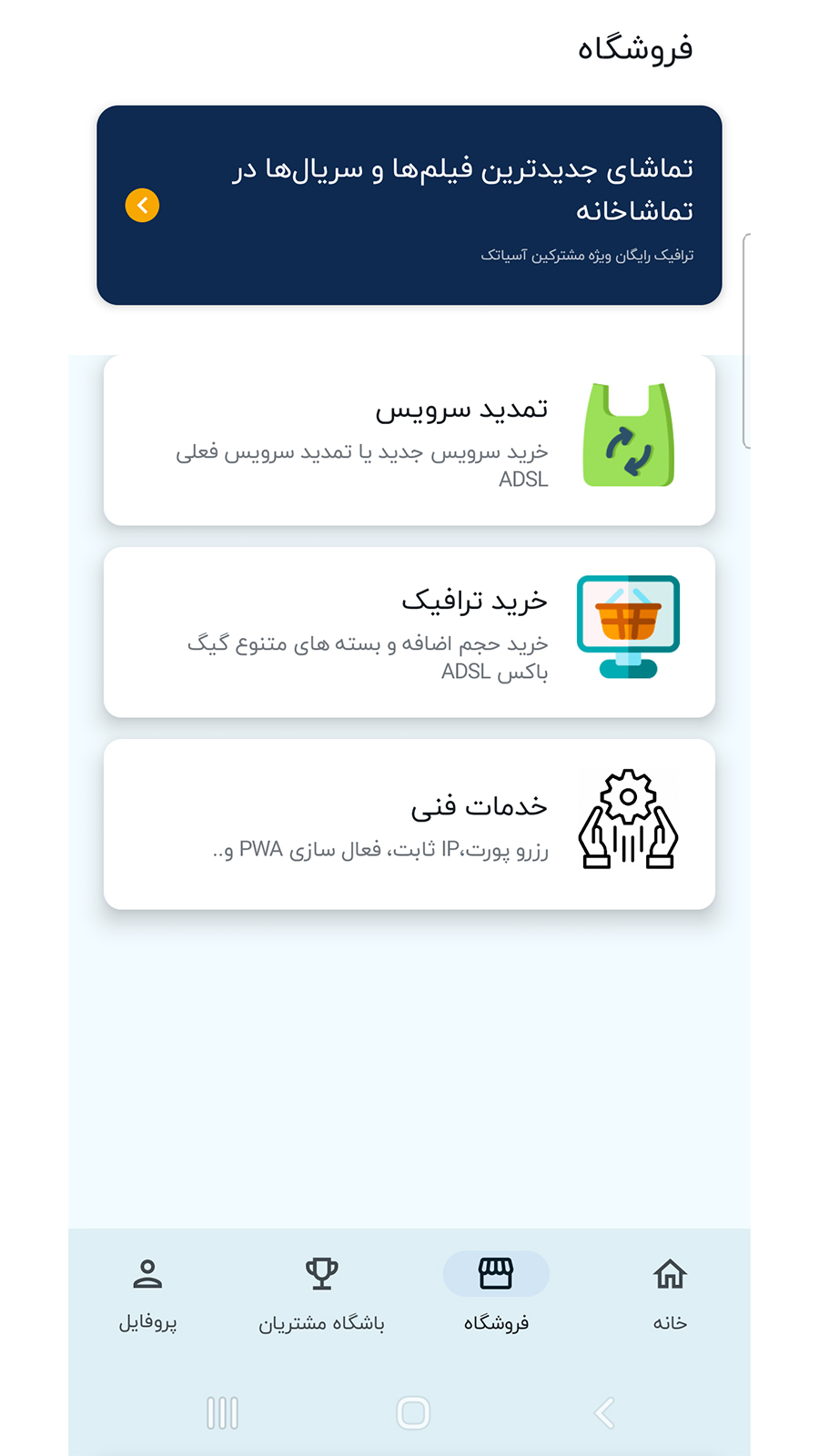
Asiatech is a Tools application developed by asiatech.ir, but with the best Android emulator-LDPlayer, you can download and play Asiatech on your computer.
Running Asiatech on your computer allows you to browse clearly on a large screen, and controlling the application with a mouse and keyboard is much faster than using touchscreen, all while never having to worry about device battery issues.
With multi-instance and synchronization features, you can even run multiple applications and accounts on your PC.
And file sharing makes sharing images, videos, and files incredibly easy.
Download Asiatech and run it on your PC. Enjoy the large screen and high-definition quality on your PC!
Manage your Asiatech account and services with Asiatech 24x7 App. access the latest supporting events, news and entertainment services with our handy suite of apps.Asiatech 24x7 app features:
Keep tabs on your estimated usage
View your current/previous bills, check your balance
Set up stored payment options and manage direct debits
Add, remove and manage your Asiatech Services
Test your internet speed
View your usage and recharge history
Recharge your account via credit card or voucher
Find out about our latest promotions
Find nearest Asiatech public wifi provider
Stay up to date when you're on the move!