

aTube Catcher Video Downloader is a Video Players&Editors application developed by Zain Qayyum, but with the best Android emulator-LDPlayer, you can download and play aTube Catcher Video Downloader on your computer.
Running aTube Catcher Video Downloader on your computer allows you to browse clearly on a large screen, and controlling the application with a mouse and keyboard is much faster than using touchscreen, all while never having to worry about device battery issues.
With multi-instance and synchronization features, you can even run multiple applications and accounts on your PC.
And file sharing makes sharing images, videos, and files incredibly easy.
Download aTube Catcher Video Downloader and run it on your PC. Enjoy the large screen and high-definition quality on your PC!
aTube CatcherAll Format Video Player SupportBest Video Player For Android is one of the best HD video player for android phone which is also called video player HD Play video HD movie player, Free video player and all format.
aTube Catcher Free Multimedia Player For Android
you can watch all popular video formats on your phone fully faster and smoother. HD Video player supports all popular videos formats, including AVI, 3GP, MKV, TS, MPG ,
M4V, MOV, MP4, WMV, RMVB, FLV, etc. It supports ALL video formats, 4K/ultra HD video files, and plays them with high-definition.
aTube Catcher HD movie player
we have best video player app for you like complete media player app that gives you the best experience of 4k video player app. you can watch movies, trailers,
seasons, dramas, songs and your favorite videos from this video player you play almost all video files stored on your phone.
aTube Catcher Free Video downloader app
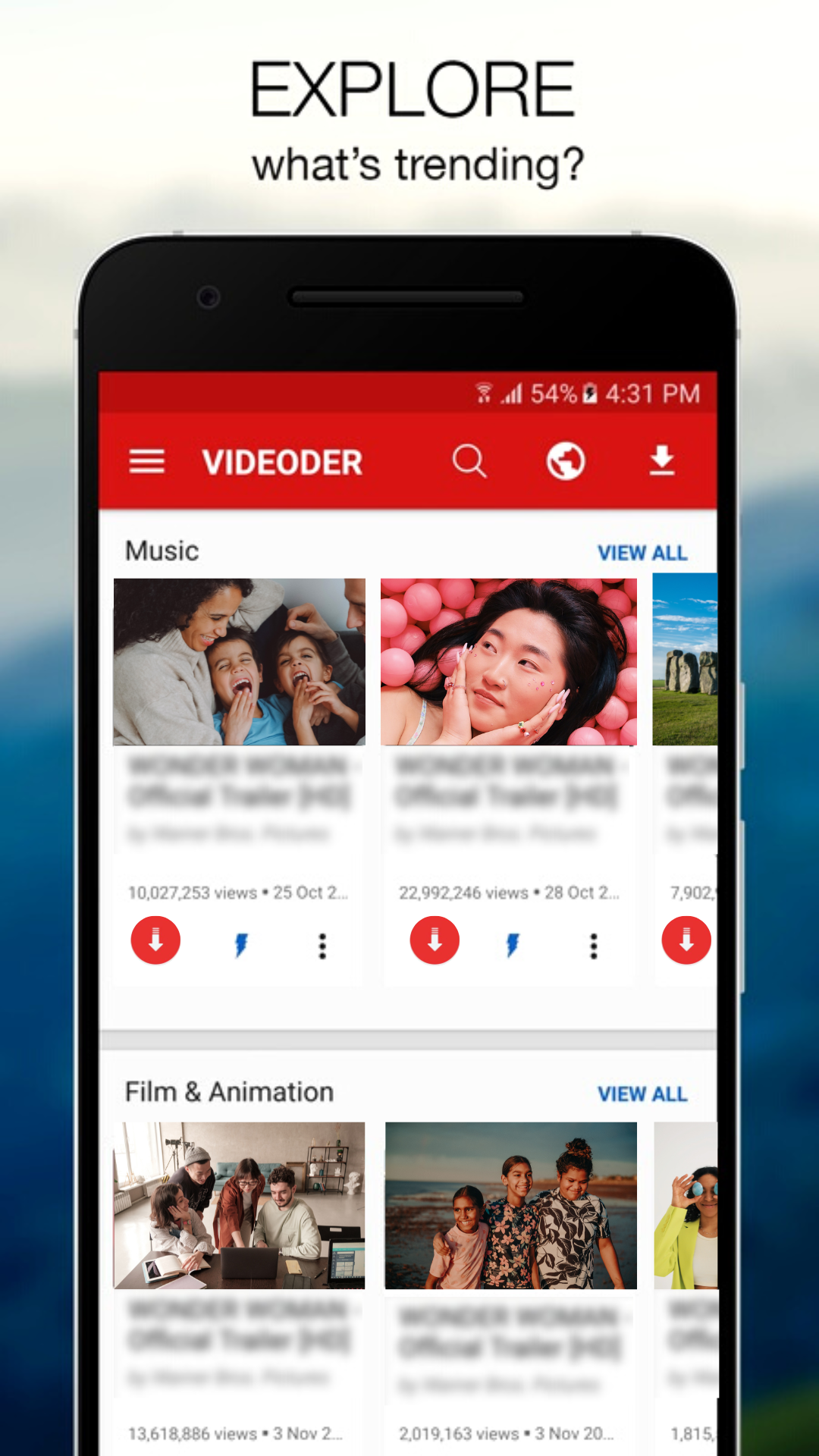
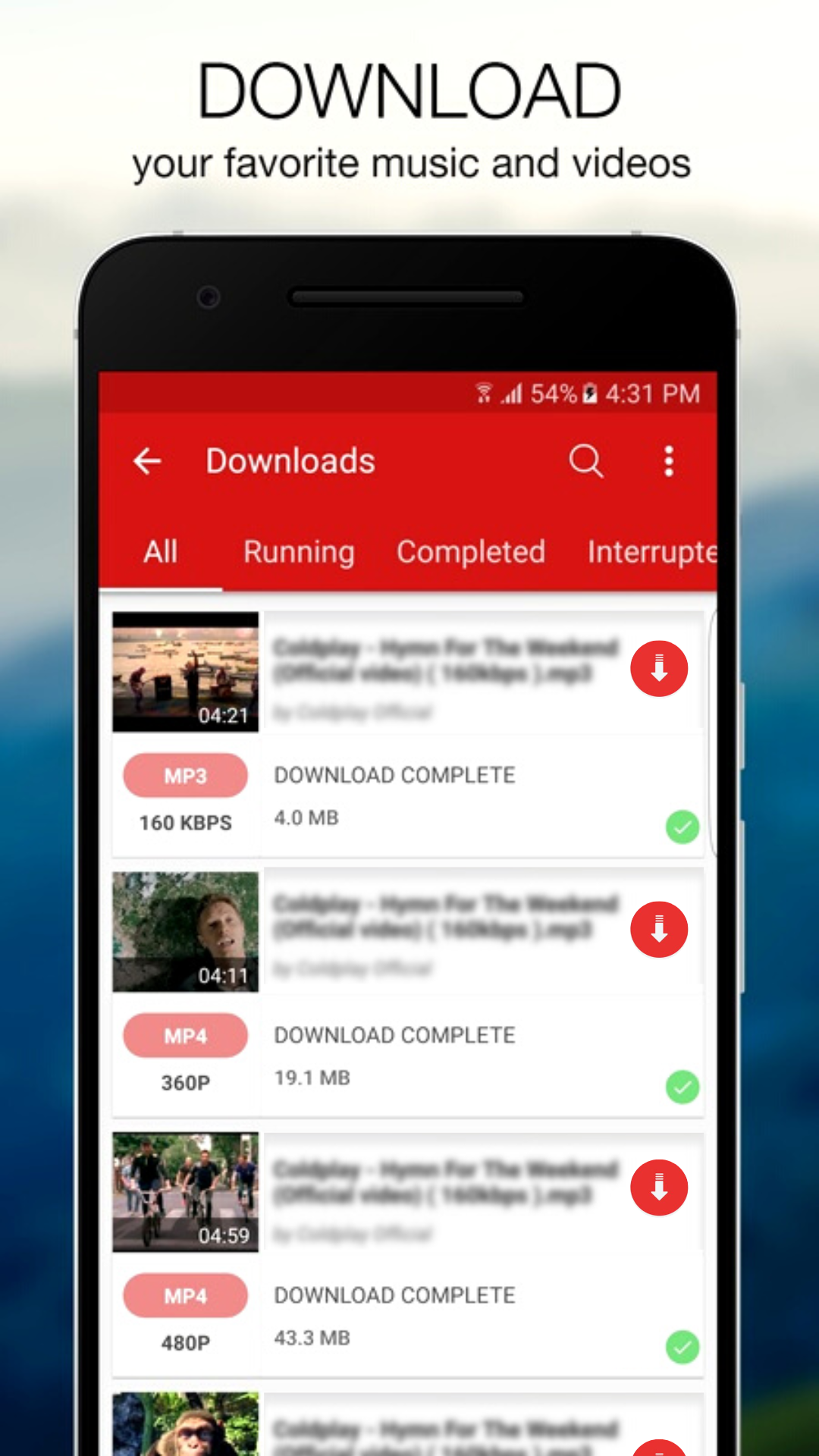
you can auto detects videos, you can download them with just one click. The powerful download manager allows you to pause and resume downloads, download in the
background and download several files at the same time. Use the HD video downloader to preview the video first, fast download and play it offline.
aTube Catcher Video Downloader HD App
Video downloader free & video downloader HD has arrived, better than ever! Free video downloader & video downloader HD helps you download all videos for free with high
definition. Fast download speed with HD video downloader.
aTube Catcher Fast Video Downloader
Wanna download video with fast speed? Try this fast video downloader to download video. It's the simple and fast video downloader for video download in the market.
Enjoy your downloading with this download manager.
aTube Catcher Easy to Use All video downloader
All video downloader supports to download all videos. All video downloader is you must-have downloading app. Its allows you to download videos and social media clips
from social webs and popular video sites onto your device at lightning speed. you can browse all social websites and download all HD videos from your own social media
accounts. All formats are supported. 100% free.
KEY FEATURES of aTube Catcher:
● ALL formats, including MKV, MP4, M4V, AVI, MOV, 3GP, FLV, WMV, RMVB, TS etc.
● Easy control with gesture.
● HD Video Player is for both android phone and tablet.
● All vmate Format Video Player
● Enjoy smoother better quality videos
● Small size, small memory usage
● Manage or share videos easily.
● 1080p Video player
KEY FEATURES of aTube Catcher :
● SD card supported
● Check the progress in the download bar
● Download several files at the same time
● Ultrafast download speed
● Auto detect videos and fast download with one click
● Browse video or social clips with built-in browser
● Play the video you want to download
● Click the download button to download videos
● Support different resolutions for download
● vmate MP4 downloader
● All download formats supported
Disclaimer
* This application is NOT affiliated or linked with or endorsed with any social official network.
* Any effective actions (re-uploading contents) and violations of any intellectual property rights is the whole responsibility of the account and device user.