Birthday Collage Maker & Edit is a Photography application developed by DreamSpot, but with the best Android emulator-LDPlayer, you can download and play Birthday Collage Maker & Edit on your computer.
Running Birthday Collage Maker & Edit on your computer allows you to browse clearly on a large screen, and controlling the application with a mouse and keyboard is much faster than using touchscreen, all while never having to worry about device battery issues.
With multi-instance and synchronization features, you can even run multiple applications and accounts on your PC.
And file sharing makes sharing images, videos, and files incredibly easy.
Download Birthday Collage Maker & Edit and run it on your PC. Enjoy the large screen and high-definition quality on your PC!
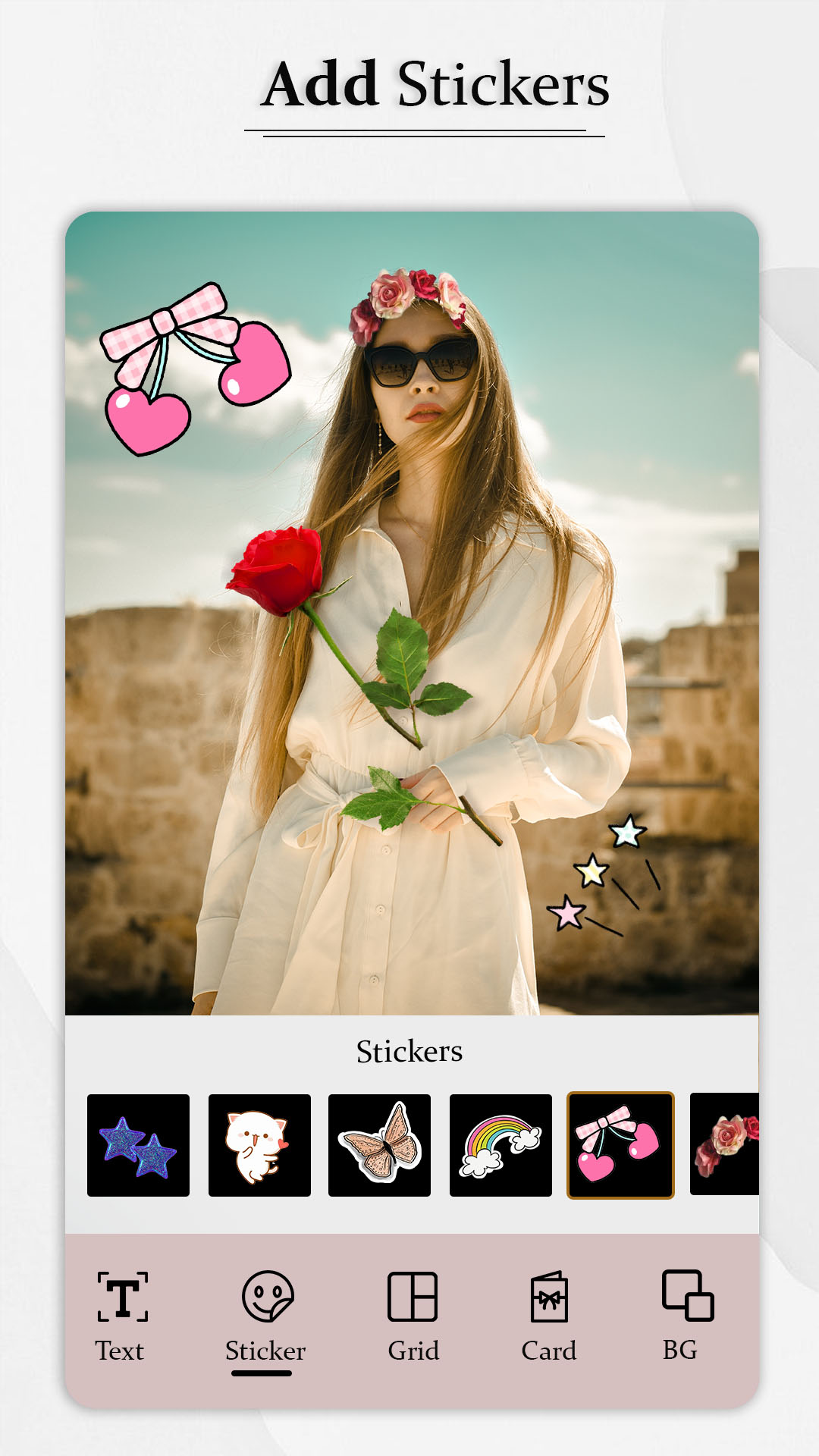
Birthday Wishes Story Maker can help you brighten the day of your loved ones on their birthday. You have to download it, and you are ready to go. Birthday Wishes Story Maker app provides 500+ templates from which you can choose the one you like.Create awesome photo collage frames and make multiple pics together up to 3 photos, you can edit collage photo, frames, stickers, write on photo.
This app can allow you to type your favourite Birthday quotes from the library. You can create a customized Birthday wish Template. In the app, you will find images of celebrities so that you can make the Birthday Wish more personalized.
Happy Birthday Photo Collage is the best free photo collage maker to send you on an amazing collage of photo editing. Send Happy birthday wishes to all your friends with this free photo editor of Happy Birthday Collage Maker.
Birthday Photo Frames
- Birthday collage give you lots of cake collage layout. You can select photo from your gallery album.
Birthday Status Maker
- You can create the special birthday status and set the status on whatsapp, Facebook and Instagram story. Create the birthday status by using birthday status maker.