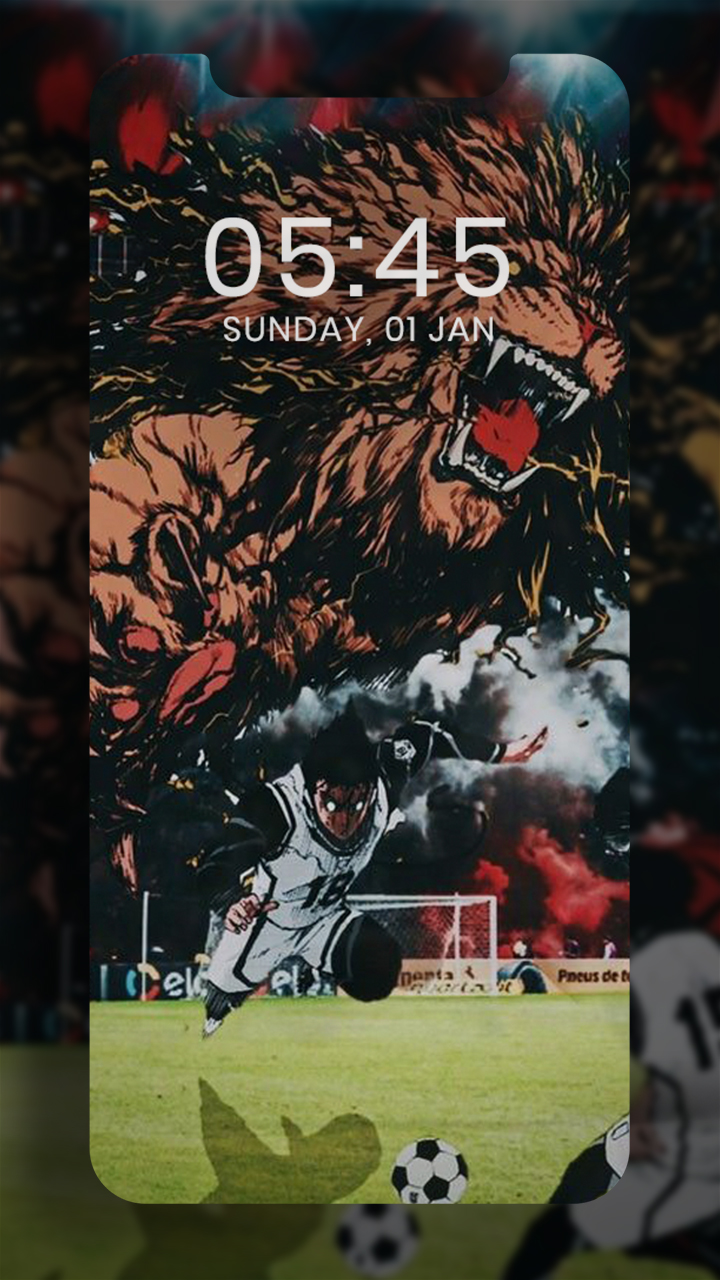
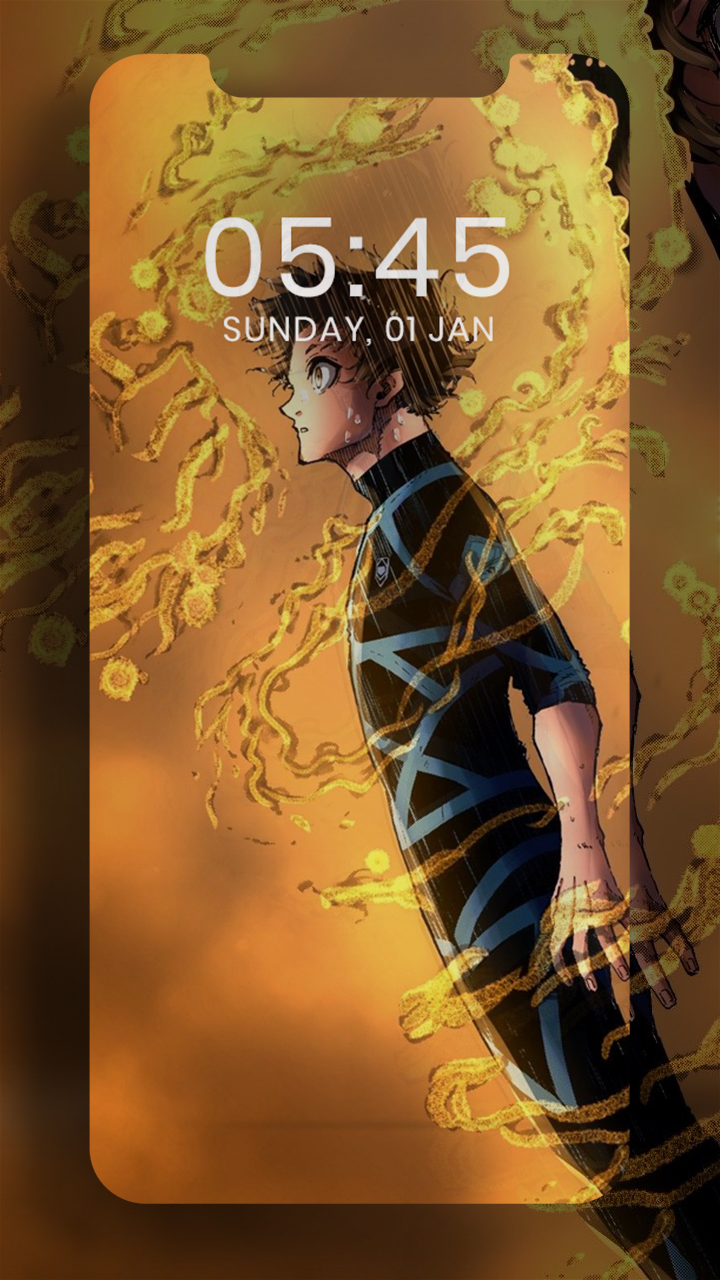
Blue Lock Wallpaper FHD 4K is a Personalization application developed by MoonCave, but with the best Android emulator-LDPlayer, you can download and play Blue Lock Wallpaper FHD 4K on your computer.
Running Blue Lock Wallpaper FHD 4K on your computer allows you to browse clearly on a large screen, and controlling the application with a mouse and keyboard is much faster than using touchscreen, all while never having to worry about device battery issues.
With multi-instance and synchronization features, you can even run multiple applications and accounts on your PC.
And file sharing makes sharing images, videos, and files incredibly easy.
Download Blue Lock Wallpaper FHD 4K and run it on your PC. Enjoy the large screen and high-definition quality on your PC!
Blue Lock Wallpaper FHD 4k is a high-resolution wallpaper that’s perfect for smartphones, tablets, TVs, laptops and more. It’s available in 4K All resolutions, and can be used as a background or lock screen wallpaper. It’s also categorized by the characters genres, Best Wallpapers, so you can find the perfect piece of wall art for your device.This app was created by loyal fans of Blue Lock manga and anime series.
Blue Lock Wallpaper HD is a fandom's app - created by fans, for fans.
This app provides a huge collection of high-quality (HD, FHD, 2K, 4K) resolutions.
★ Find your Wallpapers of characters:
Yoichi Isagi
Meguru Bachira
Hyoma Chigiri
Rensuke Kunigami
Rin Itoshi
Shoei Baro
Seishiro Nagi
Reo Mikage
Ryusei Shidou
Aiku Oliver
Sae Itoshi
Michael Kaiser
.... Etc Of Epic Wallpapers for the Anime and Manga Characters
*Brief about Blue Lock
The story begins with Japan's elimination from the 2018 FIFA World Cup, which prompts the Japanese Football Union to start a programme scouting high school players who will begin training in preparation for the 2022 Cup. Isagi Youichi, a forward, receives an invitation to this programme soon after his team loses the chance to go to Nationals because he passed to his less-skilled teammate —who missed— without trying to make the game-changing goal by himself
coach will be Ego Jinpachi, who intends to “destroy Japanese loser football” by introducing a radical new training regimen: isolate 300 young strikers in a prison-like institution called “Blue Lock” and put them through rigorous training aimed at creating “the world's greatest egotist striker
★ App Features:
Our simple & user-friendly interface offers following features...
• Designed to work on any device.
• This is where you see latest updated wallpapers
• Can be used as a background or lock screen wallpaper.
• Supports most screens.
• Download high quality 4K wallpapers for free
• Share/Send wallpapers through various apps like Whatsapp, Mail, Skype and much more..
• Set wallpaper as home, lock screen and both
• Daily and weekly update
• 100% Free
• Beautiful user interface
• Super-fast & lightweight app
We bet you can find the perfect piece of wall art for your device you will be amazed 😍
We are thankful for all of your support and always welcome your feedback and suggestions
Disclaimer
This app is made by anime fans, and it is unofficial. The content in this app is not affiliated with, endorsed, sponsored, or specifically approved by any company.