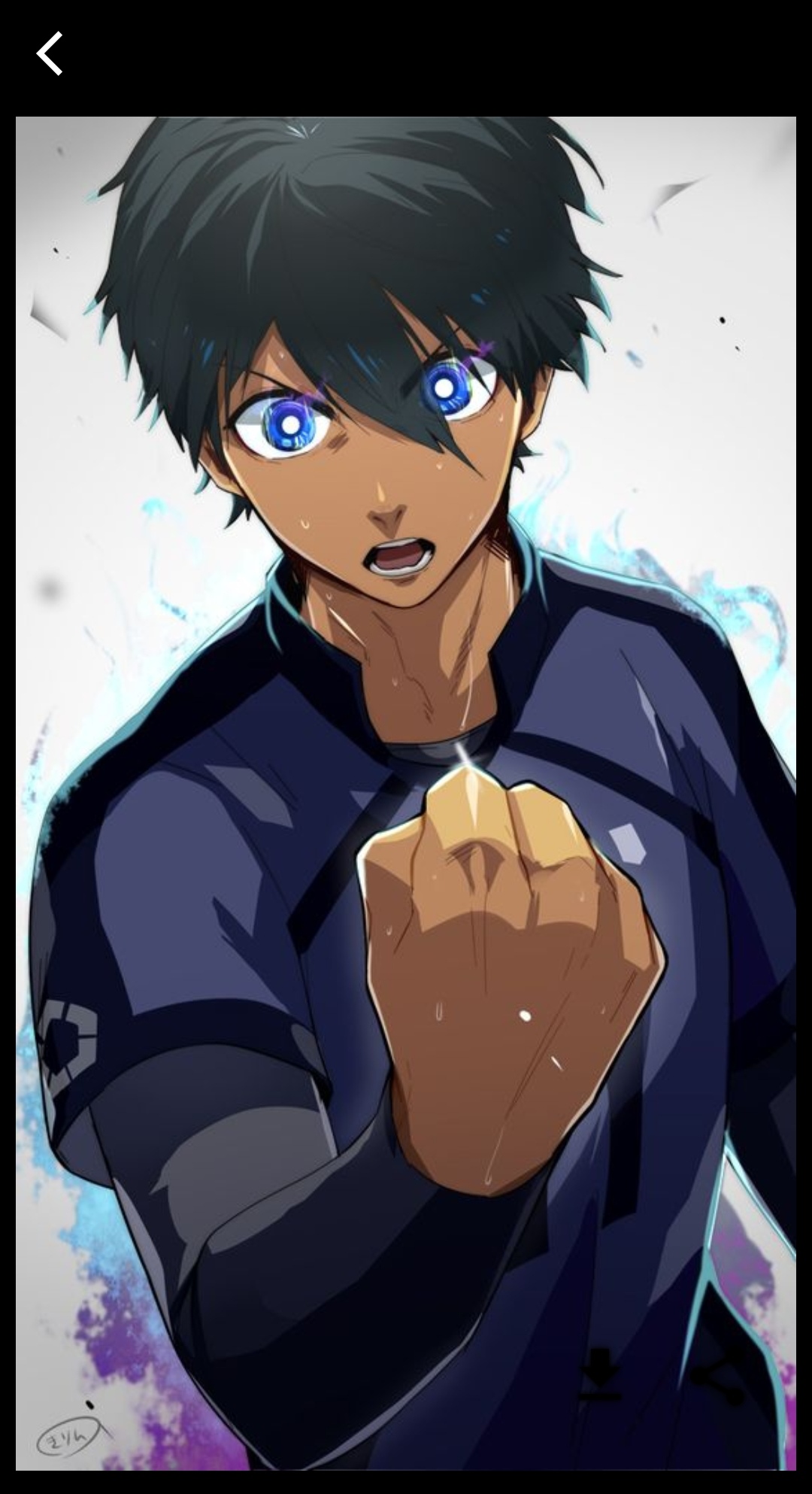
Blue Lock Wallpapers is a Personalization application developed by Fancy Works, but with the best Android emulator-LDPlayer, you can download and play Blue Lock Wallpapers on your computer.
Running Blue Lock Wallpapers on your computer allows you to browse clearly on a large screen, and controlling the application with a mouse and keyboard is much faster than using touchscreen, all while never having to worry about device battery issues.
With multi-instance and synchronization features, you can even run multiple applications and accounts on your PC.
And file sharing makes sharing images, videos, and files incredibly easy.
Download Blue Lock Wallpapers and run it on your PC. Enjoy the large screen and high-definition quality on your PC!
This app contains a collection of the best free Blue Lock WallpaperBlue Lock wallpaper is a special app that makes for every fan of every Manga/Anime lover and Blue Lock / Football Anime Wallpaper (Soccer) fan.
All the anime wallpapers categorized by the name of the character.
Set wallpaper for homescreen, lockscreen or both!
It comes with a dozen hd wallpapers for you to choose from, based on your mood
Characters:
Yoichi Isagi
Meguru Bachira
Rin Itoshi
Hyoma Chigiri
Rensuke Kunigami
Reo Mikage
Seishiro Nagi
Ryusei Shidou
Sae Itoshi
Oliver Aiku
Jinpachi Ego
Anri Teieri
FEATURES :
* so MANY collections of Blue Lock Wallpapers
* High-quality photos (HD, Full HD, 2k, 4k)
* weekly update
* Beautiful user interface
* Simple and Fast
* Allow to download photos
* Allow to set as home, lock screen and both wallpaper
* Allow to set as contact photo
* Also contains many amazing Fan-art wallpapers
* 100% Free
* Notify when updated photo available
DISCLAIMER:
This app is made by anime fans, and it is unofficial. The content in this app is not affiliated with,
endorsed, sponsored, or specifically approved by any company. This app is mainly for entertainment and for all anime fans to enjoy these anime/manga wallpapers.