Calculadora Obstétrica UV is a Medical application developed by Cristian Carreño León, but with the best Android emulator-LDPlayer, you can download and play Calculadora Obstétrica UV on your computer.
Running Calculadora Obstétrica UV on your computer allows you to browse clearly on a large screen, and controlling the application with a mouse and keyboard is much faster than using touchscreen, all while never having to worry about device battery issues.
With multi-instance and synchronization features, you can even run multiple applications and accounts on your PC.
And file sharing makes sharing images, videos, and files incredibly easy.
Download Calculadora Obstétrica UV and run it on your PC. Enjoy the large screen and high-definition quality on your PC!
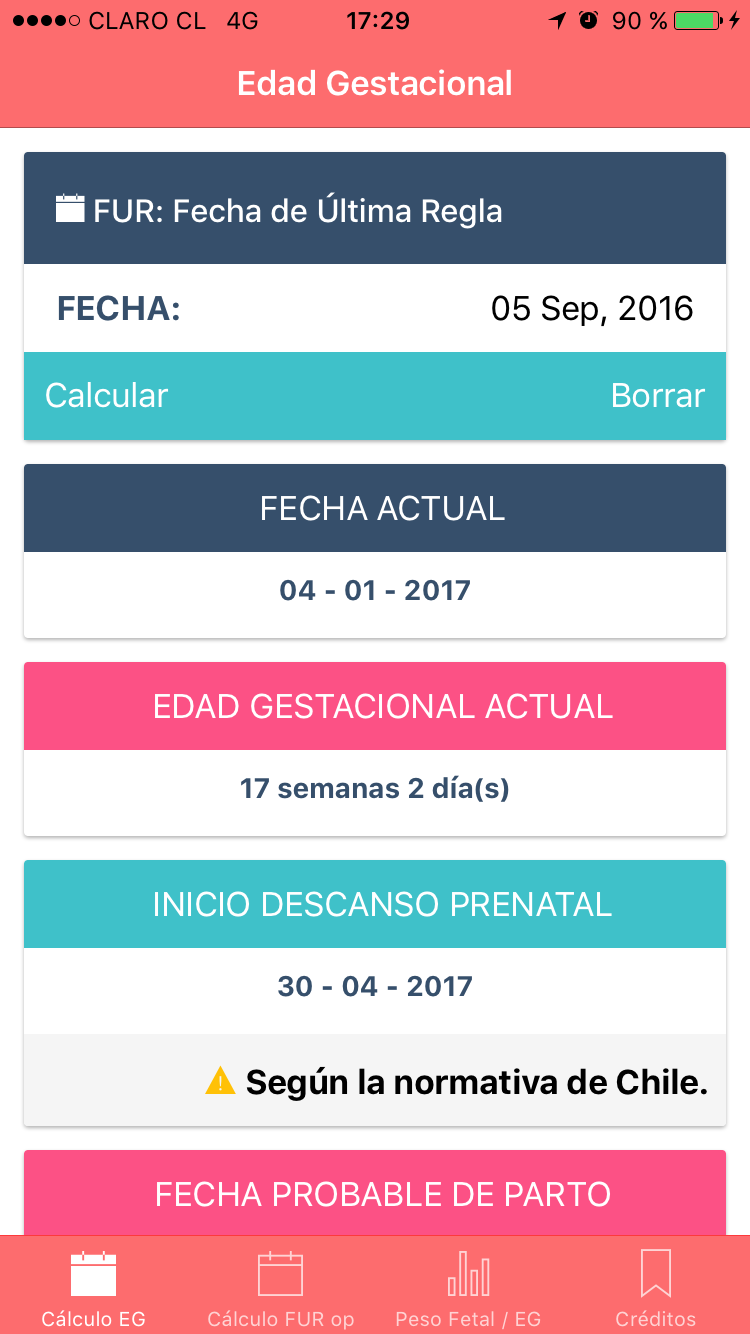
Obstetric calculator UV: is a tool designed for use by Midwives (s) to facilitate the calculation of:- Gestational age according FUR (Date of last menstrual period)
- FUR Operational
- Estimated due date
- Start date Prenatal Rest (Valid for Chile).
- Relationship of Fetal / Gestational Age Weight (According to the growth curves for Chile to 2010).
- Uterine height calculation by weeks of pregnancy (Valid for Chile)
We will be updating the application to be adding new features
Developed by University of Valparaiso
Faculty of Medicine - School of Midwifery
2017 All rights reserved.
Idea of the Teacher: Francisco Pantoja Molina
Developed by Professor Cristian Carreño León