Cat & Dog Translator is a Tools application developed by Eco Friendly Games, but with the best Android emulator-LDPlayer, you can download and play Cat & Dog Translator on your computer.
Running Cat & Dog Translator on your computer allows you to browse clearly on a large screen, and controlling the application with a mouse and keyboard is much faster than using touchscreen, all while never having to worry about device battery issues.
With multi-instance and synchronization features, you can even run multiple applications and accounts on your PC.
And file sharing makes sharing images, videos, and files incredibly easy.
Download Cat & Dog Translator and run it on your PC. Enjoy the large screen and high-definition quality on your PC!
You can also use "My Pet" as a prank app with your friends! This free app was created for fun and pleasure. Girls and boys alike love to enjoy it.Do you want a cat game/ dog game to play with your pet?
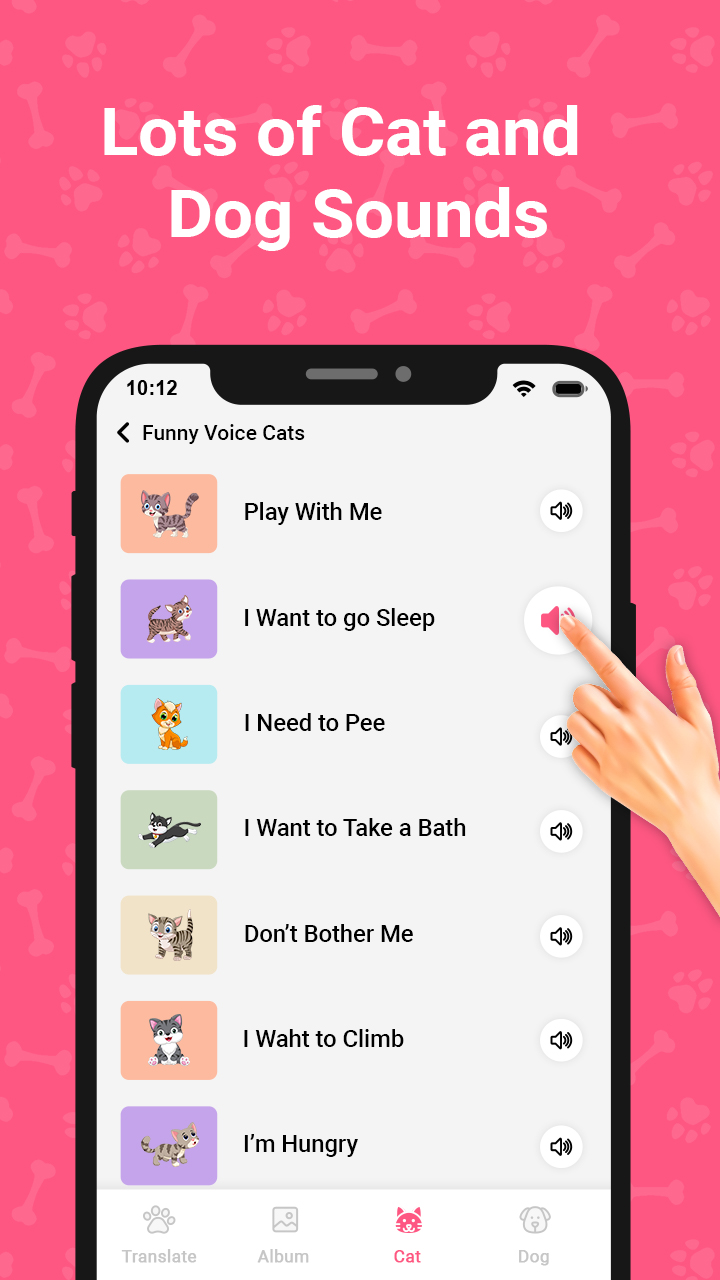
Attract the attention of a cat & dog with a collection of pet sounds full of states such as funny, sad, expressing emotions. A pet translator makes it easy to train your pet.
Dog translator: Just press and hold the record button to record your dog's sound, then release your hand, and you can instantly translate the pet sound. And the same goes for Cat translator.
Note: Cats and dogs often respond to sounds collected in this app. If your pet shows signs of distress or attack, please stop using it immediately. During developing this app, no harm was caused to the animals.