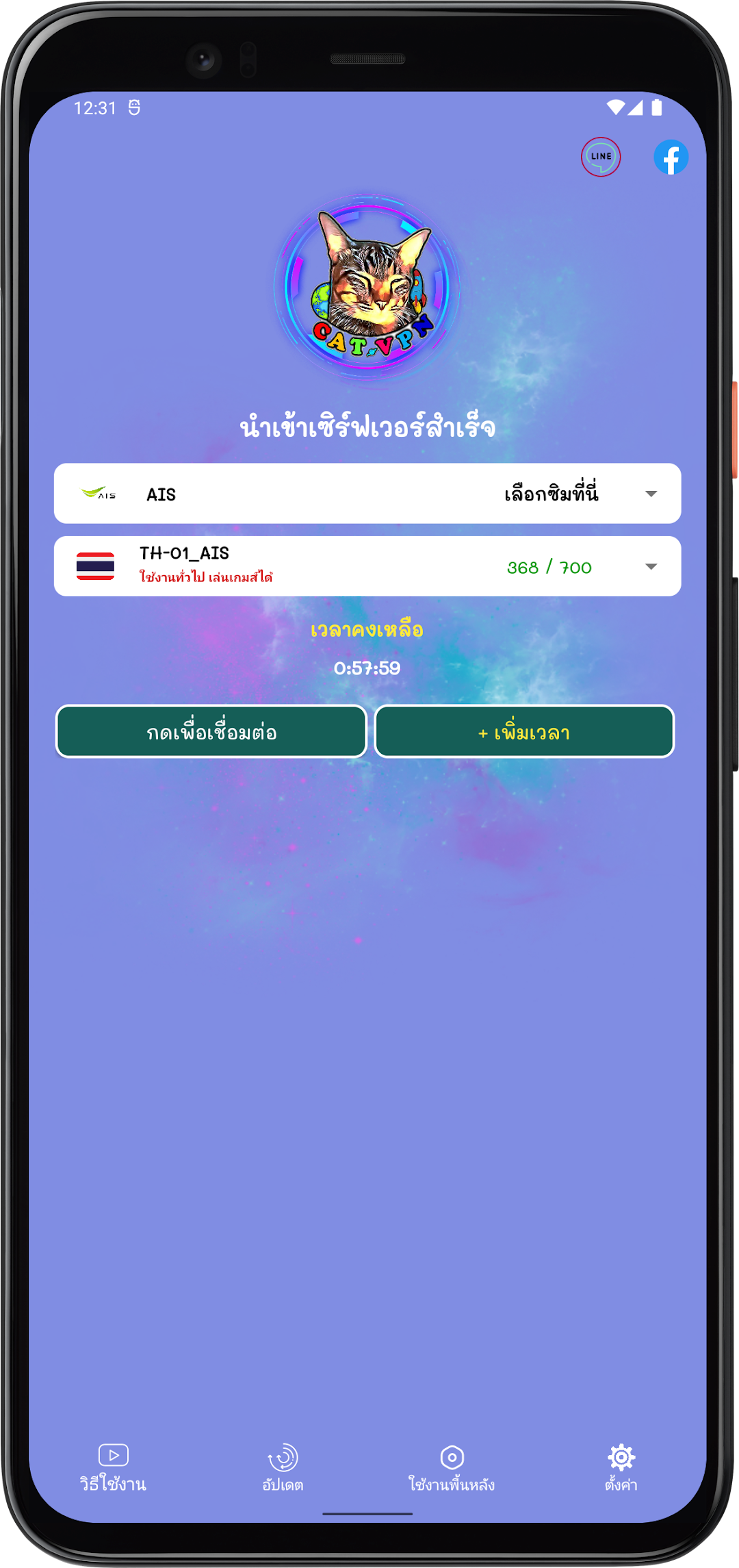
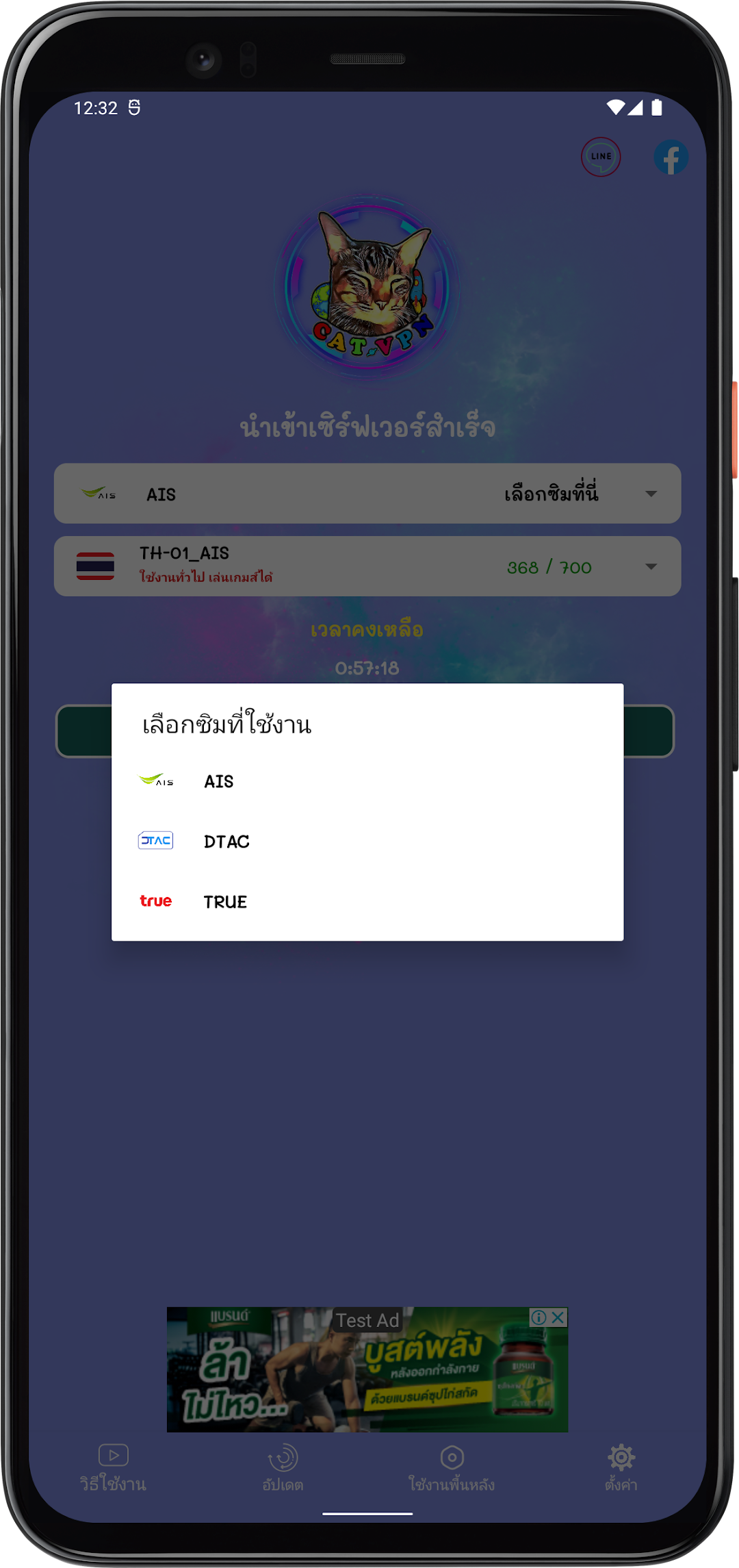
CAT VPN-Proxy is a Tools application developed by PPS-SERVICE.CO.TH, but with the best Android emulator-LDPlayer, you can download and play CAT VPN-Proxy on your computer.
Running CAT VPN-Proxy on your computer allows you to browse clearly on a large screen, and controlling the application with a mouse and keyboard is much faster than using touchscreen, all while never having to worry about device battery issues.
With multi-instance and synchronization features, you can even run multiple applications and accounts on your PC.
And file sharing makes sharing images, videos, and files incredibly easy.
Download CAT VPN-Proxy and run it on your PC. Enjoy the large screen and high-definition quality on your PC!
ประโยชน์ของ CAT VPN-Proxy :1.รองรับ TCP & UDP
2.ไม่จำกัดความเร็ว
3.ไม่จำกัดแบนด์วิธ
4.มีเซิร์ฟเวอร์ให้เลือกใช้งานได้มากมาย
5.เซิร์ฟเวอร์ใช้งานทั่วไป
6.ได้รับการอัปเดตเซิร์ฟเวอร์อัตโนมัติ
7. ไม่จำเป็นต้องใส่ชื่อผู้ใช้และรหัสผ่าน
และอื่นๆอีกมากมาย
ทำไมจึงต้องใช้ CAT VPN-Proxy >
เป็น VPN ที่ทำงานและสถานที่บล็อคอินเตอร์เน็ต
ที่ทำงานร่วมกับ WiFi, LTE, 3G,4G, 5G และผู้ให้บริการข้อมูลบ้านและมือถือทั้งหมด
• ความเร็ว VPN ไม่จำกัด
ไม่จำกัดความเร็ว VPN ใช้งานทั่วไปได้อย่างลื่นไหล
• ปลดล็อกเว็บไซต์ที่ต้องการ
เข้าถึงเว็บไซต์ที่ถูกบล็อกได้ไม่มีข้อจำกัดทั้งในประเทศและต่างประเทศ
• มีความปลอดภัย
- CAT VPN-Proxy จะไม่บันทึกพฤติกรรมออนไลน์ของคุณและจะไม่อัปโหลดข้อมูลส่วนบุคคลของคุณ
- CAT VPN-Proxy จะป้องกันการเข้าเครือข่ายของคุณไม่ว่าจะเป็น WiFi hotspot ฟรีต่างๆ
- CAT VPN-Proxy ได้ทำการป้องกัน DNS ซึ่งมีประสิทธิภาพในการป้องกันการรั่วไหลของ DNS ซ่อน IP จริงของคุณ การเรียกดูแบบไม่ระบุตัวตนการปกป้องข้อมูลส่วนบุคคลอย่างแท้จริง