CBSE Past Papers is a Education application developed by Gochi, but with the best Android emulator-LDPlayer, you can download and play CBSE Past Papers on your computer.
Running CBSE Past Papers on your computer allows you to browse clearly on a large screen, and controlling the application with a mouse and keyboard is much faster than using touchscreen, all while never having to worry about device battery issues.
With multi-instance and synchronization features, you can even run multiple applications and accounts on your PC.
And file sharing makes sharing images, videos, and files incredibly easy.
Download CBSE Past Papers and run it on your PC. Enjoy the large screen and high-definition quality on your PC!
Your ultimate study companion, providing you with easy access to thousands of past CBSE exam papers right from your mobile phone or tablet. This powerful app is designed to help students revise and prepare for their exams by giving them an extensive collection of past papers to practice with.Comprehensive Database: Access thousands of past CBSE exam papers covering various subjects and grades, ensuring you have all the material you need to excel in your exams.
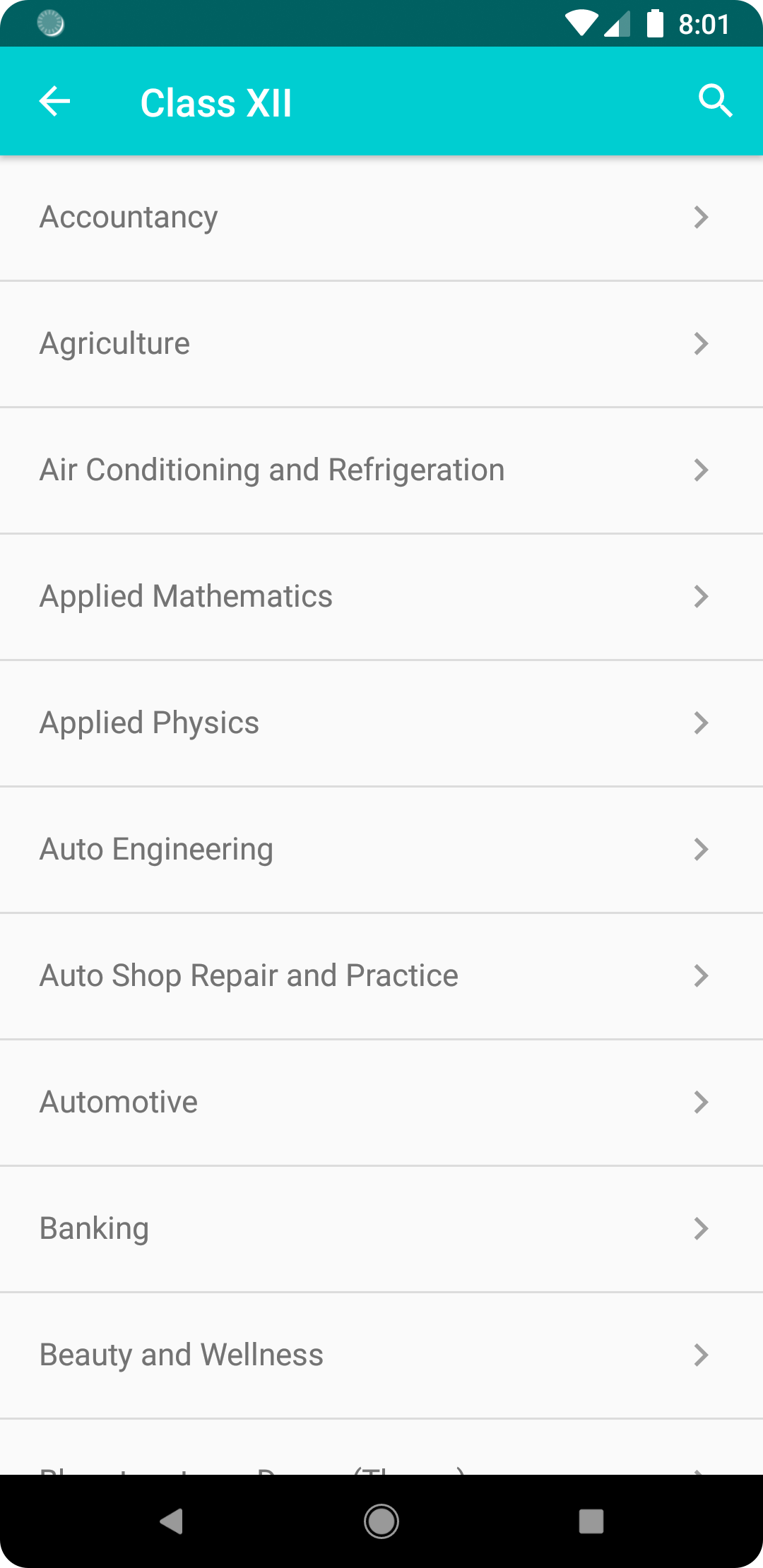
Easy Navigation: Our user-friendly interface allows you to quickly search for and find specific exam papers by subject, grade, or year, making it easier than ever to locate the resources you need.
Offline Access: Download past exam papers to your device and access them even without an internet connection, ensuring uninterrupted study sessions.
Marking Schemes and Solutions: Gain a better understanding of the exam format and expectations with access to detailed marking schemes and solutions for selected papers.
Content:
CBSE Past Exam Papers
--Disclaimer--
This app is not an official product of the Central Board of Secondary Education (CBSE), nor is it affiliated with the represented brand. In case of any issue arising, the brand does not hold any responsibility for any damage caused by using the app.