Weather is a Weather application developed by Coocent, but with the best Android emulator-LDPlayer, you can download and play Weather on your computer.
Running Weather on your computer allows you to browse clearly on a large screen, and controlling the application with a mouse and keyboard is much faster than using touchscreen, all while never having to worry about device battery issues.
With multi-instance and synchronization features, you can even run multiple applications and accounts on your PC.
And file sharing makes sharing images, videos, and files incredibly easy.
Download Weather and run it on your PC. Enjoy the large screen and high-definition quality on your PC!
Weather forecast: Dida Weather is a free weather channel that helps everyone create a more convenient life, simulates the pitter-patter of raindrops for you to enjoy even indoors. This precise and personal weather app shows you the world's weather with beautiful visuals and enjoyable audio, giving you short-term & long-range forecasts, real-time rain cloud radar, rainfall tracker & 4 times accuracy.☀️ Accurate Weather Map
Detailed weather information helps you get through every day smoothly. Add all cities of weather to create personal weather map, subscribe to severe weather alerts to get notified of the location that matters to you. View between current, hourly & daily weather for any location worldwide.
☂️ Precise hourly weather & Long-Term Forecasts
Plan your events and be alerted to changes in the forecast as they happen. Be it traveling, wedding, vacation, hiking, or anything else you need to know the weather for, Weather Forecast can help you track & plan.
⛅ Clear View of Radar Map Covers Massive Geographical Areas
Weather radar gives a straightforward view of current weather tendency, zoom in & zoom out between any location in the world. Insightful blizzard & hurricane tracker: wind, temperature, rain, snow, pressure, height, distance.
🌂 Earthquake Map & Precise Information
You can check the latest earthquake information for current location, and get notified when earthquake is observed.
☁️ Straightforward-design Widgets
See what’s the weather right on your home screen with whatever style of designs you want.
Weather Data
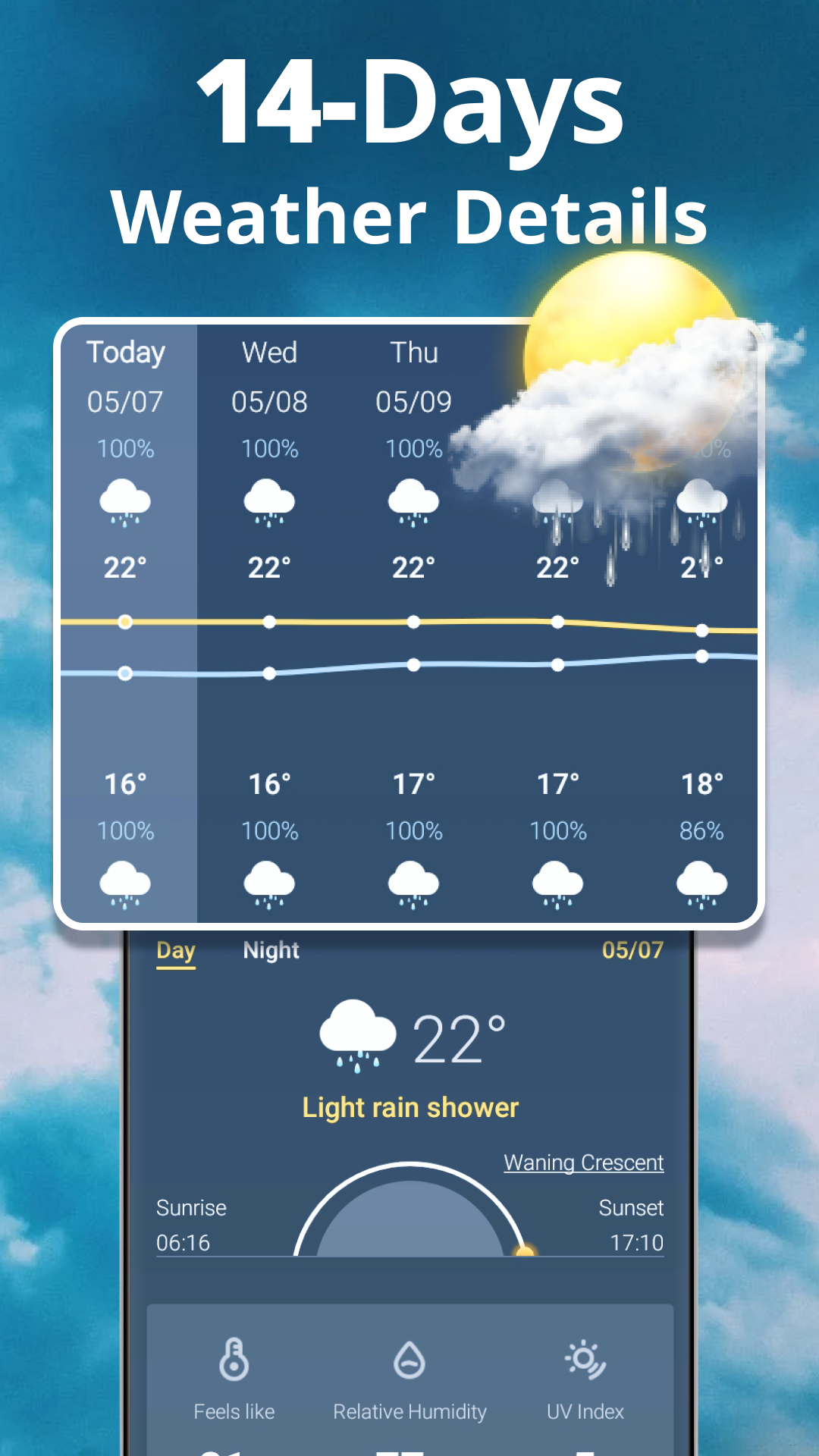
•Forecasts for today and the next 14 days
•72 hours of hourly forecast data
•Real-time temperature & feels like temperature, dew point & wet bulb
•Severe weather warnings in-app and via push notifications
•Precipitation rate and amount
•Wind speed, gusts, direction & wind force
•Sunrise & Sunset, moonrise & moonset times
•Air quality
•Humidity
•UV Index
•Cloud Cover
•Visibility
•Air pressure
Additional features
•Weather data source changeable if not accurate
•Listening to rain sounds that can help you clear your mind, relax and focus
•Rainfall tracker & rain reminder only appears when raining or going to rain
•Health and activity, let you enjoy a more comfortable life
To provide more accurate weather info, the weather application has three weather data sources: World Weather Online, AccuWeather, Open Weather or Weather Bit. We aim to make Weather forecast: Dida Weather your most reliable weather app!