新浪财经 is a Finance application developed by Sina.com, but with the best Android emulator-LDPlayer, you can download and play 新浪财经 on your computer.
Running 新浪财经 on your computer allows you to browse clearly on a large screen, and controlling the application with a mouse and keyboard is much faster than using touchscreen, all while never having to worry about device battery issues.
With multi-instance and synchronization features, you can even run multiple applications and accounts on your PC.
And file sharing makes sharing images, videos, and files incredibly easy.
Download 新浪财经 and run it on your PC. Enjoy the large screen and high-definition quality on your PC!
[Product introduction]Sina Finance is the leading brand of China's finance and economics, and it is the choice of hundreds of millions of investors.
【Features】
* Financial News: 7 * 24-hour tracking of global financial trends, policy trends, major stock information, and clear investment opportunities;
* Global market: covering Shanghai, Shenzhen, Hong Kong, US, and British stock markets, bonds, funds, futures, foreign exchange, and options;
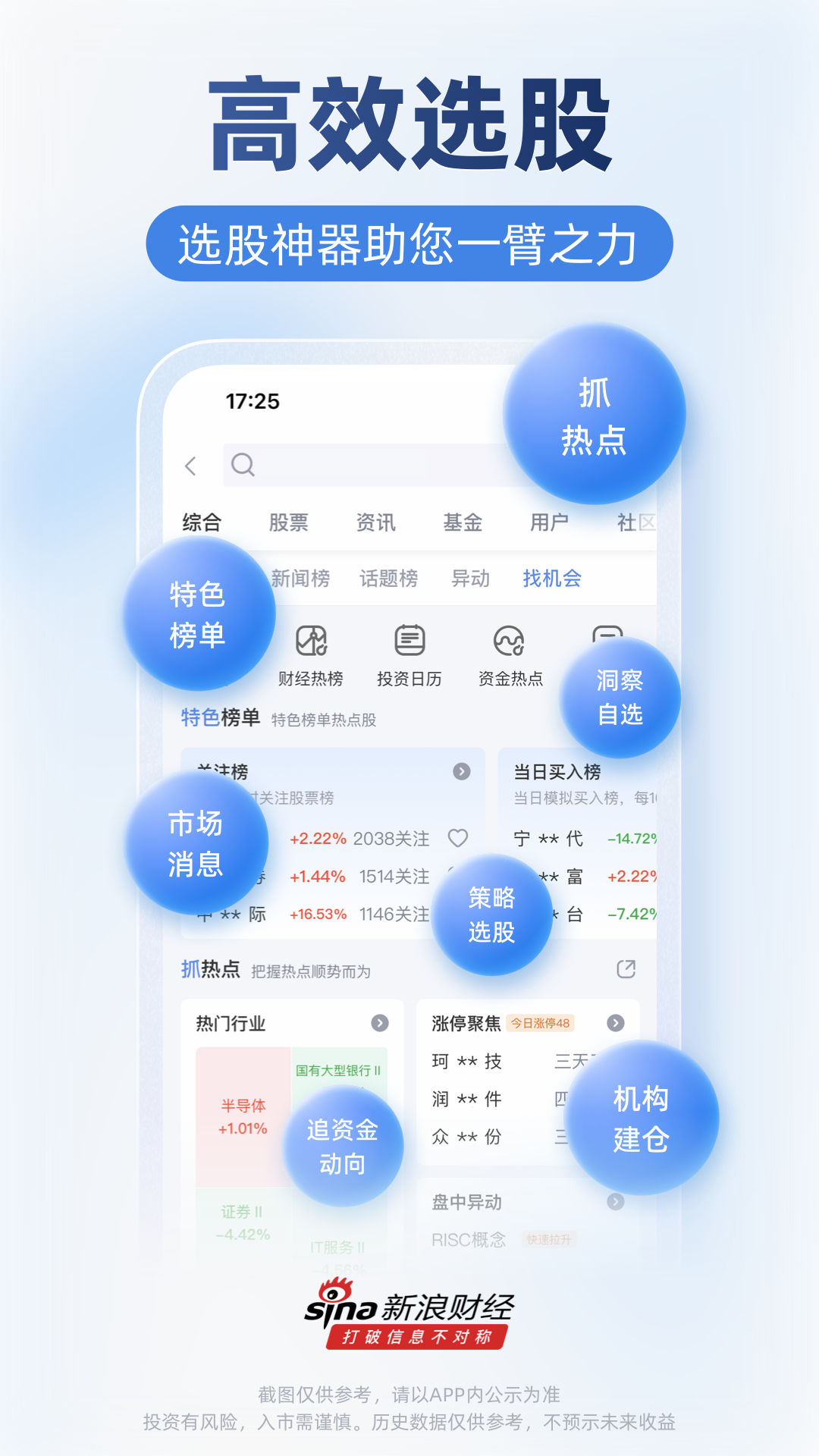
* Optional stocks: support the selection of optional stocks for the entire market, and follow the market trends in real time;
* Funds flow: real-time capital trajectory of the Shanghai and Shenzhen markets, the main trend tracking tool;
* Big data diagnosis: fundamentals, news and public opinion, technical aspects, and capital aspects comprehensively diagnose the value of individual stocks;
* Stock market live broadcast: Financial V interprets stock market opportunities in depth and grasps stock market opportunities;
* Intelligent early warning: intelligent early warning of optional stocks, announcements and research reports will be pushed as soon as possible;
* Account Opening: Support Shanghai and Shenzhen, Hong Kong and US stock account opening and trading.
[Official Weibo] http://weibo.com/finance
[QQ Group] 537206810
[Customer Service Phone] 4006-900-000
[Customer Email] sinacsc@vip.sina.com