Video Downloader for Twitter is a Video Players&Editors application developed by Little Whale Team, but with the best Android emulator-LDPlayer, you can download and play Video Downloader for Twitter on your computer.
Running Video Downloader for Twitter on your computer allows you to browse clearly on a large screen, and controlling the application with a mouse and keyboard is much faster than using touchscreen, all while never having to worry about device battery issues.
With multi-instance and synchronization features, you can even run multiple applications and accounts on your PC.
And file sharing makes sharing images, videos, and files incredibly easy.
Download Video Downloader for Twitter and run it on your PC. Enjoy the large screen and high-definition quality on your PC!
In just a few simple steps (share the tweet to our app), you can easily download your favorite videos and GIFs, view the content saved in the download list, and enjoy Twitter videos and photos offline anytime, anywhere.Using multi-threading technology, Twitter Downloader increases the download speed by 3 times. With this Twitter download assistant, you can quickly download, re-tweet and share to friends or other social media.
Steps to download Twitter videos and GIFs:
Method 1
1. Open Twitter and click "Share Tweet..." of the desired video or photo.
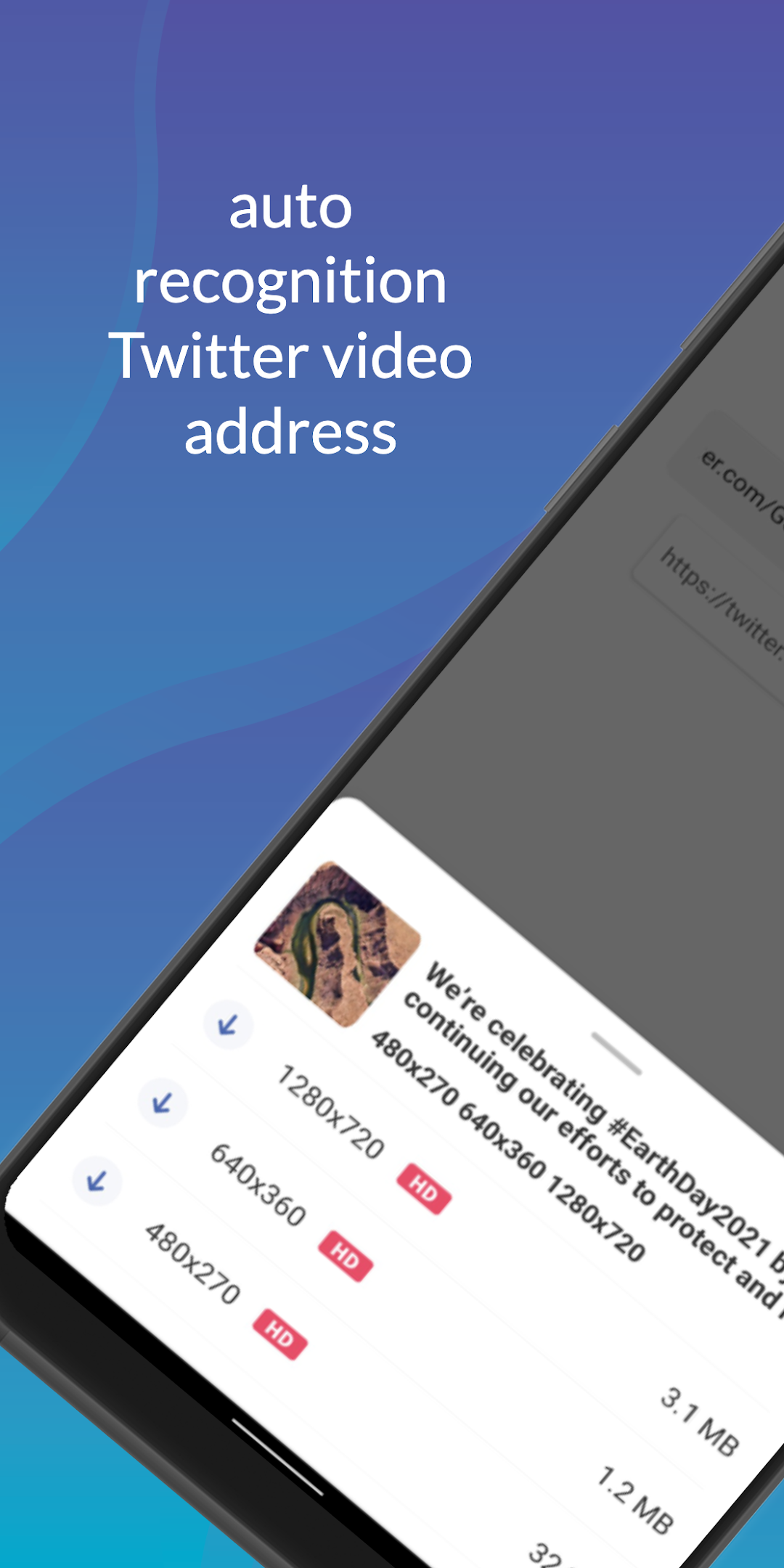
2. Choose Twitter to download the assistant The video or GIF will be downloaded automatically.
Method 2
1. Open Twitter and click the "Copy Tweet Link" of the desired video or photo.
2. Return to the Twitter download assistant and paste the address, the video or photo will be downloaded automatically.
Why choose Twitter download assistant?
Privacy protection
* No login required. This will ensure that your data is 100% safe, without worrying about privacy issues.
Fast download
* Multi-threaded download technology, the download speed is increased by 3 times
* Download Twitter videos and GIFs for free
* Two simple steps to easily download Twitter photos and videos
Almighty downloader
* Multiple video downloads
* Multiple resolution downloads, 1280p, 720p, 640p, 480p, 320p, 240p, etc.
* Support HD video and HD photo download
* Can be downloaded in the background
* The user-friendly and clear interface makes video downloading so easy
Manage downloads
* Manage downloaded Twitter photos and videos
* Download Twitter videos and play them offline with the built-in video player
* Re-tweet and share the downloaded video with your friends
Disclaimer:
* This application is not affiliated with or endorsed by Twitter's official website.
* Any unauthorized behavior (re-uploading or downloading of content) and/or infringement of intellectual property rights is the responsibility of the user.