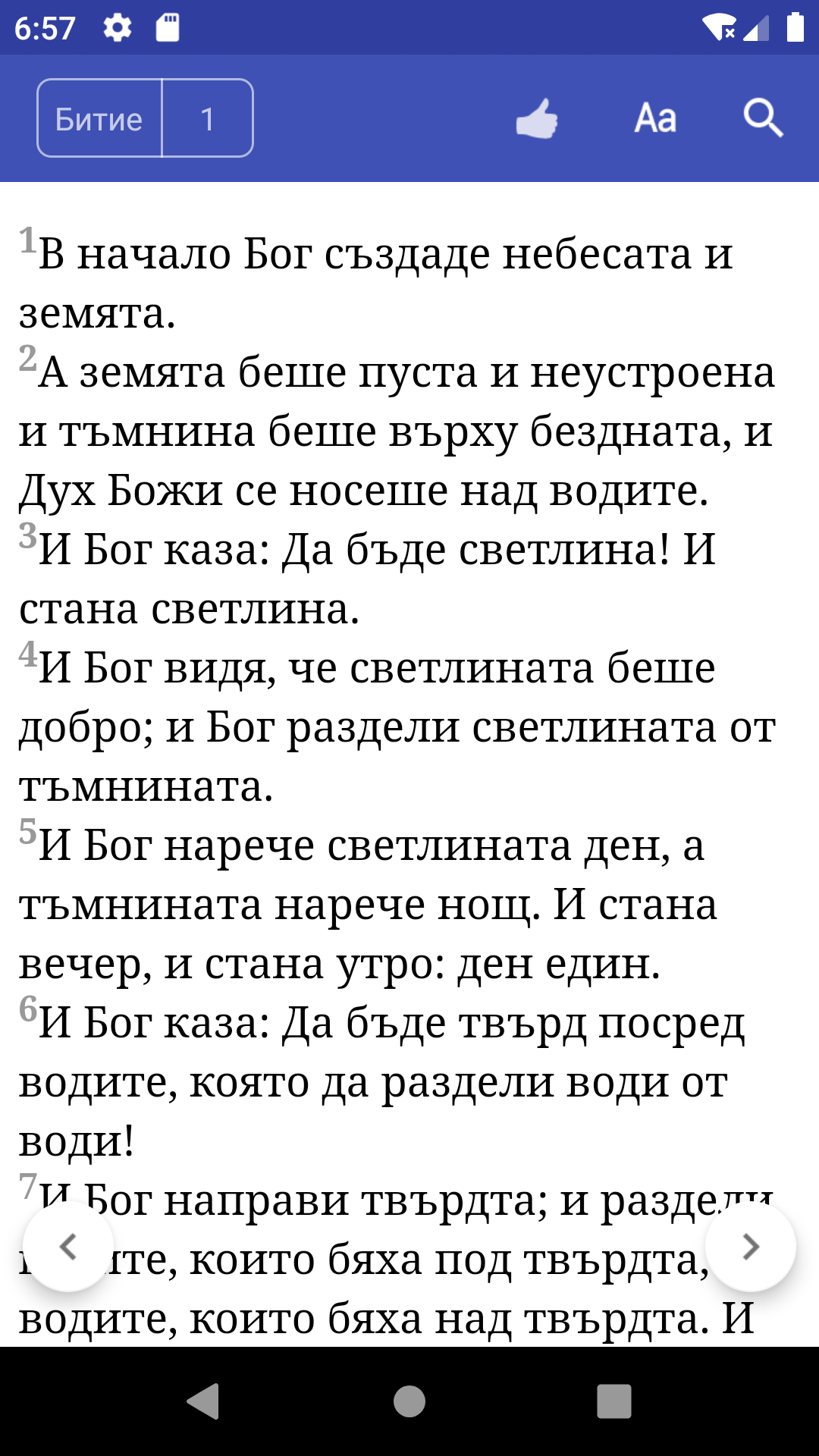
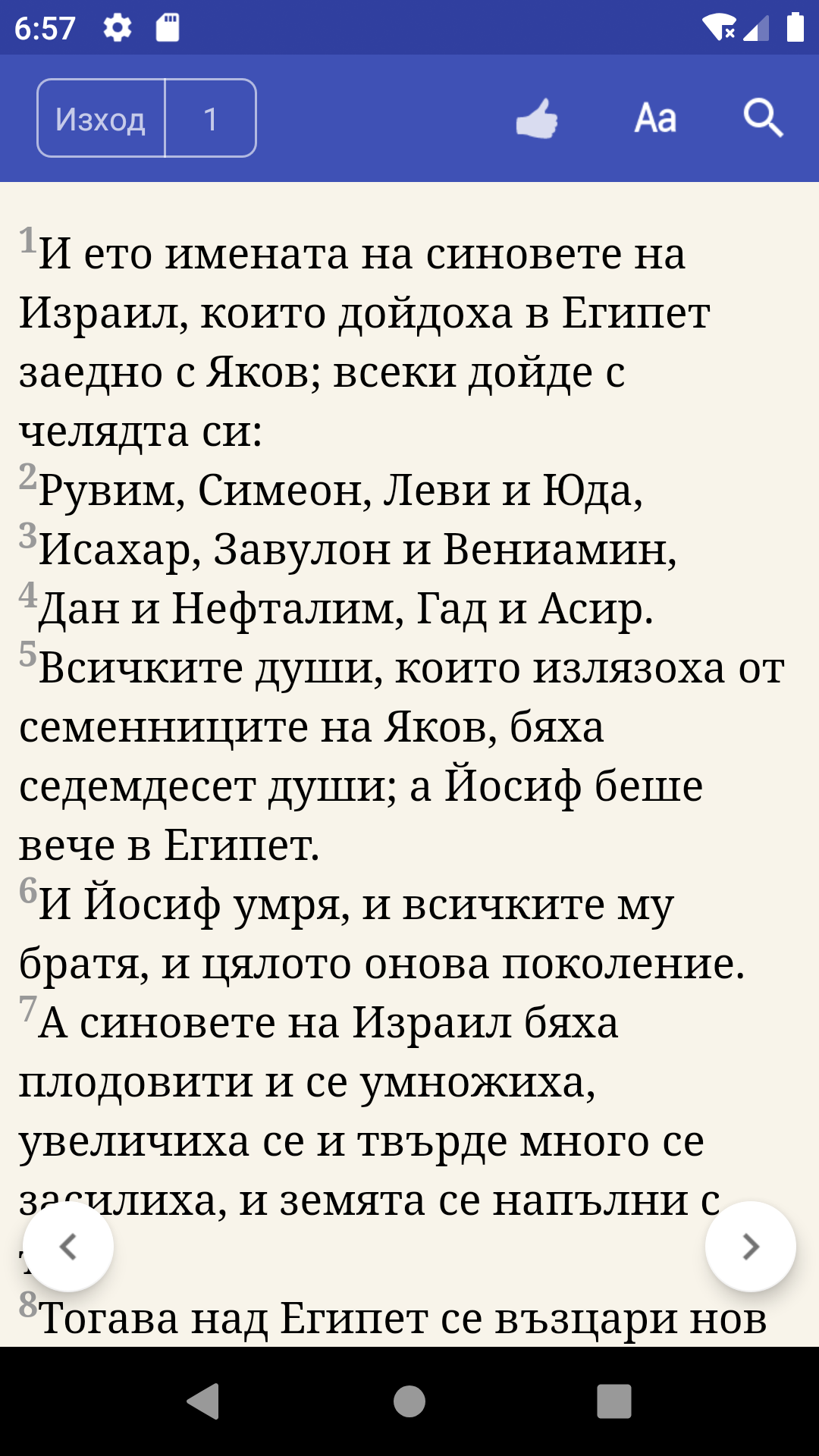
Bulgarian Bible is a Books&Reference application developed by KoalaSky, but with the best Android emulator-LDPlayer, you can download and play Bulgarian Bible on your computer.
Running Bulgarian Bible on your computer allows you to browse clearly on a large screen, and controlling the application with a mouse and keyboard is much faster than using touchscreen, all while never having to worry about device battery issues.
With multi-instance and synchronization features, you can even run multiple applications and accounts on your PC.
And file sharing makes sharing images, videos, and files incredibly easy.
Download Bulgarian Bible and run it on your PC. Enjoy the large screen and high-definition quality on your PC!
Bible Bulgarian is a free Holy Bible reader for android devices, The app contains both "Old Testament" and "New Testament". It is useful for people to read the Bible who used Bulgarian as native language.FEATURES:
- Holy bible in Bulgarian language.
- Swipe left and right to navigation.
- Easy and Quick change books and chapters.
- Share verse with your friends: Email,Social network, or SMS.
- Verse can be copied to clipboard.
- Easily adjust font size and background color.
- Search verse by keyword for the whole Bulgarian bible.
- No networks connection required.