Cognex Keyboard is a Tools application developed by Cognex Corporation, but with the best Android emulator-LDPlayer, you can download and play Cognex Keyboard on your computer.
Running Cognex Keyboard on your computer allows you to browse clearly on a large screen, and controlling the application with a mouse and keyboard is much faster than using touchscreen, all while never having to worry about device battery issues.
With multi-instance and synchronization features, you can even run multiple applications and accounts on your PC.
And file sharing makes sharing images, videos, and files incredibly easy.
Download Cognex Keyboard and run it on your PC. Enjoy the large screen and high-definition quality on your PC!
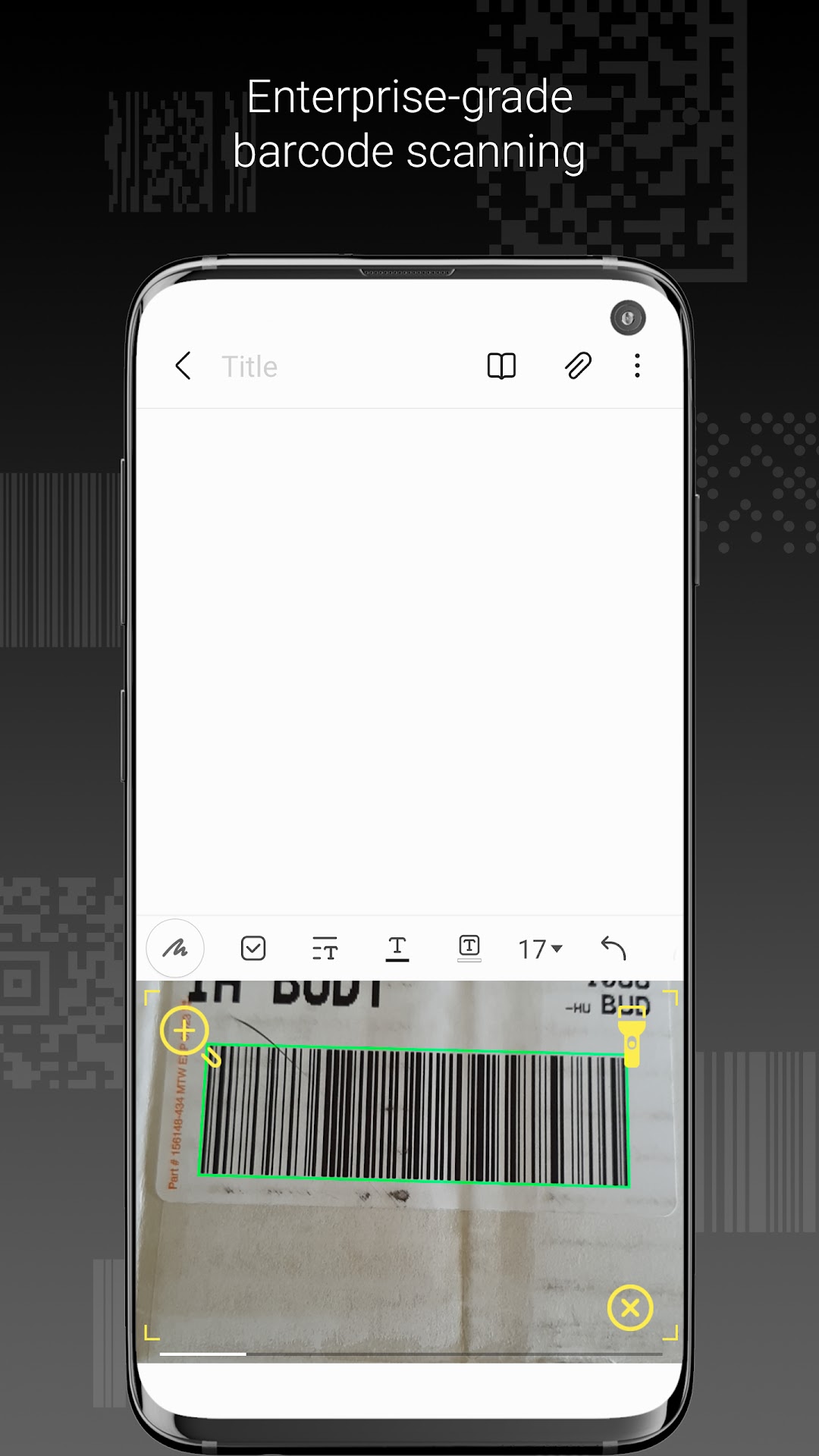
The Cognex Keyboard is a virtual keyboard for Android devices that allows you scan barcode data into virtually any Android application with no need for any integration. Cognex keyboard supports scanning with the mobile device’s built-in camera or with a compatible Cognex Bluetooth enabled barcode scanner (e.g., the DataMan 8700 series).The application supports over 30 barcode types, providing enterprise-grade barcode scanning for almost any Android application including spreadsheets, CRM, WMS, and legacy systems.