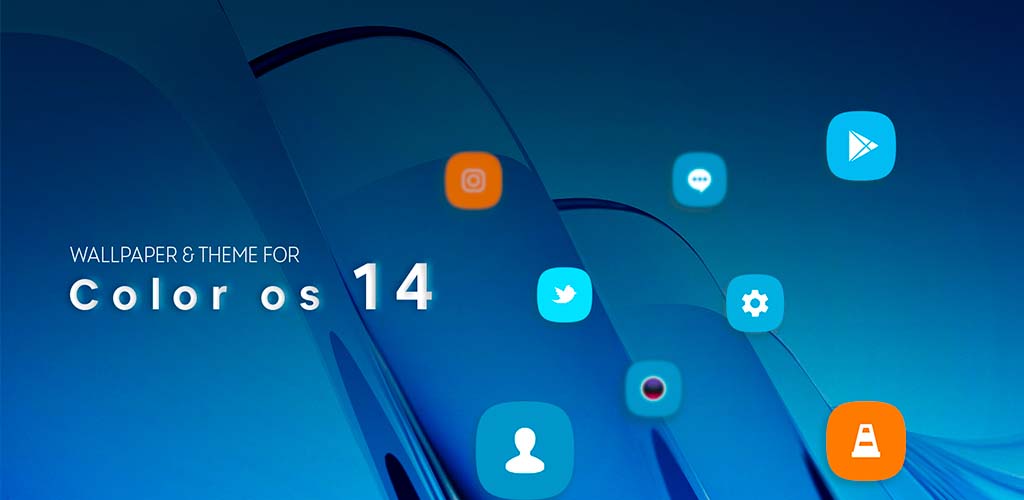
Color Os 14 theme and launcher is a Personalization application developed by Bright Technologiez, but with the best Android emulator-LDPlayer, you can download and play Color Os 14 theme and launcher on your computer.
Running Color Os 14 theme and launcher on your computer allows you to browse clearly on a large screen, and controlling the application with a mouse and keyboard is much faster than using touchscreen, all while never having to worry about device battery issues.
With multi-instance and synchronization features, you can even run multiple applications and accounts on your PC.
And file sharing makes sharing images, videos, and files incredibly easy.
Download Color Os 14 theme and launcher and run it on your PC. Enjoy the large screen and high-definition quality on your PC!
This App “Theme for Color Os 14” enriched of Dot OS best quality HD stock wallpaper and custom icons.This app wallpaper & Theme for Xiaomi Color Os 14 could be use as theme and as wallpaper app.
App super easy to use for applying wallpaper just tab on the wallpaper icon select your favorite one and here you all set ( for downloading wallpaper tab on download button).
If you want little more then just applying wallpaper and want to enjoy “wallpaper & theme for Color Os 14” as well.
Do click on apply.
Install one of the launcher ( If not installed ).
After installing launcher tab on apply button.
Tab on installed one launcher and then apply.
You are ready to use the new “Color Os 14 theme and launcher”.
The list of linked launcher is below.
=> Adw Launcher
=> Next Launcher
=> Action Launcher
=> Nova Launcher
=> Holo Launcher
=> Go Launcher
=> KK Launcher
=> Aviate Launcher
=> Apex Launcher
=> Tsf shell Launcher
=> line Launcher
=> Lucid Launcher
=> Mini Launcher
=> Zero Launcher
This Color Os 14 theme is supported by all android versions and android phones.
Feel free to give any suggestion about improving this app or requesting for other stock wallpaper application.