
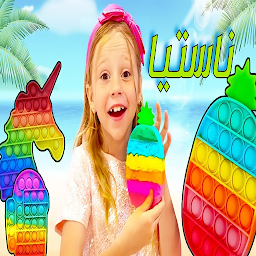


مقاطع ناستيا is a Video Players&Editors application developed by NESMA, but with the best Android emulator-LDPlayer, you can download and play مقاطع ناستيا on your computer.
Running مقاطع ناستيا on your computer allows you to browse clearly on a large screen, and controlling the application with a mouse and keyboard is much faster than using touchscreen, all while never having to worry about device battery issues.
With multi-instance and synchronization features, you can even run multiple applications and accounts on your PC.
And file sharing makes sharing images, videos, and files incredibly easy.
Download مقاطع ناستيا and run it on your PC. Enjoy the large screen and high-definition quality on your PC!
The best clips of Nastya in Arabic with high quality* About the application
* Nastya and her father go on beautiful adventures and cute challenges
* The application contains high-quality clips and clear sound
*Nastya and a group of some fun moments
* Nastya and Baba and compilation of a group of clips
*Nastya got a wonderful surprise from her friends
* Nastya learns to do daily responsibilities
Nastya and the five senses
* Nastya and her morning day
* Nastia and the stories of the superheroes
*Nastya finds out how dark she is*
Download the app
The app is completely free on Google Play





