WiFi Analyzer is a Tools application developed by Michael Samuel Naeem, but with the best Android emulator-LDPlayer, you can download and play WiFi Analyzer on your computer.
Running WiFi Analyzer on your computer allows you to browse clearly on a large screen, and controlling the application with a mouse and keyboard is much faster than using touchscreen, all while never having to worry about device battery issues.
With multi-instance and synchronization features, you can even run multiple applications and accounts on your PC.
And file sharing makes sharing images, videos, and files incredibly easy.
Download WiFi Analyzer and run it on your PC. Enjoy the large screen and high-definition quality on your PC!
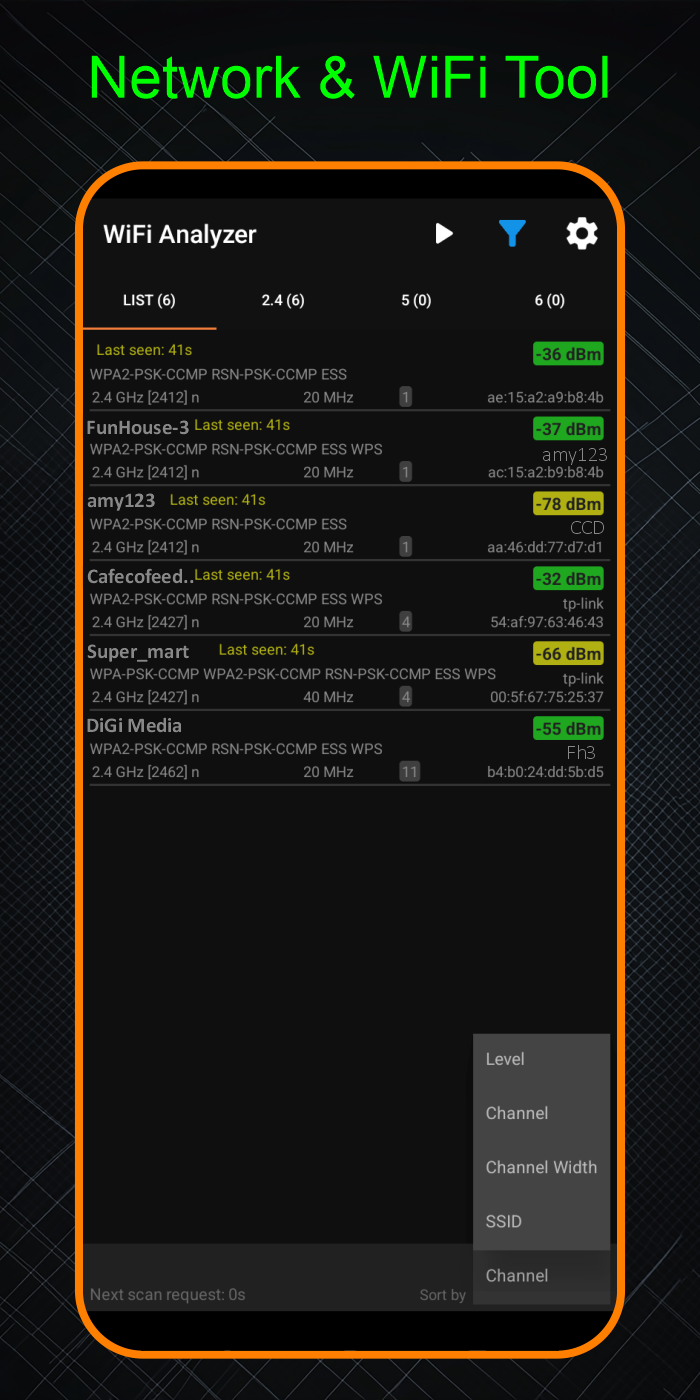
WiFi Analyzer is a powerful Android app designed to help you analyze and optimize nearby WiFi networks. It provides detailed information such as frequency, SSID, channel width, and capabilities for each available network. With filtering options like SSID, BSSID, channel, WLAN standard, and capabilities, you can easily narrow down and focus on specific networks. The app supports analysis across the 2.4 GHz, 5 GHz, and 6 GHz bands, ensuring a comprehensive view of the WiFi environment around you.