Launcher iOS 17 is a Entertainment application developed by VIJAY Sor., but with the best Android emulator-LDPlayer, you can download and play Launcher iOS 17 on your computer.
Running Launcher iOS 17 on your computer allows you to browse clearly on a large screen, and controlling the application with a mouse and keyboard is much faster than using touchscreen, all while never having to worry about device battery issues.
With multi-instance and synchronization features, you can even run multiple applications and accounts on your PC.
And file sharing makes sharing images, videos, and files incredibly easy.
Download Launcher iOS 17 and run it on your PC. Enjoy the large screen and high-definition quality on your PC!
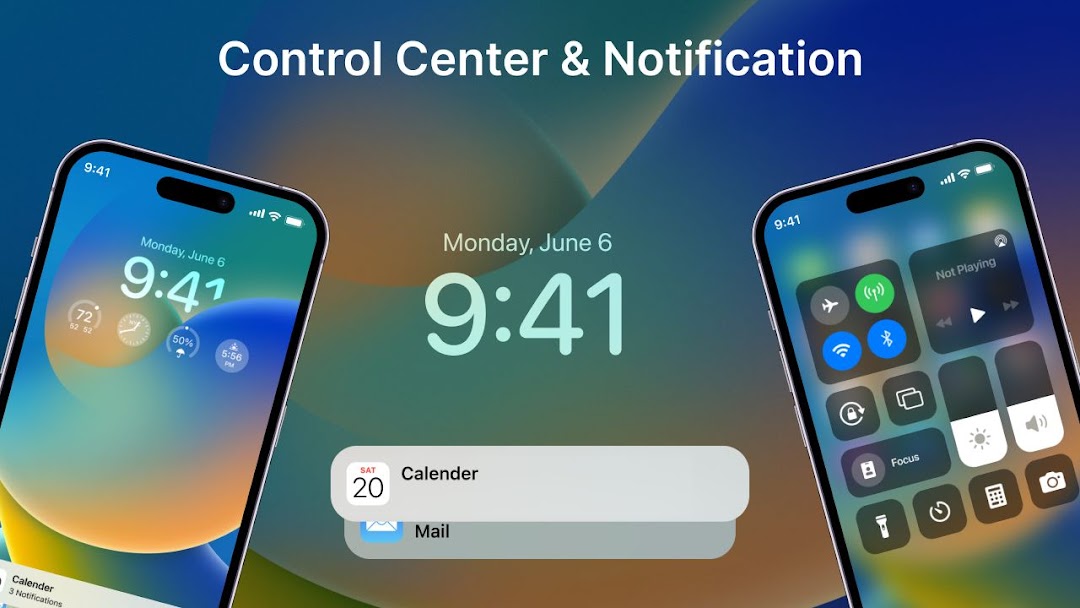
Launcher iOS 17 sets a new standard for the Android mobile operating system. It makes your phone better than before. And now it opens up to amazing possibilities for launcher on your phone. With Launcher iOS 16, Your phone is the most powerful, personal, and intelligent devices they've ever been.To make Launcher iOS 16 working most perfectly. You must grant some special permissions like to:
- CAMERA: Open camera in your phone when screen is locked.
- READ_PHONE_STATE: Show phone call when screen is locked.
- NOTIFICATION ACCESS: Show notification when screen is locked.
- READ/WRITE_EXTERNAL_STORAGE: Support wallpaper set from your storage and our server save image.
- DRAW OVER SCREEN: Show Lock Screen in over all application
- ACCESSIBILITY PERMISSION: Set up and display the Dynamic Island, Display and show more information weather, alarm, music notification view control. The application commits not to collect or share any user information about this accessibility right.
- iOS Launcher supported: Change your wallpaper same as real iOS devices.