Japanese TV is a Video Players&Editors application developed by Markanica, but with the best Android emulator-LDPlayer, you can download and play Japanese TV on your computer.
Running Japanese TV on your computer allows you to browse clearly on a large screen, and controlling the application with a mouse and keyboard is much faster than using touchscreen, all while never having to worry about device battery issues.
With multi-instance and synchronization features, you can even run multiple applications and accounts on your PC.
And file sharing makes sharing images, videos, and files incredibly easy.
Download Japanese TV and run it on your PC. Enjoy the large screen and high-definition quality on your PC!
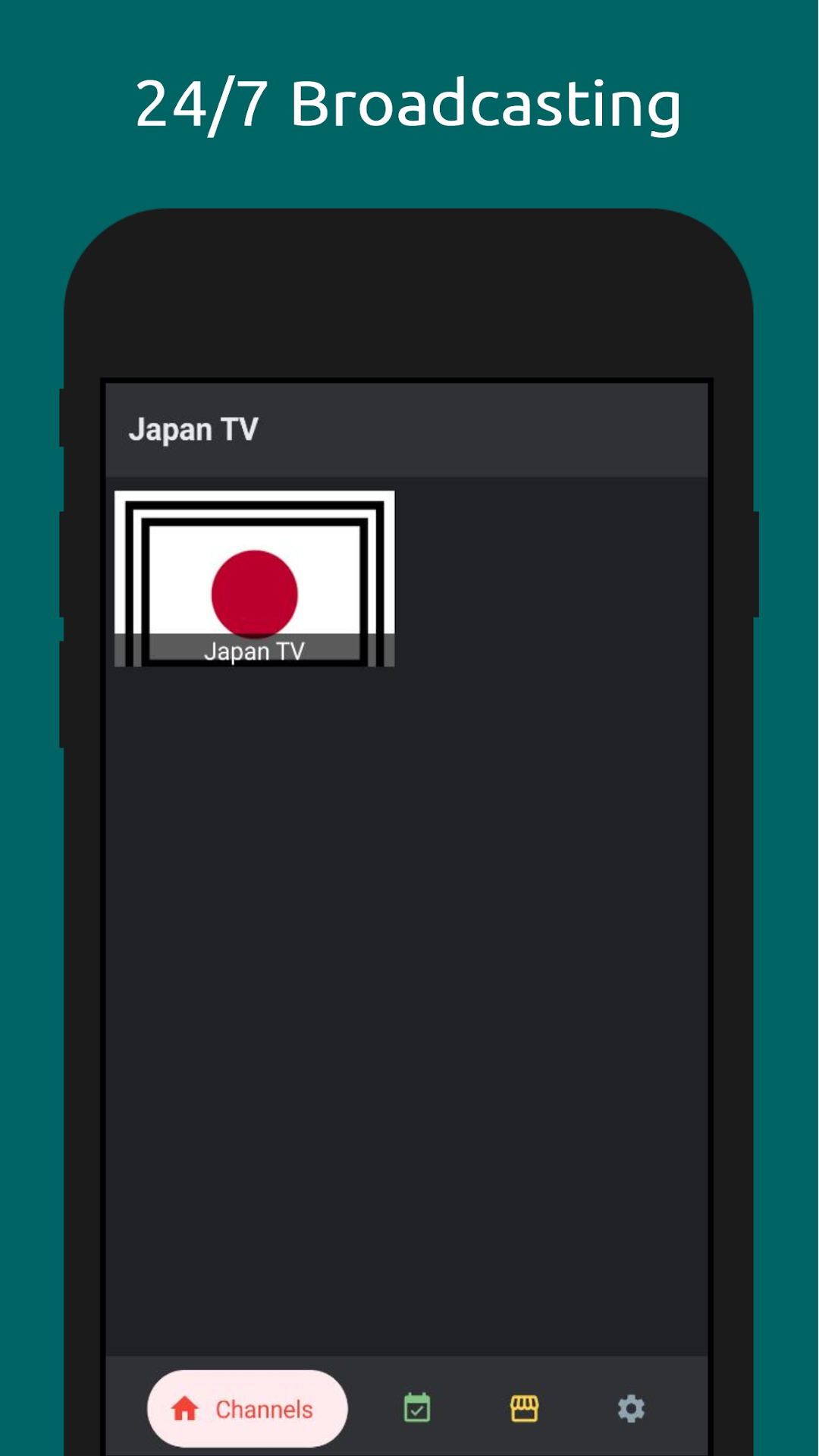
Japanese TV Player is a versatile app that enables users to stream Japanese TV programs using their own media content. We support all streaming technologies, including HLS, DASH, MPEG, MP4, and more.The app features a demo video stream to showcase our player capabilities, allowing users to experience the video streaming features firsthand.
Please note that if a stream stops working, it is not due to our player but rather the stream provider—for example, the server provider may be far from your location.
Users can easily add their own content by providing stream URLs and optional parameters like user-agent, making it highly customizable. All newly added streams will be available for playback at any time under the "Favorites" category.
Our app comes packed with features such as:
Chromecast support
Picture-in-Picture (PiP) mode
Fullscreen and portrait mode
Stretch mode
Mute and unmute options
Forward and backward navigation
Disclaimer: We are not responsible for any content added by users. We only provide a feature-rich media player to enhance your streaming experience.
For more information about our privacy policy, visit: https://markanica.com/japantv/privacy.html. For inquiries, contact us at: google-play@markanica.com.