

MyVJ Luganda Translated Movies is a Entertainment application developed by Nancy256, but with the best Android emulator-LDPlayer, you can download and play MyVJ Luganda Translated Movies on your computer.
Running MyVJ Luganda Translated Movies on your computer allows you to browse clearly on a large screen, and controlling the application with a mouse and keyboard is much faster than using touchscreen, all while never having to worry about device battery issues.
With multi-instance and synchronization features, you can even run multiple applications and accounts on your PC.
And file sharing makes sharing images, videos, and files incredibly easy.
Download MyVJ Luganda Translated Movies and run it on your PC. Enjoy the large screen and high-definition quality on your PC!
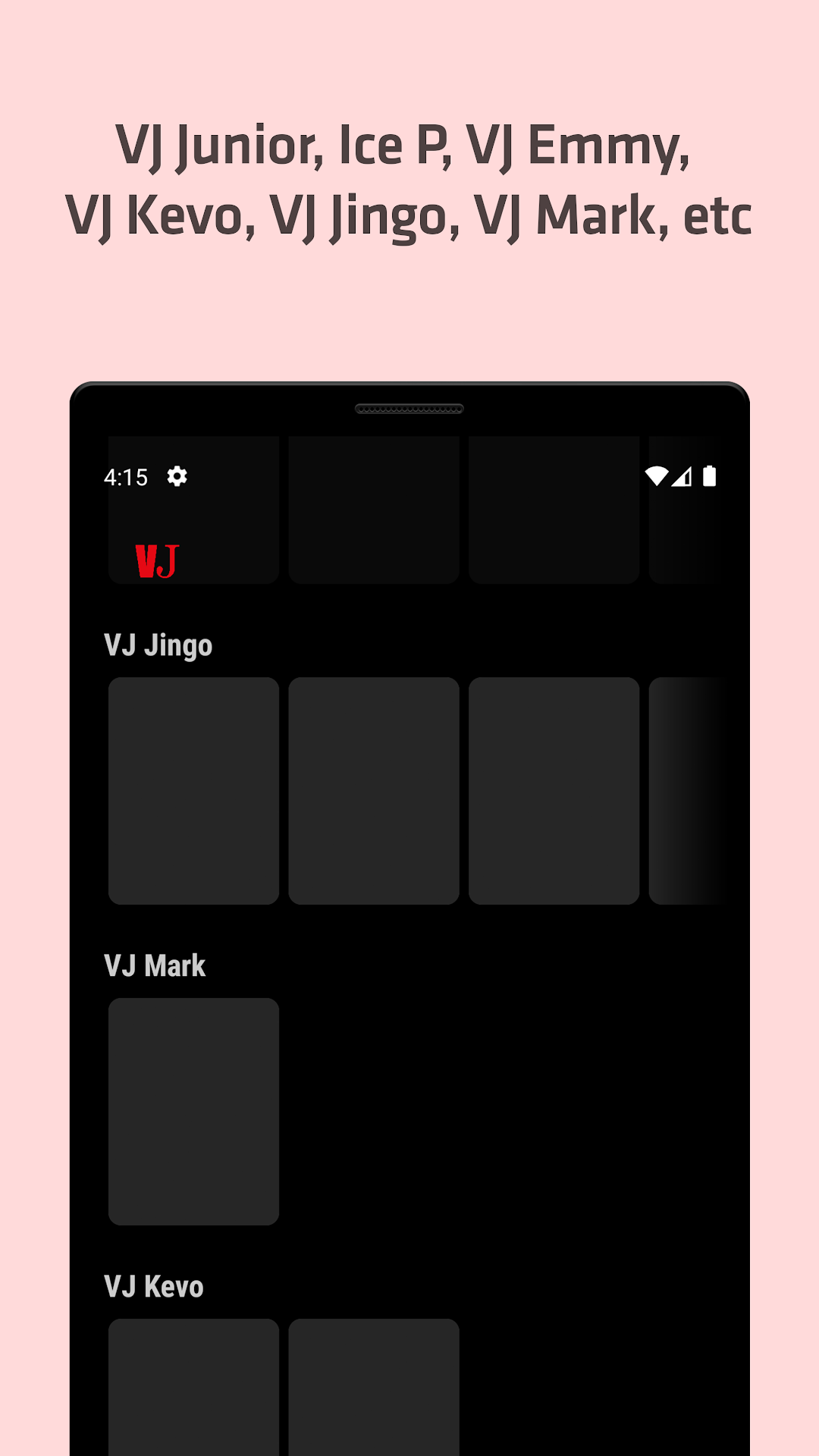
Latest Luganda Translated Movies by VJ Junior, Ice P, VJ Emmy, VJ Jingo, VJ Kevo, VJ Mark…Laba movies Enjogerere oba film Enjogerere ku MyVJ app.
See the Ugandan translated movies or TV Shows or Series that your VJ wants you to watch for your entertainment. MyVJ ye Muno mu Kibanda.
MyVJ app shows the customary media localization found in Uganda (called VJ or Veejay); allowing the indigenous audience to also consume translated media in Luganda.
Privacy Policy: https://myvj-app.blogspot.com/p/privacy-policy.html
Disclaimer:
Content in this app has the copyright of their respective owner's. If you have any copyright issues please send me an email at: myvj.net@gmail.com and shall bring down media in 12-48 hrs.