My Diary & Daily Diary Journal is a Lifestyle application developed by Neko Soft, but with the best Android emulator-LDPlayer, you can download and play My Diary & Daily Diary Journal on your computer.
Running My Diary & Daily Diary Journal on your computer allows you to browse clearly on a large screen, and controlling the application with a mouse and keyboard is much faster than using touchscreen, all while never having to worry about device battery issues.
With multi-instance and synchronization features, you can even run multiple applications and accounts on your PC.
And file sharing makes sharing images, videos, and files incredibly easy.
Download My Diary & Daily Diary Journal and run it on your PC. Enjoy the large screen and high-definition quality on your PC!
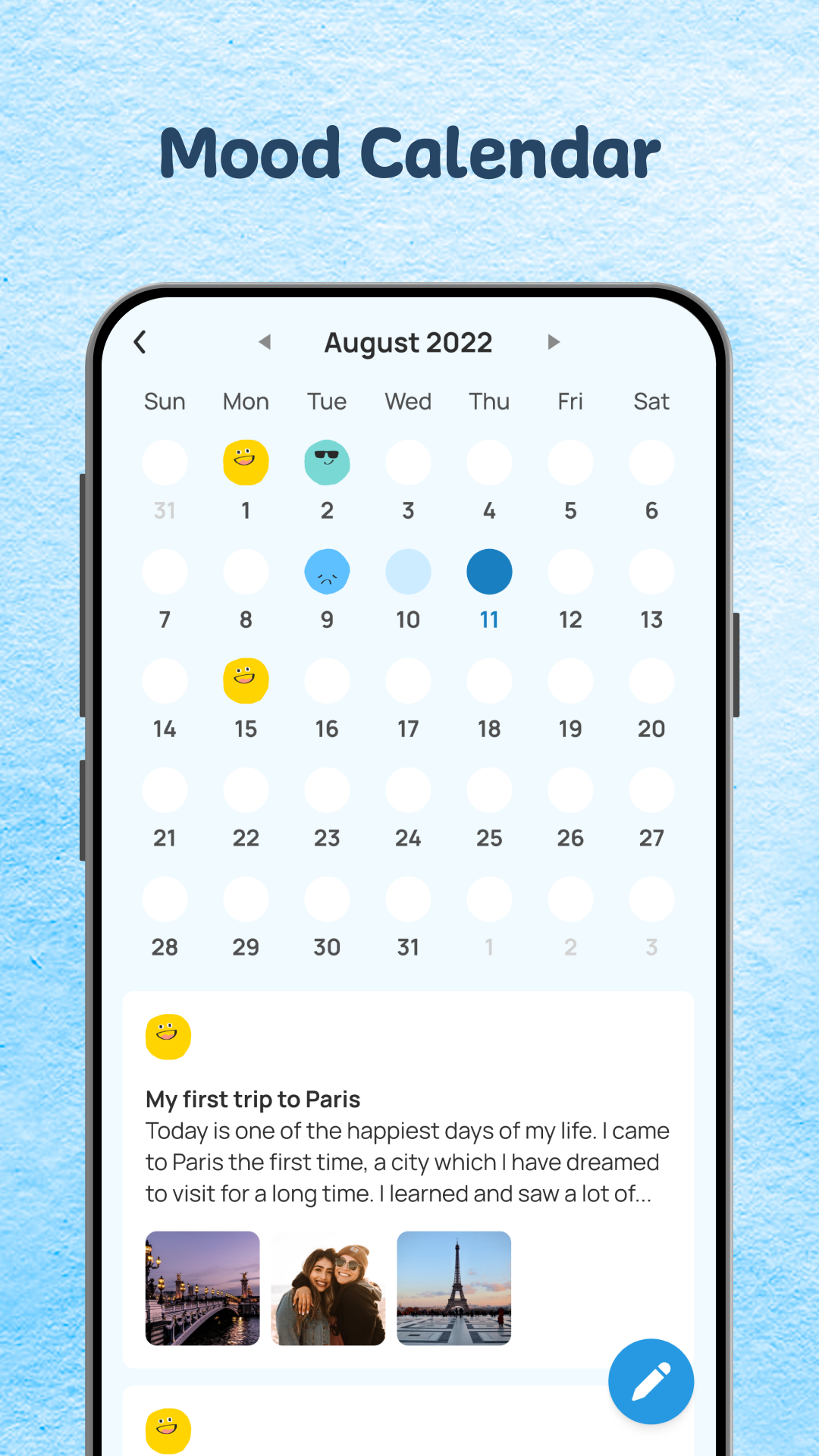
The Daily Journal - Diary with Lock 📝 is a completely free and easy-to-use journaling app.You can use the app to keep track of your daily diary, little secrets, innermost thoughts, personal experiences, mood, or any memorable moments.
Create a daily diary with images, videos, and audio as attachments, or simply use stickers, mood or app themes, change the font, and so on.
Set a password for the Daily Journal - Diary with Lock app to prevent others from reading your secrets; unlock with a fingerprint, an iris, a pattern, etc.
The Daily Journal - Diary with Lock application allows users to sync data to Google Drive and recover data from Google Drive to their computer, allowing them to recover what they wrote previously easily.
📝 The application is simple to customize and has a lovely interface:
🏞 Provides a variety of beautiful interface styles
🏞 Choose a background font easier
🏞 Choose your mood with lovely emojis
🏞 Add images, videos, and audio to your diary posts
🏞 Create a picture diary and a video diary
🏞 Insert the words you want to say into the article so you can listen to them later
😊 Emoji for mood and lovely stickers for diary
🧜🏻 Various categories of Mood Emojis
🧜🏻 Lots of lovely sticker themes
🧜🏻 If you can't put your feelings into words, use stickers or emojis to express yourself
🔐 Security
⚡ Provide an intelligent security system
⚡ Unlock with a pattern
⚡ Fingerprint Unlock
⚡ Iris Unlock
⚡ You can be confident that no one can read your diary
☁️ Sync and Backup
⭐ Support to sync articles to google drive
⭐ Backup and restore when changing to a new device
⭐ Safely use the app until you want to pass it on to your children
With the Daily Journal: Diary with Lock, you will never want to journal in a traditional notebook again.
Writing a diary on your smartphone is fast, convenient, and secure.
You can easily export files to text or PDF.
The Daily Journal - Diary with Lock will always be with you, listening to you wherever you are.
Let's install and use the Daily Journal - Diary with Lock to record the good things in our daily lives.
Have a nice day 😊