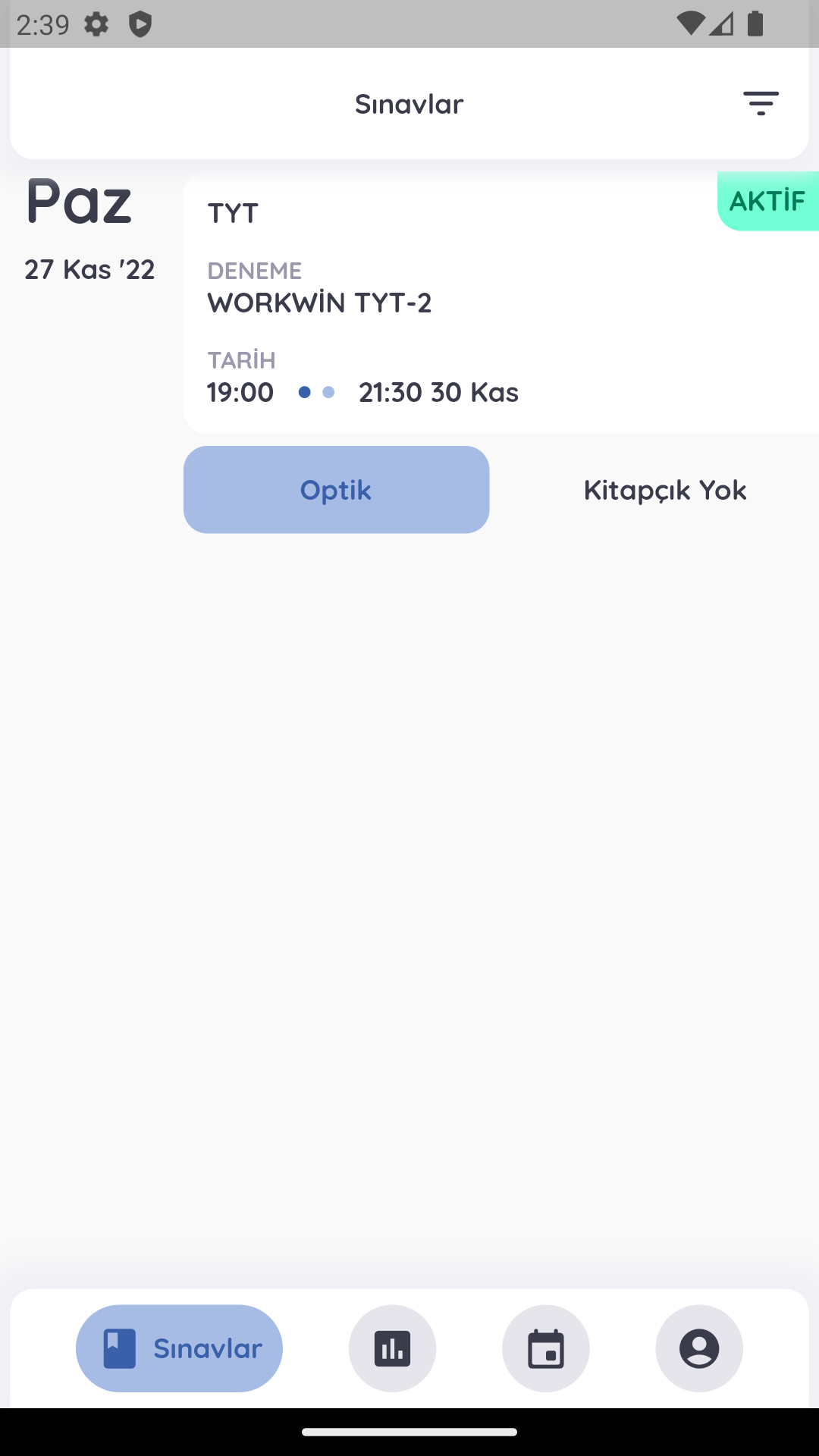
OKSİMETRE is a Education application developed by Eğitim Destek Sistemi, but with the best Android emulator-LDPlayer, you can download and play OKSİMETRE on your computer.
Running OKSİMETRE on your computer allows you to browse clearly on a large screen, and controlling the application with a mouse and keyboard is much faster than using touchscreen, all while never having to worry about device battery issues.
With multi-instance and synchronization features, you can even run multiple applications and accounts on your PC.
And file sharing makes sharing images, videos, and files incredibly easy.
Download OKSİMETRE and run it on your PC. Enjoy the large screen and high-definition quality on your PC!
OXIMETER students and teachers' assistant.Students:
- Can take remote exams with Virtual Optical
- Can evaluate themselves with report cards and analyzes after the exam
- Can see the course schedules
- One-to-one lessons and study appointments can be made
- With the homework tracking system, they can follow their homework through the application and send their results
Teachers:
- You can view your students' exam report cards and analyzes
- View the course schedule and take attendance
- They can give homework, approve assignments and add books to their students with the homework system
All and more in OXIMETRE