Logo Maker & Logo Creator is a Photography application developed by Maxlabs Graphic Design Tools, but with the best Android emulator-LDPlayer, you can download and play Logo Maker & Logo Creator on your computer.
Running Logo Maker & Logo Creator on your computer allows you to browse clearly on a large screen, and controlling the application with a mouse and keyboard is much faster than using touchscreen, all while never having to worry about device battery issues.
With multi-instance and synchronization features, you can even run multiple applications and accounts on your PC.
And file sharing makes sharing images, videos, and files incredibly easy.
Download Logo Maker & Logo Creator and run it on your PC. Enjoy the large screen and high-definition quality on your PC!
Logo Maker & Logo Creator - Your Ultimate Branding Solution!Are you looking for logo maker free & easy to use? Or do you want to design logo quickly and professionally without a watermark? Introducing Logo Maker & Logo Creator, the all-in-one solution for creating professional branding instantly.
Perfect For:
• Small Business Owners
• Startups & Entrepreneurs
• Content Creators & YouTubers
• Social Media Managers
Why You’ll Love Logo Maker:
🎨 Create Stunning Logos in Minutes!
No design skills? No problem! Our intuitive interface, combined with a huge library of themes, stickers, photos, effects, fonts, and emojis, allows anyone to create a standout logo in just a few taps.
✨ Professional Designs, Personal Touch
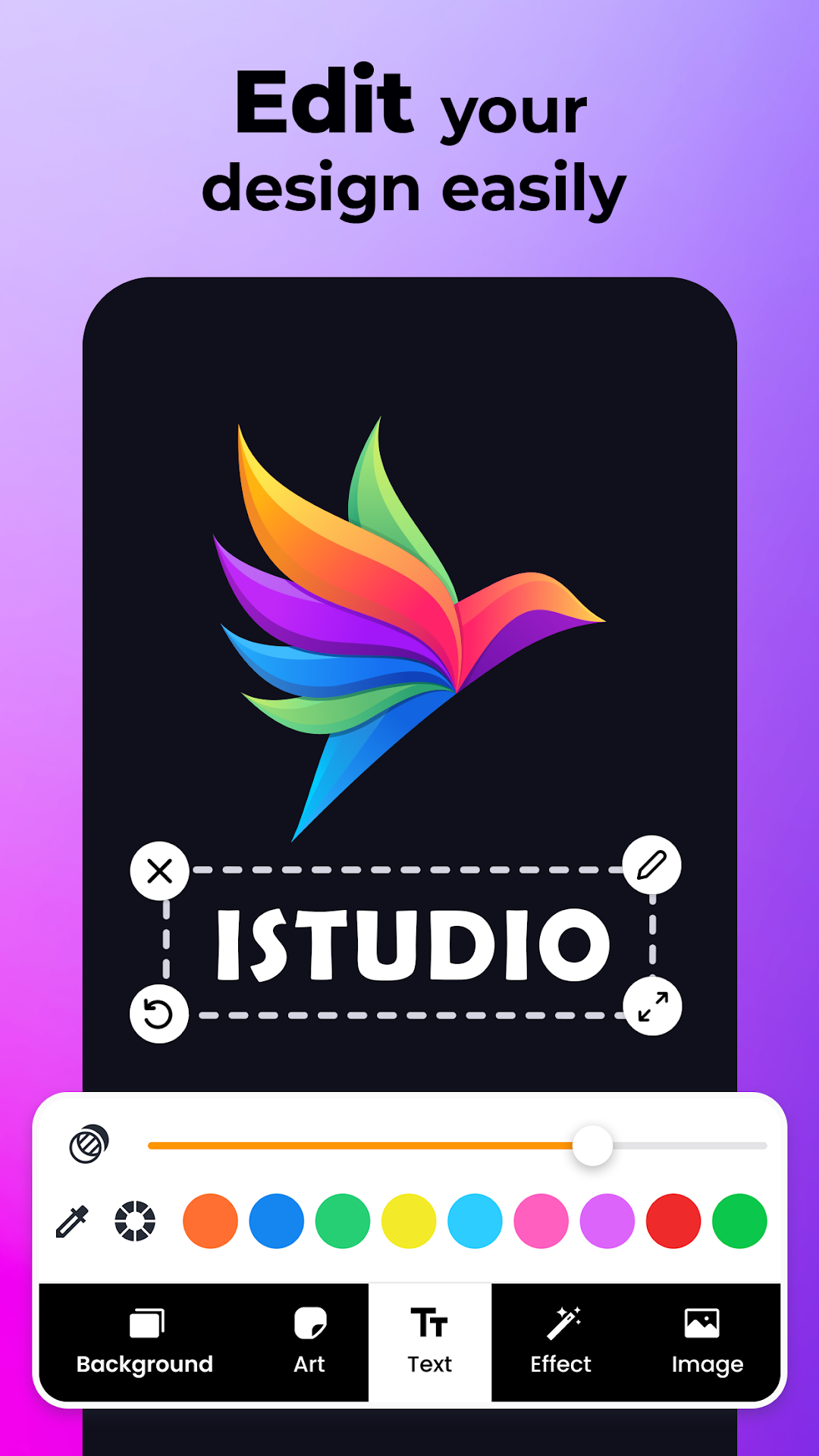
Unleash your creativity with our vast library of professionally crafted templates. Customize every element—from fonts and colors to backgrounds and effects—to create a logo that perfectly resonates with your brand and audience.
💼 Your In-House Design Studio
Tailored for small businesses, companies, and startups like yours! Craft a logo that mirrors your vision and values. Say goodbye to costly designers and hello to a wallet-friendly, DIY solution that doesn't compromise on quality.
🎨 Graphic Designer Key Features with logo editor:
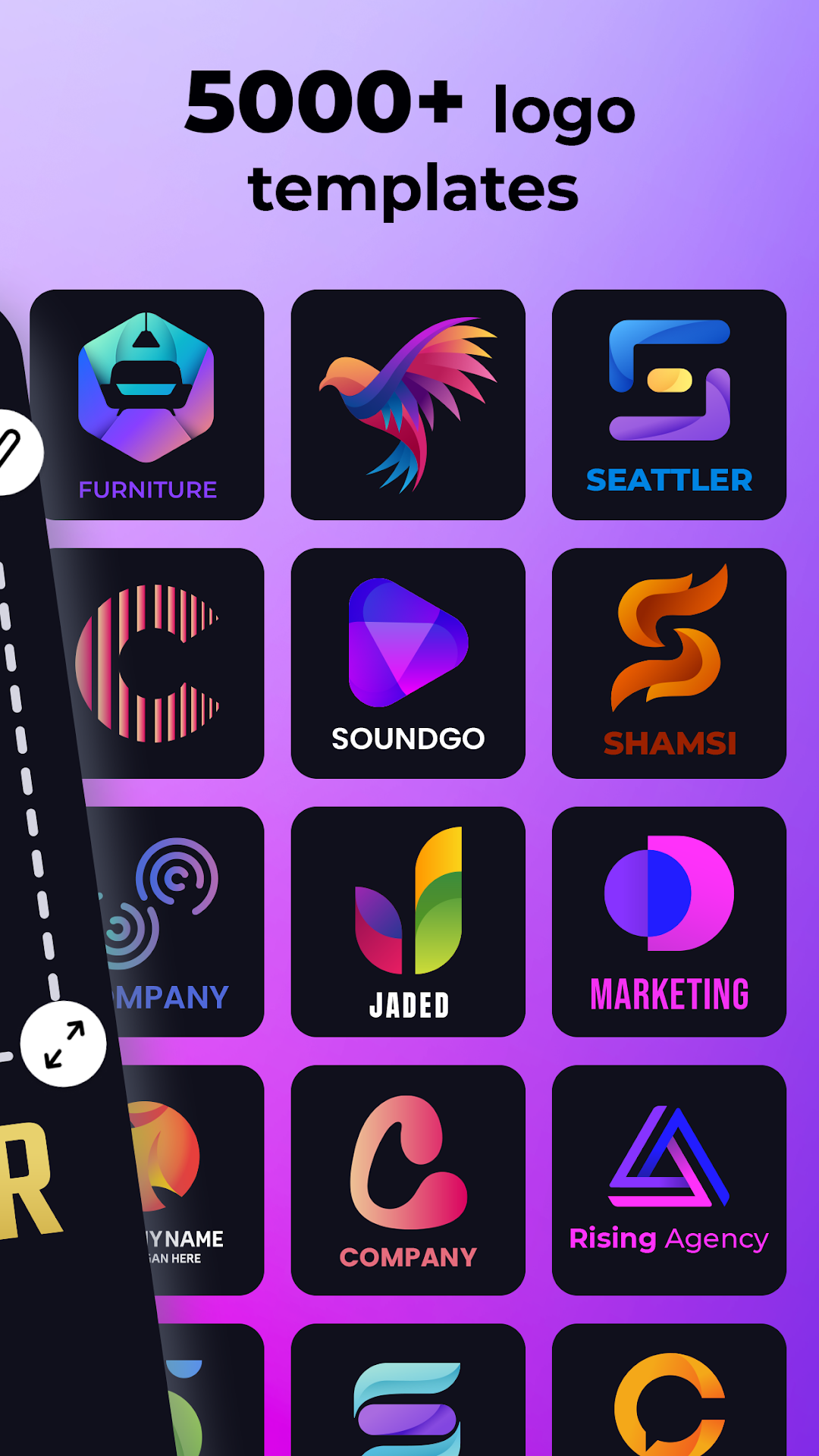
• 5000+ logo Templates: Instantly find inspiration with a massive library of original logo templates and unlimited themes.
• Total Customization Freedom: Personalize your logo with custom background colors, patterns, or even transparent backgrounds for ultimate versatility.
• Smart Auto Design: Create a custom logo in seconds with AI power
• Rich Typography: Access over 100 fonts. Craft the perfect name and slogan with powerful text effects, typography, and symbols.
• Vast Graphic Design Elements: Dive into a huge collection of shapes, icons, stickers, 3D logos, and abstract images to add unique flair.
• Seamless Media Integration: Easily import your own images or logos from your phone's gallery to use in posters, social media posts, or thumbnails.
• Advanced Photo Editing: Polish your design like a pro with tools like effects, filters, patterns, textures, 3D Rotate, Resize, and Crop.
• Purpose-Driven Designs: Create everything from professional business logos and watercolor designs to YouTube channel art, esports logos, and game avatars.
• Smart Design Categories: Streamline your workflow with smart categories and simple color selection to find what you need, faster.
• Update your brand logo according to seasonal holidays: Diverse elements and stickers such as Valentine's Day, Halloween, Christmas, New Year, etc......
• Promote Your Work: Save your artwork for future edits, download your masterpiece in high resolution, and share it instantly across Facebook, Twitter, Instagram, and WhatsApp.
• High-Resolution Downloads: Download your logo in PNG and JPEG formats, with standard sizes including SD, HD, and Full HD—always crisp and ready.
🚀 Unleash Professionalism
Enjoy professional-grade features and premium original templates for when you need that extra edge.
🌟 Create Iconic Logos, Leave a Lasting Legacy!
Transform your brand identity with Logo Maker - Logo Creator.
Privacy Policy: https://www.maxlabs.hk/privacy-policy
Contact Us: android-support@maxlabs.hk