
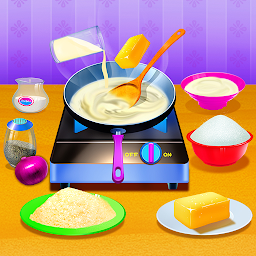


Cooking Foods In The Kitchen is a Entertainment application developed by Fat Cat For Girl, but with the best Android emulator-LDPlayer, you can download and play Cooking Foods In The Kitchen on your computer.
Running Cooking Foods In The Kitchen on your computer allows you to browse clearly on a large screen, and controlling the application with a mouse and keyboard is much faster than using touchscreen, all while never having to worry about device battery issues.
With multi-instance and synchronization features, you can even run multiple applications and accounts on your PC.
And file sharing makes sharing images, videos, and files incredibly easy.
Download Cooking Foods In The Kitchen and run it on your PC. Enjoy the large screen and high-definition quality on your PC!
he Doron Town Food Festival has selected the most popular dishes of the year: pizza, burgers, Italy lasagna and ice cream. The are very popular. Many people want to make them. So let's walk into the kitchen and share with you how to make these dishes. Let you be a gourmet and enjoy a good cooking time.Feature:
1: Find the best materials and learn how to make food.
2 : 4 kinds of food, materials are free to match, they have 100 + of flavors
3: Decorative colorful ice cream
4: Real cut vegetables,
5: Create unique recipes and cooking processes
6: More than 40 tableware options
7: Bake in the oven
8: Finished eating on time


