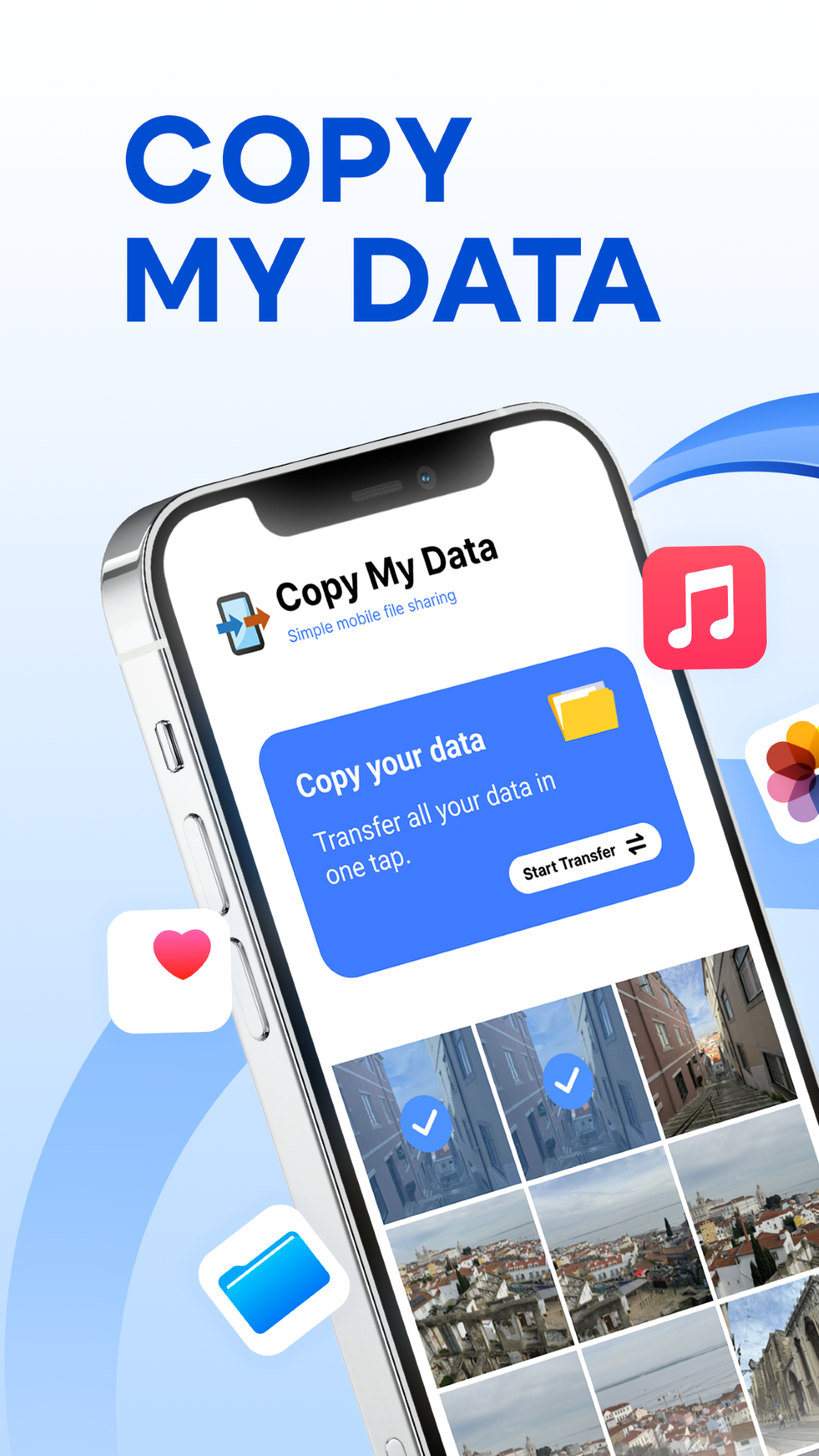
Copy My Data: Transfer Content is a Tools application developed by Red Sky Labs, but with the best Android emulator-LDPlayer, you can download and play Copy My Data: Transfer Content on your computer.
Running Copy My Data: Transfer Content on your computer allows you to browse clearly on a large screen, and controlling the application with a mouse and keyboard is much faster than using touchscreen, all while never having to worry about device battery issues.
With multi-instance and synchronization features, you can even run multiple applications and accounts on your PC.
And file sharing makes sharing images, videos, and files incredibly easy.
Download Copy My Data: Transfer Content and run it on your PC. Enjoy the large screen and high-definition quality on your PC!
Copy your data from one phone to another over a WiFi network, without the need for a computer.Easily transfer data from one phone to another by QR.
Transfer your calendar dates, keep your favourite photos and send your favourite videos and music to your new smart phone. Copy my Data provides secure sharing from phone to phone.
Ensure both devices are connected to the same WiFi network and then run the app. Tranfer and enjoy this data backup available.
Copy My Data will guide you through the process of copying your data from one to another in a few easy steps. Have an easy connectivity through QR code connecting two smart phones wirelessly. Clone your phone! Don't lose any contact, document or video on your new smart phone
Download Copy My Data: Transfer Content app now and start transferring all your content. Dont lose you anything.