Crosshair Aim & Custom Scope is a Tools application developed by ARD WEB DEVELOPMENT, but with the best Android emulator-LDPlayer, you can download and play Crosshair Aim & Custom Scope on your computer.
Running Crosshair Aim & Custom Scope on your computer allows you to browse clearly on a large screen, and controlling the application with a mouse and keyboard is much faster than using touchscreen, all while never having to worry about device battery issues.
With multi-instance and synchronization features, you can even run multiple applications and accounts on your PC.
And file sharing makes sharing images, videos, and files incredibly easy.
Download Crosshair Aim & Custom Scope and run it on your PC. Enjoy the large screen and high-definition quality on your PC!
Tailored for gamers by gamers, this Crosshair and Aim Trainer app excels in customizing scopes, boosting FPS, and refining shooting precision across desktop and mobile shooters. Elevate your edge with this FPS crosshair app, tailoring your sight, enhancing accuracy, optimizing FPS, and safeguarding eye health.Unlike aimbot hacks, this app safely enriches your shooting experience on any device, enhancing your skills with a personalized crosshair—whether larger, smaller, or of varied shape and color. Boost your game performance and aim precision to suit your style.
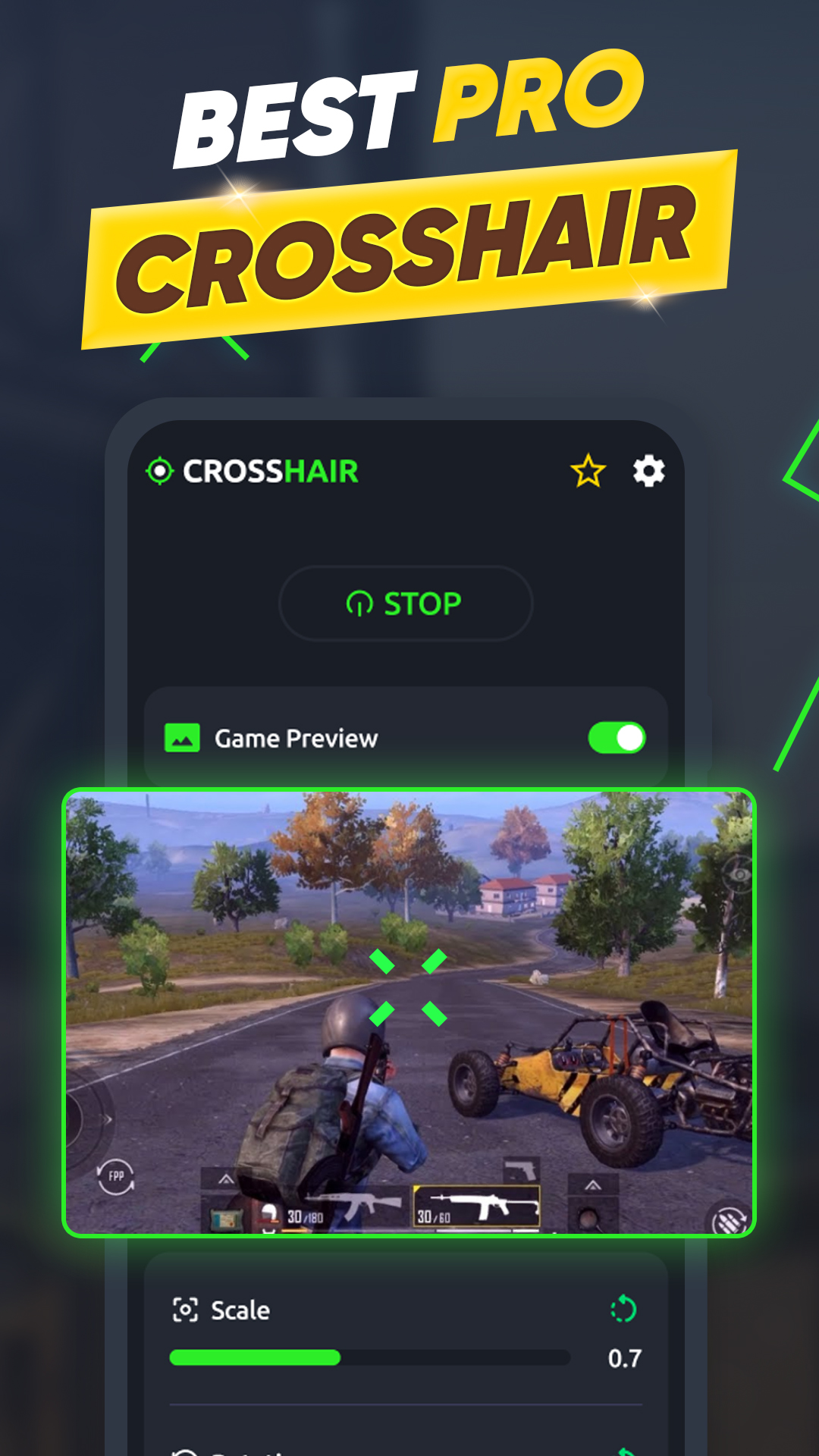
With this app, you can design and test your custom crosshair, visualize its appearance in-game, and experiment freely.
Crosshair Aim & Custom Scope Features:
🎯 Supports popular FPS games on mobile and PC, refining your shooting skills and offering an edge by customizing scope and crosshair.
🎯 Generate a crosshair on any weapon, even if there's no default one.
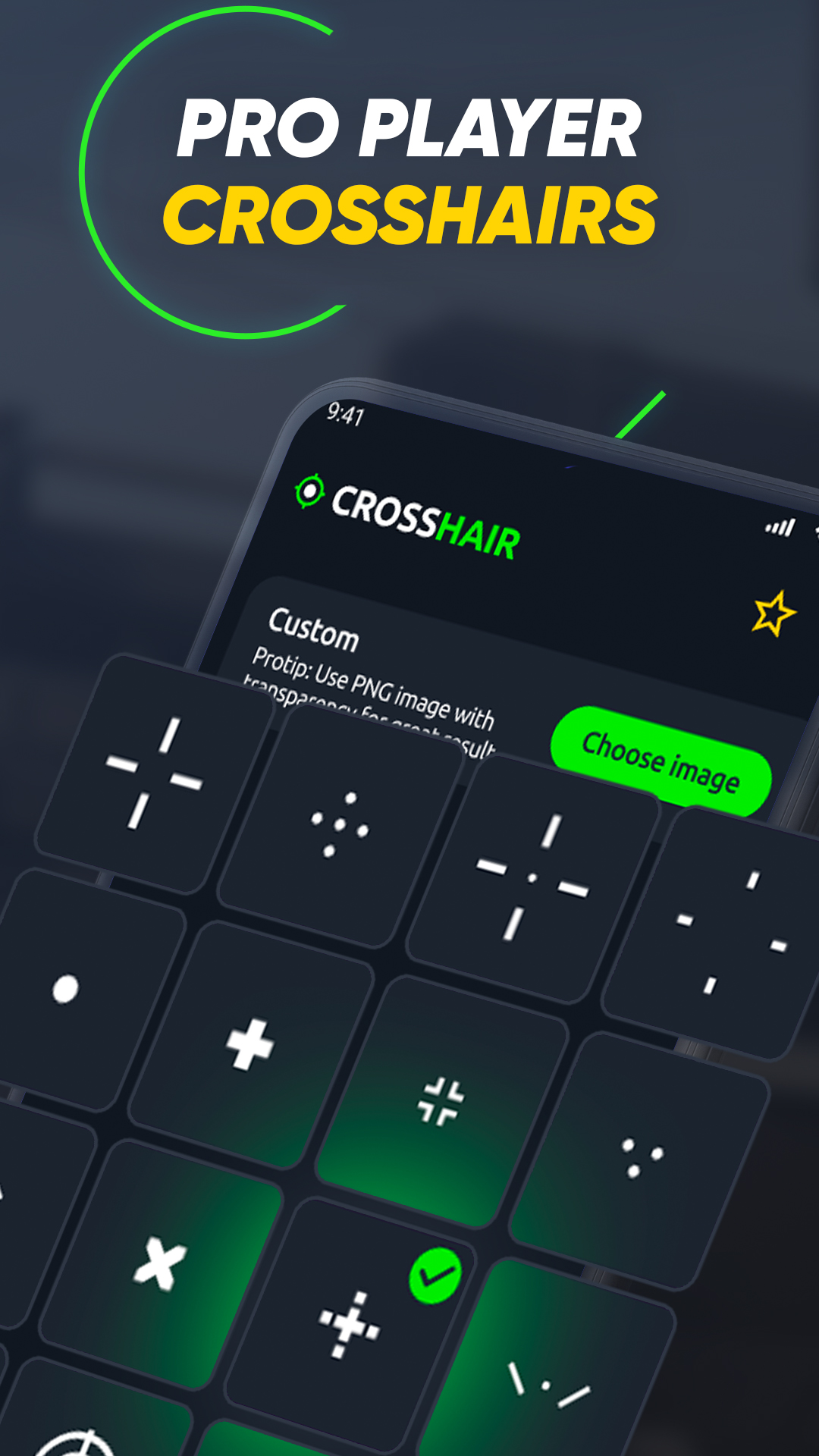
🎯 Access a vast collection of crosshairs and scopes from proficient players and professionals, fully customizable in color, transparency, and size with a preview feature.
🔥 Advantages of this aim trainer:
🎮 Pros continuously adjust their custom crosshairs for optimal gameplay.
🎮 Enhance aim and shooting accuracy in any FPS game.
🎮 Create crosshairs for scopeless weapons.
🎮 Dominate online shooters and elevate to pro status.
🎮 Share top crosshairs for respect and networking within the gaming community.