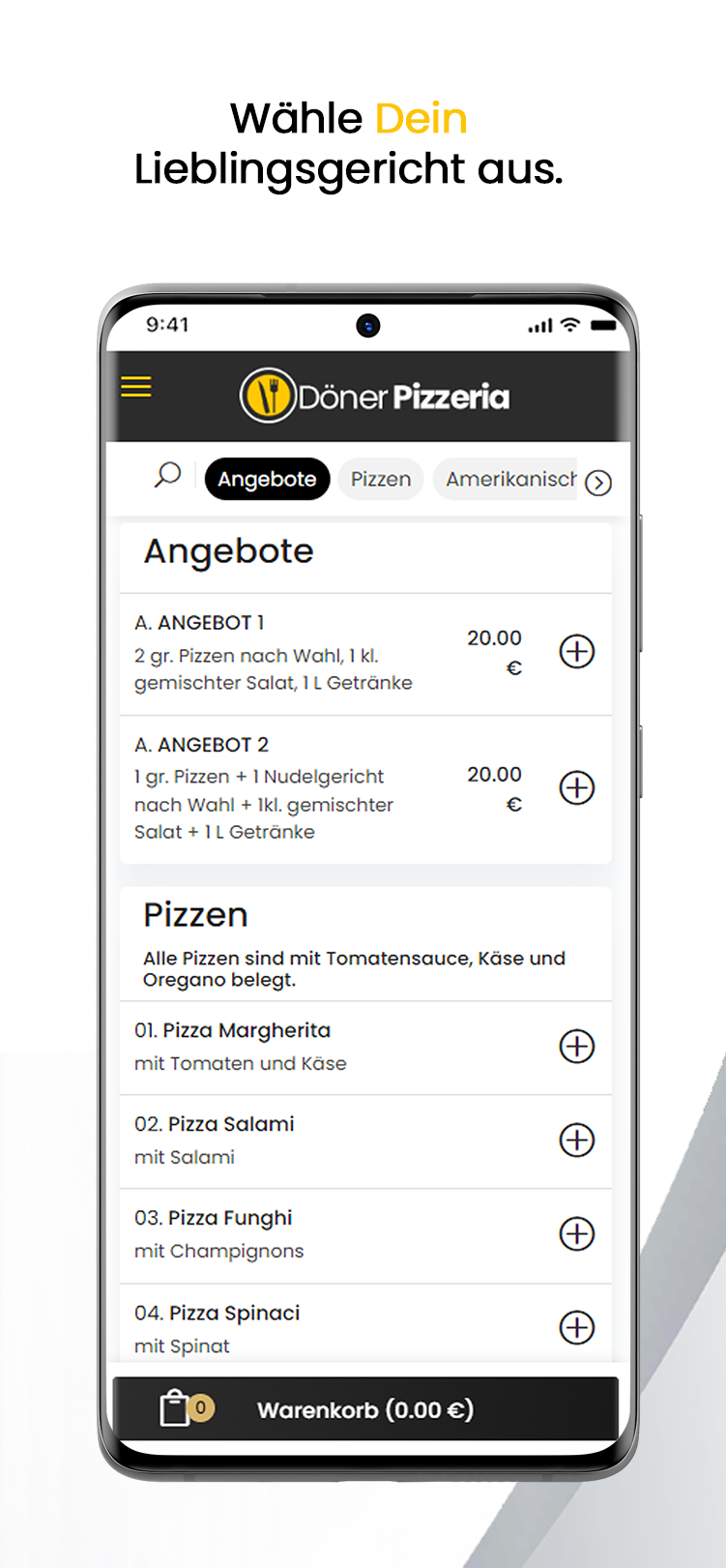
Döner Pizzeria is a Tools application developed by Edeel Design, but with the best Android emulator-LDPlayer, you can download and play Döner Pizzeria on your computer.
Running Döner Pizzeria on your computer allows you to browse clearly on a large screen, and controlling the application with a mouse and keyboard is much faster than using touchscreen, all while never having to worry about device battery issues.
With multi-instance and synchronization features, you can even run multiple applications and accounts on your PC.
And file sharing makes sharing images, videos, and files incredibly easy.
Download Döner Pizzeria and run it on your PC. Enjoy the large screen and high-definition quality on your PC!
Do you have a craving for pizza, pasta or doner kebab and co., but don't dare to go to the next restaurant?Then you've come to the right place at Döner Pizzeria!!!
"Revolutionize gastronomy!"
With our core idea of adapting gastronomy to today's modernization and digitization, you can conquer your cravings with just a few simple clicks!
Click through treat yourself and enjoy your meal at home in no time!!!
Why go out to eat when your food can be at your house in no time?
You too can download our app and register free of charge for valuable and fast food to your home!
Benefit from our points after successful registration and don't miss any of our offers!
We are currently supplying some districts within Grefrath. We plan to expand our delivery locations in the future.
Get our app and don't miss any news about doner pizzeria!
Much more in our app or on our website
www.donerpizzeria.de