Deleted Messages Recovery - WA is a Tools application developed by TalentsForApps, but with the best Android emulator-LDPlayer, you can download and play Deleted Messages Recovery - WA on your computer.
Running Deleted Messages Recovery - WA on your computer allows you to browse clearly on a large screen, and controlling the application with a mouse and keyboard is much faster than using touchscreen, all while never having to worry about device battery issues.
With multi-instance and synchronization features, you can even run multiple applications and accounts on your PC.
And file sharing makes sharing images, videos, and files incredibly easy.
Download Deleted Messages Recovery - WA and run it on your PC. Enjoy the large screen and high-definition quality on your PC!
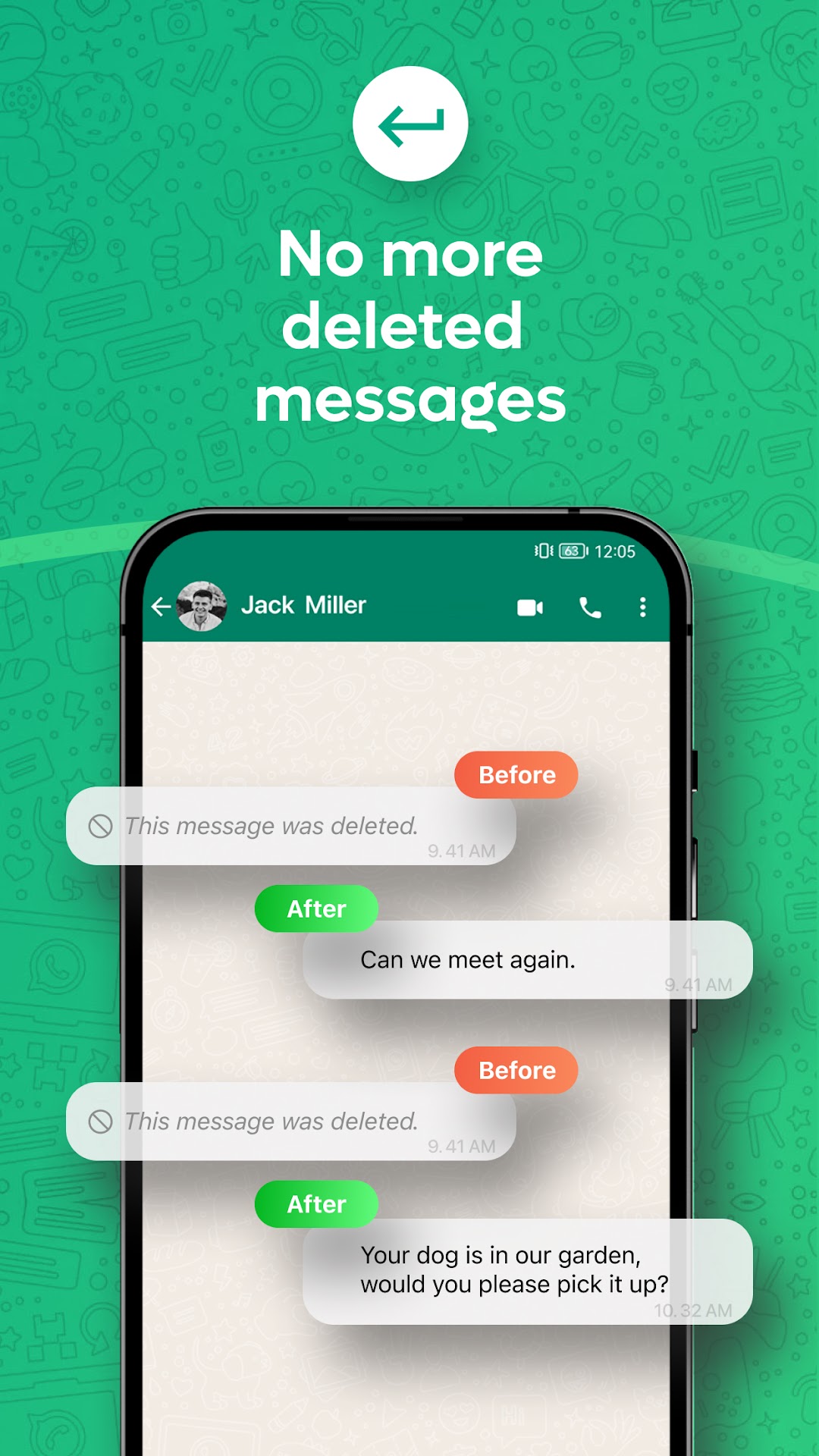
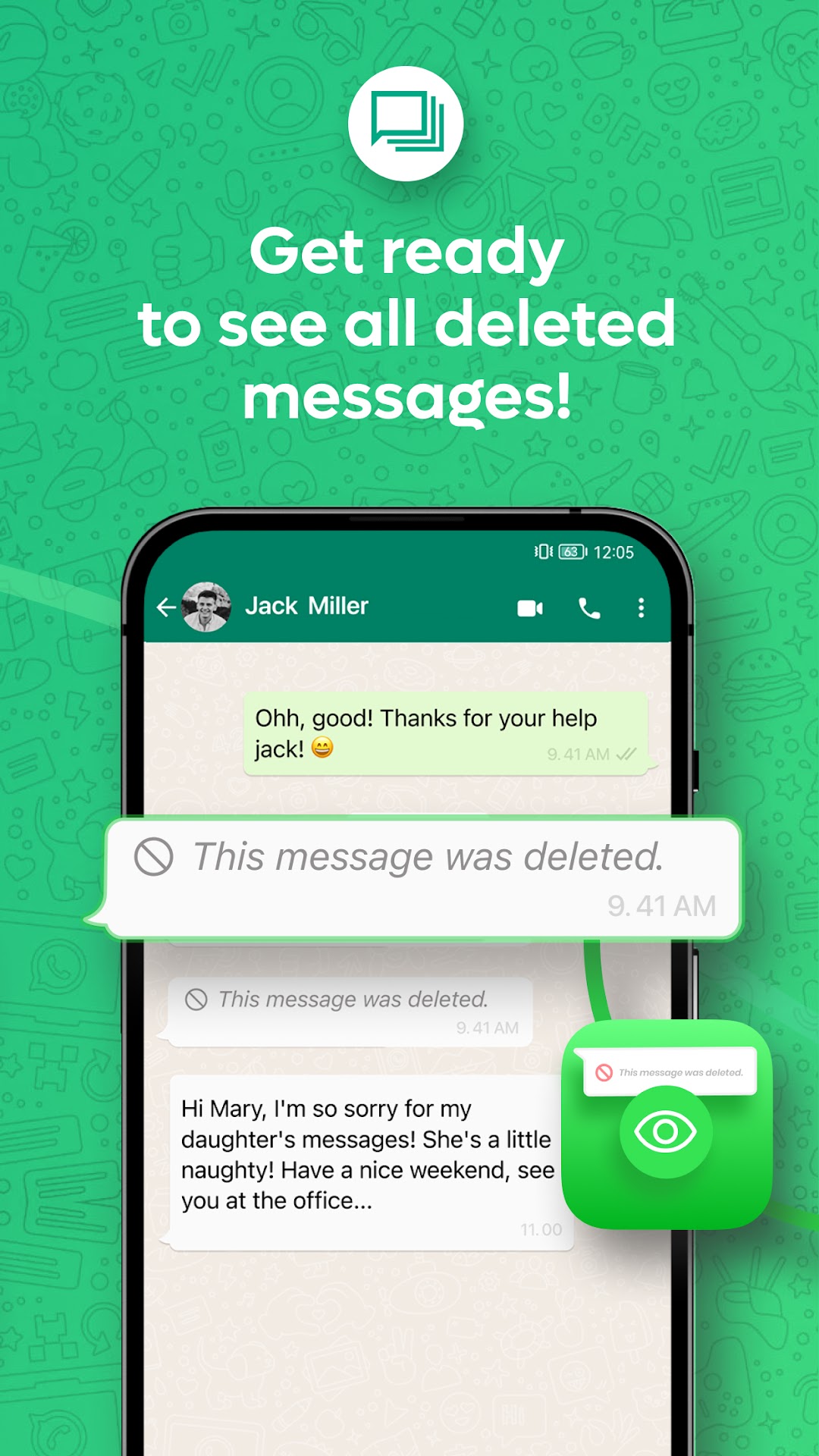
With our Deleted Messages Recovery - WA app, negative situations such as deleting messages sent from WhatsApp will no longer be experienced and you will not live wondering about these messages forever.When you activate our app to see deleted messages, all your messages from WhatsApp will become recoverable. In these messages, besides text messages, deleted videos, deleted pictures, deleted gifs, deleted files will be visible to our users.
How to Use Wp Restore Deleted Messages?
1.Open Deleted Messages Recovery - WA App.
2.Grant access for notifications.
3.See Whatsapp deleted messages and get notifications when there are deleted messages.
4.You will be notified if your friend list or any other person deletes the message or any file.
5.You can also use the option to recover all deleted messages from the contacts you specify, instead of seeing all the deleted messages with the feature of adding to favorites.
Highlights of Wp Recover Deleted Messages app
Automatic Message Recover
Instantly recover deleted messages
View your recovered data separately
Backup your deleted messages, making it impossible to lose them
Our Deleted Messages Recovery - WA app will also try to save any media attached to the message and you will get a notification if the sender deletes it. The following types of media can be recovered: images, videos, animated gifs, audio, voice memos, documents, stickers.
This app allows you to recover deleted conversations and read deleted messages from your chats. Now you can see your deleted text messages! Recover deleted WhatsApp messages in two steps with a simple and efficient tool!
About Subscriptions and Terms of Use:
For all features of WEye, Premium subscriptions are needed.
Payment will be made from your Google Play account after you confirm the purchase.
Subscriptions will auto-renew at the end of each term if it is not canceled 24 hours before the end of the purchasing term.
Privacy Policy:
Terms of Use:
Please don't hesitate to contact with us for support and suggestions: ?????