Dream Girl : Chat AI is a Entertainment application developed by Hangzhou Aoben Jizhi Technology Co., Ltd., but with the best Android emulator-LDPlayer, you can download and play Dream Girl : Chat AI on your computer.
Running Dream Girl : Chat AI on your computer allows you to browse clearly on a large screen, and controlling the application with a mouse and keyboard is much faster than using touchscreen, all while never having to worry about device battery issues.
With multi-instance and synchronization features, you can even run multiple applications and accounts on your PC.
And file sharing makes sharing images, videos, and files incredibly easy.
Download Dream Girl : Chat AI and run it on your PC. Enjoy the large screen and high-definition quality on your PC!
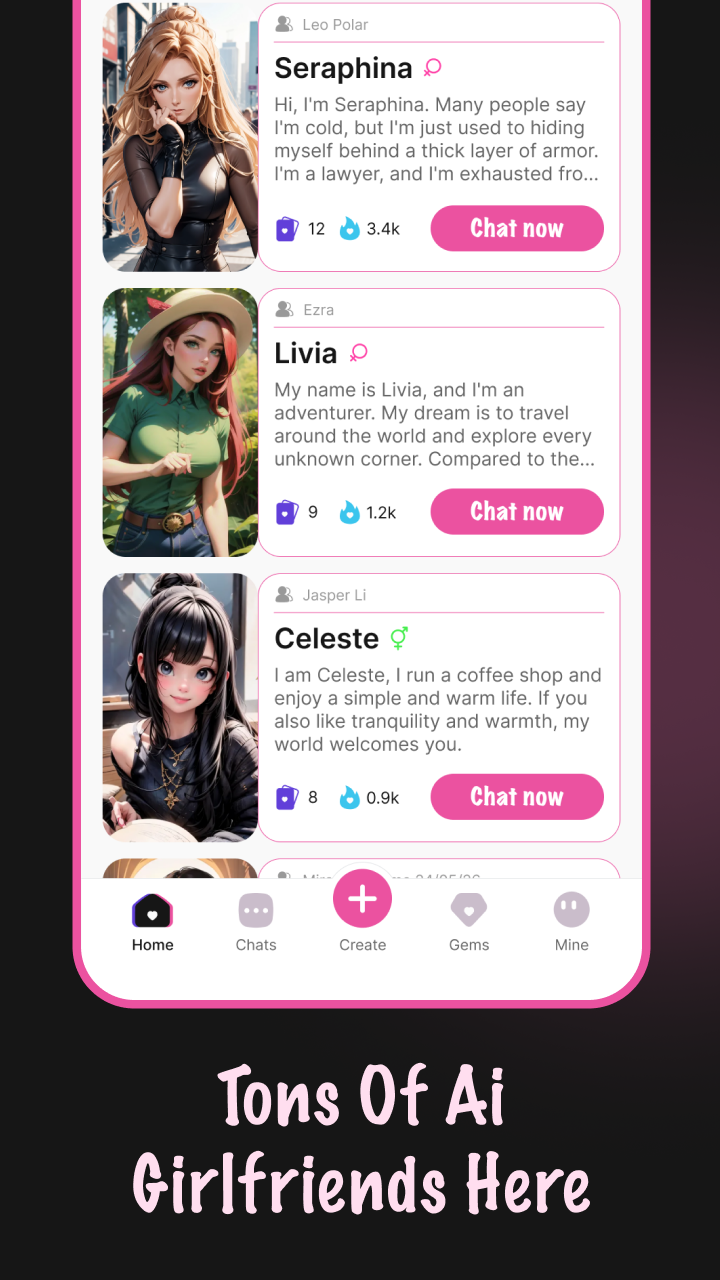
Dream Girl brings AI companionship to life, offering immersive and interactive experiences. Engage in meaningful conversations, explore different personalities, and enjoy content designed to adapt to your preferences. With advanced AI, Dream Girl learns from your interactions, offering personalized experiences that grow with you. Customize your journey with in-app purchases, and explore the possibilities in guest or registered mode. Please note: AI responses may vary and are not always predictable. For full data protection, refer to our Privacy Policy and User Agreement.- Interactive AI Conversations: Engage in deep, evolving dialogues.
- Personalized Experiences: The more you interact, the better Dream Girl understands you.
- Multiple Personalities: Choose from different AI personas to suit your mood.
- Customization: Enhance your experience with in-app purchases and unlock new features.
- Flexible Access: Explore in guest mode or create an account for a more personalized journey.
- Data Security: We prioritize your privacy with robust data protection measures.
- Privacy Policy: https://www.dreamgirls.top/privacy-policy.html
- User Agreement: https://www.dreamgirls.top/user-agreement.html
Contact Information
- Email: alexander.f.gemini@gmail.com