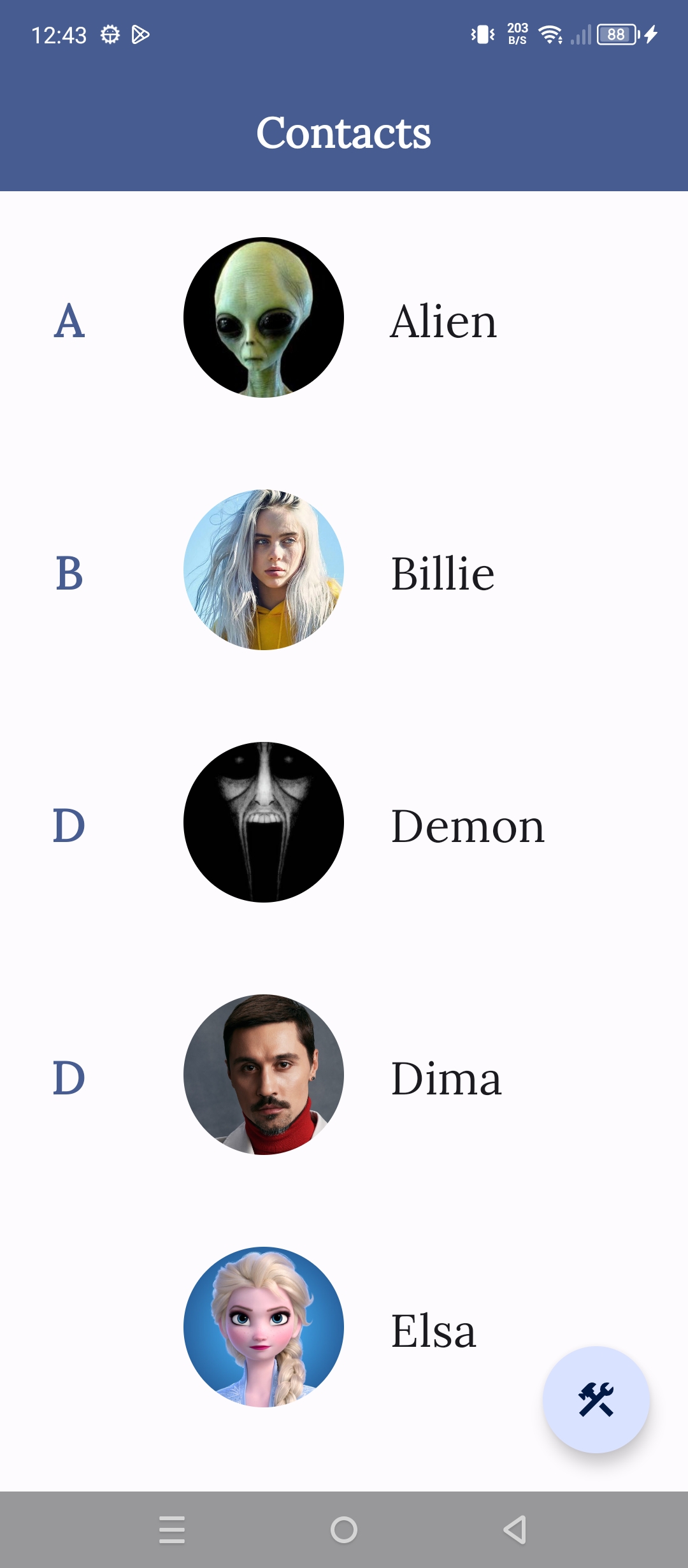
Prank Call is a Entertainment application developed by christinerhodacollyer, but with the best Android emulator-LDPlayer, you can download and play Prank Call on your computer.
Running Prank Call on your computer allows you to browse clearly on a large screen, and controlling the application with a mouse and keyboard is much faster than using touchscreen, all while never having to worry about device battery issues.
With multi-instance and synchronization features, you can even run multiple applications and accounts on your PC.
And file sharing makes sharing images, videos, and files incredibly easy.
Download Prank Call and run it on your PC. Enjoy the large screen and high-definition quality on your PC!
Dive into a world of laughter and mischief with our hilarious app designed to unleash your inner prankster. With Prank Call, you're not just making calls – you're creating unforgettable moments of fun and laughter that bring joy to both you and your friends.Immerse yourself in endless entertainment with Prank Call. From classic prank scenarios to innovative and creative ideas, our app offers a wide range of prank call options to keep you and your friends laughing for hours on end.
Experience the thrill of realistic prank calls that are sure to catch your friends off guard. With authentic sound effects, convincing scripts Prank Call creates an immersive experience that will leave your friends questioning what's real and what's not.
Navigate app with ease thanks to its intuitive interface and user-friendly design. With simple controls and quick access to a variety of prank options, making prank calls has never been easier or more enjoyable.