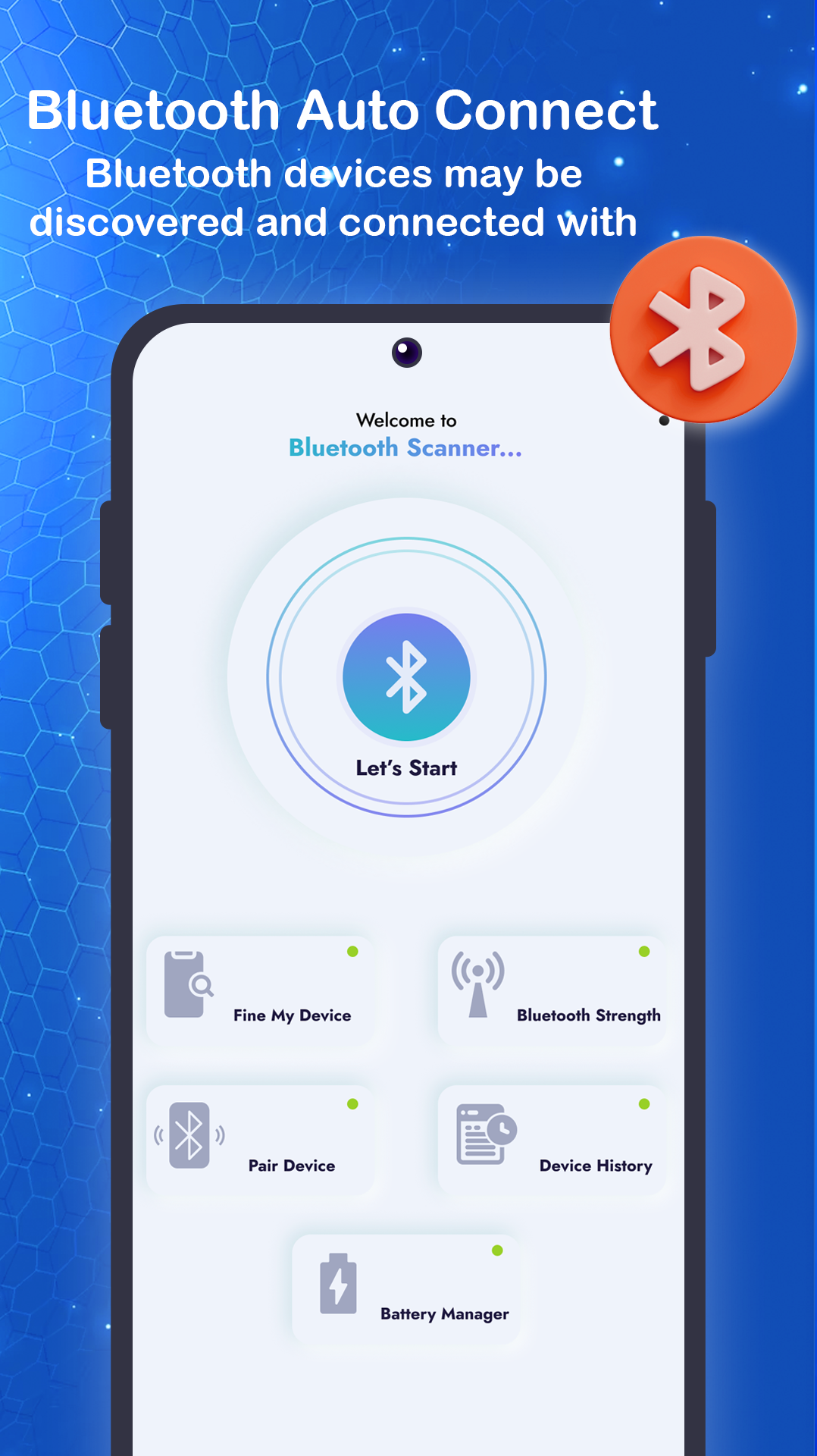
Find My Bluetooth Device is a Personalization application developed by Crytonix Apps, but with the best Android emulator-LDPlayer, you can download and play Find My Bluetooth Device on your computer.
Running Find My Bluetooth Device on your computer allows you to browse clearly on a large screen, and controlling the application with a mouse and keyboard is much faster than using touchscreen, all while never having to worry about device battery issues.
With multi-instance and synchronization features, you can even run multiple applications and accounts on your PC.
And file sharing makes sharing images, videos, and files incredibly easy.
Download Find My Bluetooth Device and run it on your PC. Enjoy the large screen and high-definition quality on your PC!
Looking for a Bluetooth device? Find My Bluetooth Device can help you locate it!.With our easy-to-use search engine, you can find the right device in no time.
With the bluetooth headset locator, you'll never have to worry about losing your headphones again.
You can track down any kind of device, so you can always find your way back to your favourite tunes.
This mode is currently available for Bluetooth wireless earbuds and headphones.
It will play a sound on your lost devices to help you find them.
The Bluetooth Device Manager and radar is the perfect way to see which devices are near you.
It shows you a list of devices and their locations so you can find what you're looking for.
Find My Bluetooth Device Apps Supports:-
☛ Iphone Device(IOS Device like Apple airpod,Apple Smart Watch)
☛ Portable Speakers(Portable Devices Of all Mojor Brands)
☛ Fitness Tracker(Fitness Devices like Fitness Bands , Fitness Smart Watch, Wireless Earbuds and airpods,Neck Bands,Mobile Phones)
Disclaimer :-
- Please use Find My Bluetooth Device App! We value the opinions of our users. We look forward to hearing your feedback!