Find My IP & MAC Address is a Tools application developed by Stupendous Andro, but with the best Android emulator-LDPlayer, you can download and play Find My IP & MAC Address on your computer.
Running Find My IP & MAC Address on your computer allows you to browse clearly on a large screen, and controlling the application with a mouse and keyboard is much faster than using touchscreen, all while never having to worry about device battery issues.
With multi-instance and synchronization features, you can even run multiple applications and accounts on your PC.
And file sharing makes sharing images, videos, and files incredibly easy.
Download Find My IP & MAC Address and run it on your PC. Enjoy the large screen and high-definition quality on your PC!
The app provides you information of IP Address and MAC address of your device and WiFi signal strength of your WiFi connection. You get the following information with the help of this application :WiFi Information:
- Internal IPv4
- External IPv4 + IPv6)
- local IP
- Gateway, DNS, SSID
- Host address
- MAC Address
- WIFI Signal Strength of your connected WiFi network.
Internet speed:
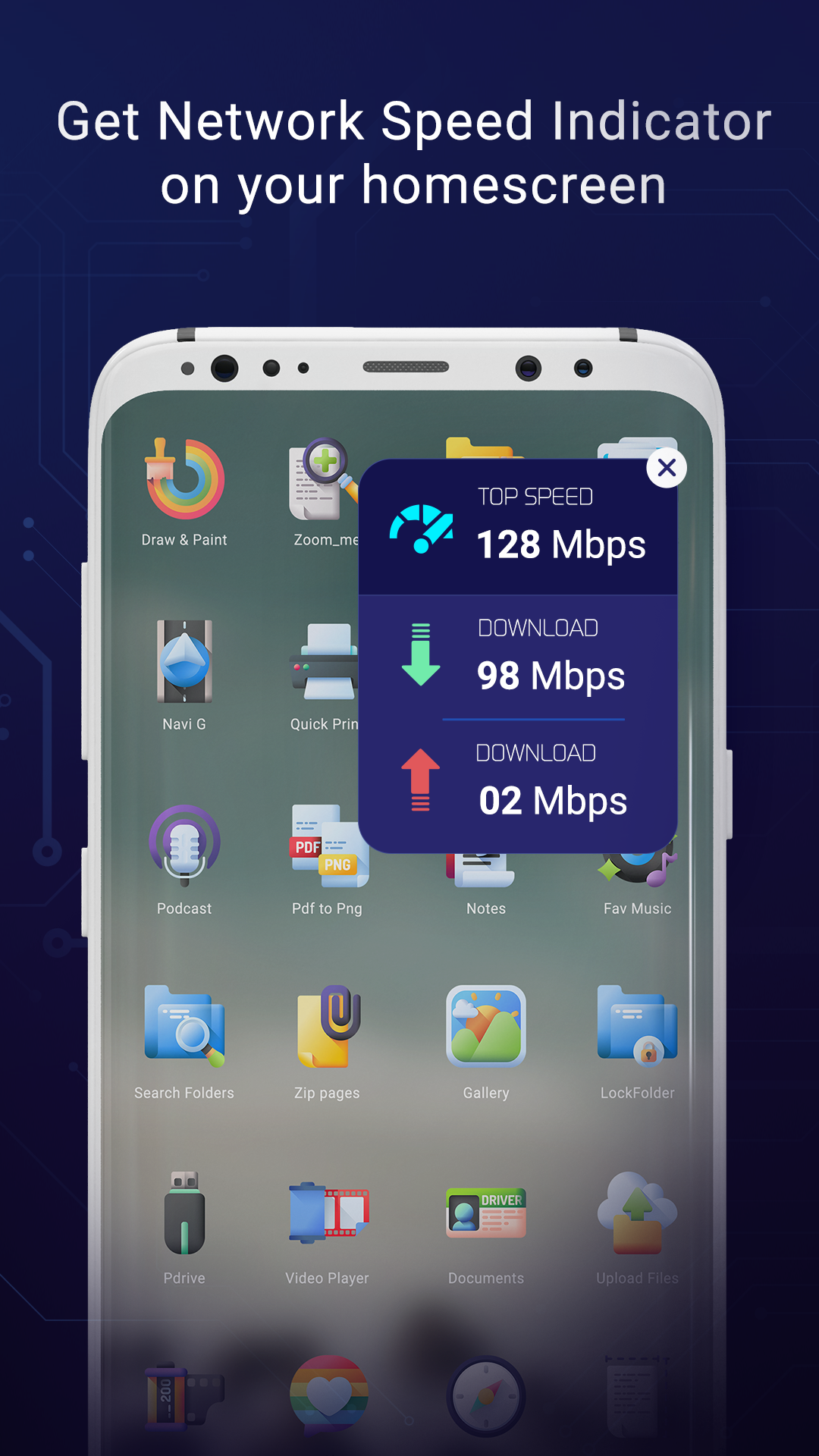
- View internet network speed (WiFi or Mobile Data) on notification panel or on a floating window for continuous view.
- Also view data usage on notification panel.
Other details of your device like:
- Device & System information
- View details of your phone like system hardware (MAC Address, Model name, OS Version, API Version, RAM, CPU)
- Mobile total storage space and used storage data.
- Battery information - details like battery input/output voltage, battery capacity, battery in charging or not.
- Screen Info - view your screen height, width & resolution.