FNF Mod Skin for Minecraft PE is a Lifestyle application developed by BCR Studio, but with the best Android emulator-LDPlayer, you can download and play FNF Mod Skin for Minecraft PE on your computer.
Running FNF Mod Skin for Minecraft PE on your computer allows you to browse clearly on a large screen, and controlling the application with a mouse and keyboard is much faster than using touchscreen, all while never having to worry about device battery issues.
With multi-instance and synchronization features, you can even run multiple applications and accounts on your PC.
And file sharing makes sharing images, videos, and files incredibly easy.
Download FNF Mod Skin for Minecraft PE and run it on your PC. Enjoy the large screen and high-definition quality on your PC!
Hey! Get new Skins for Minecraft PE for free and show how fabulous you are in minecraftIf you are one of the biggest Minecraft PE and Friday Night Funkin fan and you are looking for the awesome app for your new minecraft Friday Night Funkin skin, This app is make it for you!
EASY install!
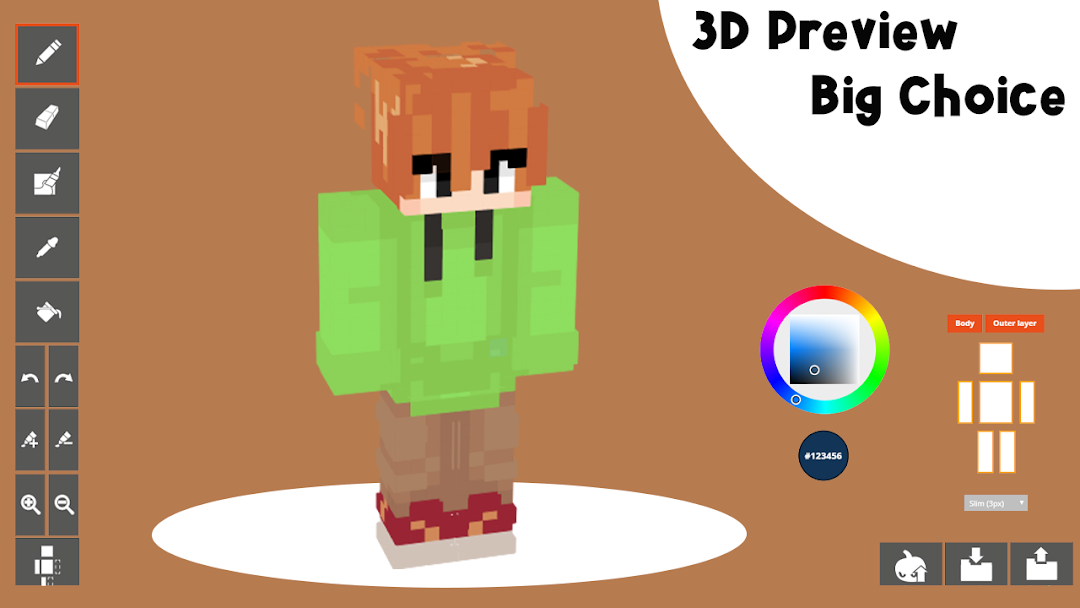
Friday Night Funkin Mod Skin for Minecraft PE is super skin minecraft collection, you can easily browse your favorite character and install in one click!
All Friday Night Funkin are very easy to download cause it sort by the number.
And then you just launch Minecraft and choose skin you just download.
Compatible with mods and addons!
Within instantly, you could be playing with a new, really awesome skin!
Friday Night Funkin Mod Skin for Minecraft PE even work in multiplayer and work perfectly with all mods and addons.
Easy?
If you want to see what you need in Friday Night Funkin next version, please write comments, We will add them with our new update!
DISCLAIMER:
The Friday Night Funkin Mod Skin for Minecraft PE is an informal application.
This app has nothing connect with Mojang AB. All rights reserved.
In accordance with http://account.mojang.com/documents/brand_guidelines