Followers and Fans is a Social application developed by SocialApp Studio, but with the best Android emulator-LDPlayer, you can download and play Followers and Fans on your computer.
Running Followers and Fans on your computer allows you to browse clearly on a large screen, and controlling the application with a mouse and keyboard is much faster than using touchscreen, all while never having to worry about device battery issues.
With multi-instance and synchronization features, you can even run multiple applications and accounts on your PC.
And file sharing makes sharing images, videos, and files incredibly easy.
Download Followers and Fans and run it on your PC. Enjoy the large screen and high-definition quality on your PC!
Are you looking for real fans for your tiktok account and become famous?Real Fans For Tiktok
Likes For Tiktoks
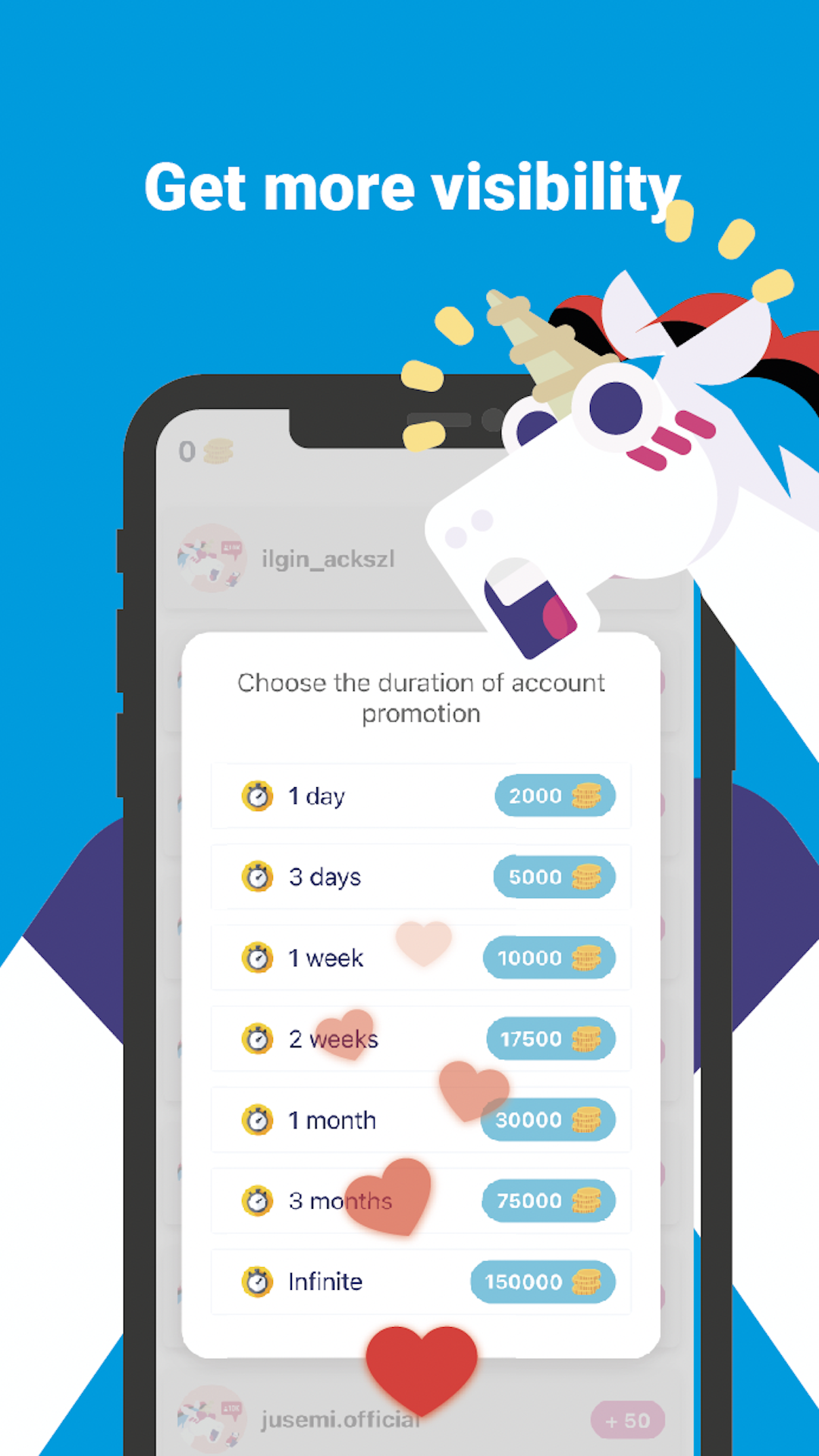
If you are regularly posting some good and funny videos on tiktok, then you really need this app to grow your audience for your posts. Use this app to promote your tiktok’s username and increase your visibility.
The Get Fans for Tiktok - Real Fans app has a nice and thoughtful design.
How to use:-
✅ Open Get Fans for Tiktok app.
✅ Enter your Tiktok Username.
✅ Get Coins by followings people, watch ad or simply buy coins
✅ Click on Promote my profile.
✅ Buy one of offer in the pop up with the coins you have
✅ Now just Wait for gets likes, fans.
You may get more likes and fans in your videos on tiktok easily.In other words you can increase your visibility to get likes, fans and views from tiktok.
Disclaimer:-
This app is individual and not affiliated with Facebook, Tiktok or any third party apps.
If you face any issue with this app, kindly drop us an email to the address mentioned below.
Thanks.