Genshin Music (Auto) is a Music&Audio application developed by Edegran Games, but with the best Android emulator-LDPlayer, you can download and play Genshin Music (Auto) on your computer.
Running Genshin Music (Auto) on your computer allows you to browse clearly on a large screen, and controlling the application with a mouse and keyboard is much faster than using touchscreen, all while never having to worry about device battery issues.
With multi-instance and synchronization features, you can even run multiple applications and accounts on your PC.
And file sharing makes sharing images, videos, and files incredibly easy.
Download Genshin Music (Auto) and run it on your PC. Enjoy the large screen and high-definition quality on your PC!
This app is an accessibility tool for playing songs automatically in the game Genshin Impact.Features:
[Playing]
♪- Automatic instruments: Input a script and a speed and the app will play the song for you automatically in Genshin Impact.
♪- Overlay control: Control the music with an easy to use overlay
♪- Smart Pause: The music automatically stops if you exit Genshin.
[Overlay]
♪- Control the music through an overlay (play/pause/progress bar)
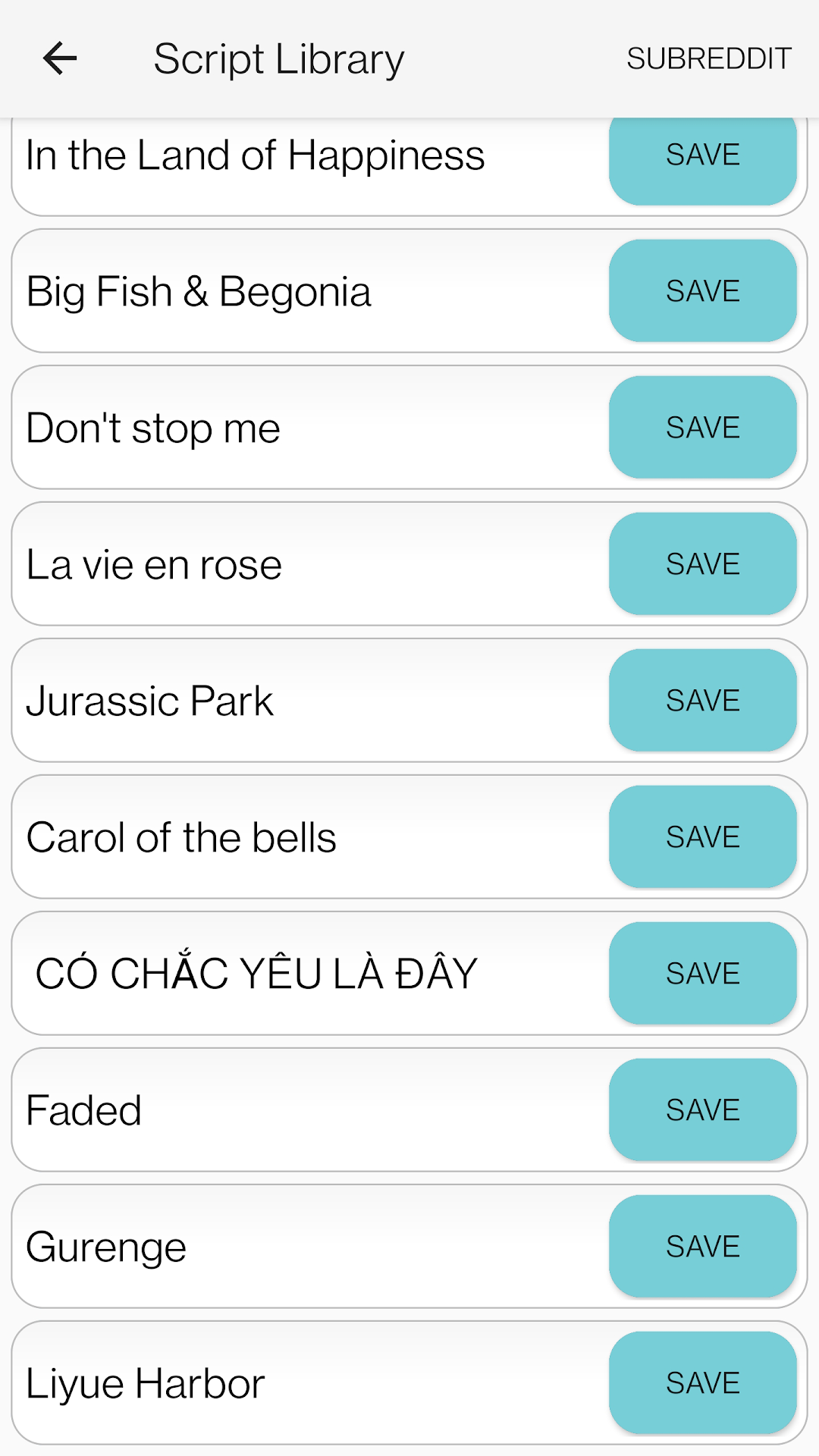
♪- Select a song from your saves
♪- Control the speed
[Saves]
♪-Save your favorite songs to easily play them anytime
*To play music scripts longer than 1000 characters or to use the sky music composer tool the full version of the app has to be purchased*
visit: reddit.com/r/skymusicstudio for more scripts
If you want to try new features before they are released you can join the beta tester group. If you want to become a beta tester, send me an email (edegran.games@gmail.com). The beta version may be unstable.
Reminder that this app is not made by miHoYo. It is a fanmade tool and an aid for people with visual and motor impairments.