GET - Steam & Epic Games Alert is a Events application developed by APPsROVED, but with the best Android emulator-LDPlayer, you can download and play GET - Steam & Epic Games Alert on your computer.
Running GET - Steam & Epic Games Alert on your computer allows you to browse clearly on a large screen, and controlling the application with a mouse and keyboard is much faster than using touchscreen, all while never having to worry about device battery issues.
With multi-instance and synchronization features, you can even run multiple applications and accounts on your PC.
And file sharing makes sharing images, videos, and files incredibly easy.
Download GET - Steam & Epic Games Alert and run it on your PC. Enjoy the large screen and high-definition quality on your PC!
Get notifications about free games on Steam, Epic Games Store, GOG, Origin, Ubisoft, IndieGala and more. You can also be aware of the best discounts on Steam and Epic Games Store.In addition to dozens of free games, you can also get DLC and Loots for free. PC games, mobile games and console games will be defined in your account indefinitely, so there is no time limit. If you do not have an account on platforms where free games are offered, you must create an account for it and add the game to your account for free.
A notification will be sent to your phone when a new game is free. In this way, you will not miss any free games and you will learn about the game.
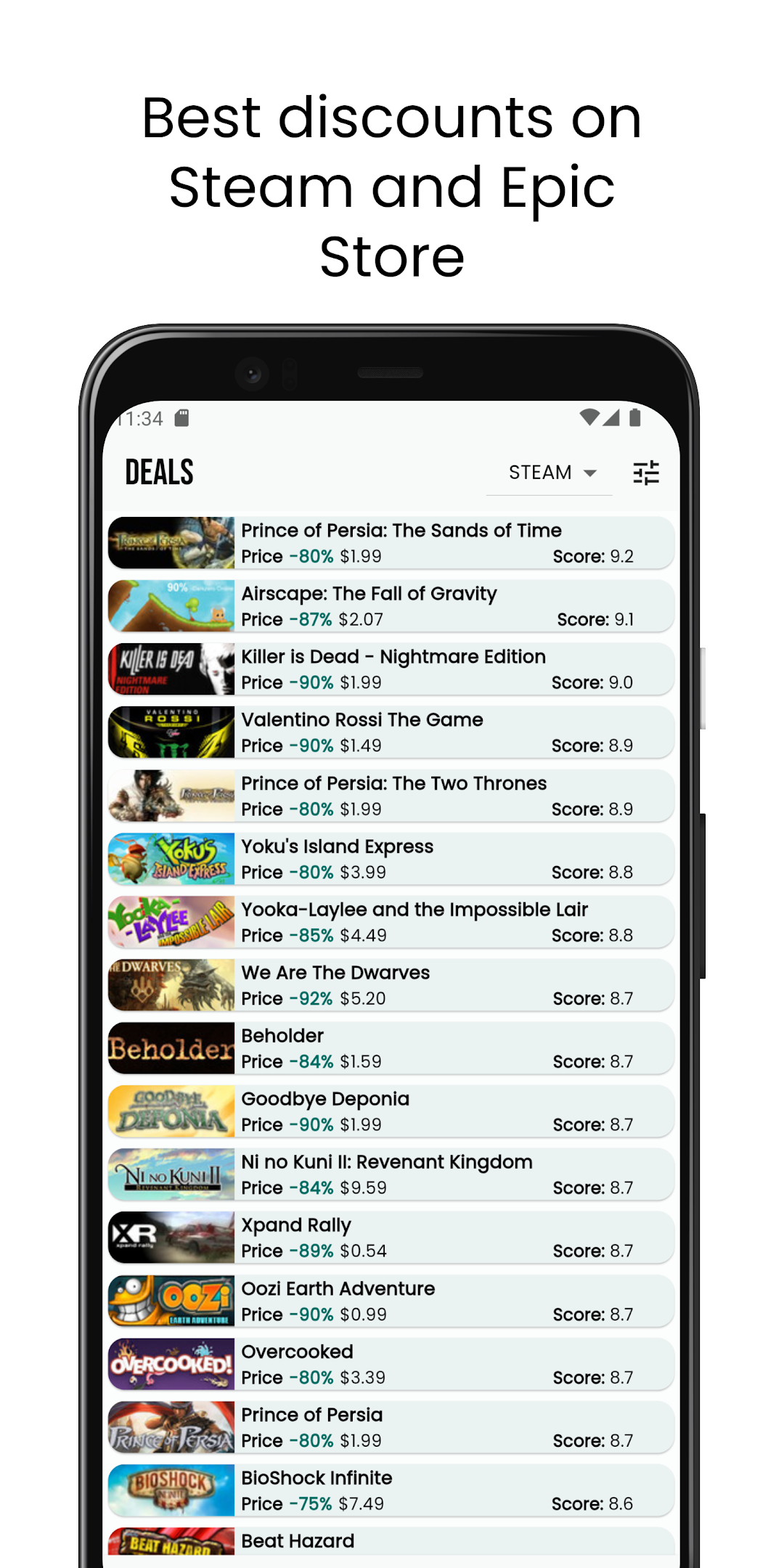
You can also find hundreds of discounted games for Steam and Epic Games Store, not just free games. You can learn the scores, price, release date of the discounted games and buy the recommended games for you. You will also receive a notification when the discounts start so you can check Steam and the Epic Games Store and you will not miss the discount days.
The application is completely free, We do not make any profit from discounts and free games. All you have to do is add it to your account and if you don't have a membership to the platforms where the games are distributed, create an account and then play the game that comes to you for free if you wish.