GNSS Status (GPS Test) is a Maps&Navigation application developed by Harnisch Gesellschaft m.b.H., but with the best Android emulator-LDPlayer, you can download and play GNSS Status (GPS Test) on your computer.
Running GNSS Status (GPS Test) on your computer allows you to browse clearly on a large screen, and controlling the application with a mouse and keyboard is much faster than using touchscreen, all while never having to worry about device battery issues.
With multi-instance and synchronization features, you can even run multiple applications and accounts on your PC.
And file sharing makes sharing images, videos, and files incredibly easy.
Download GNSS Status (GPS Test) and run it on your PC. Enjoy the large screen and high-definition quality on your PC!
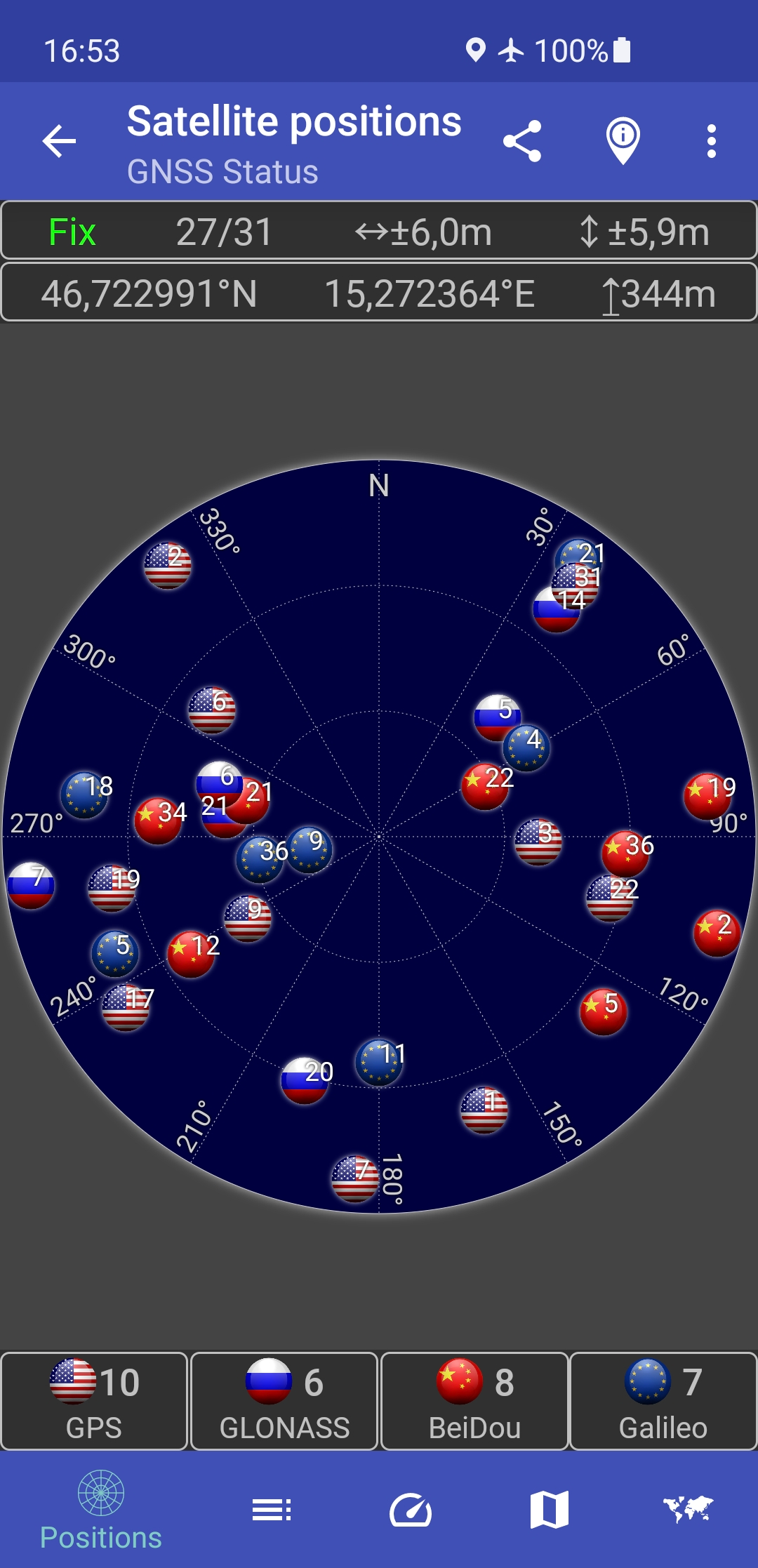
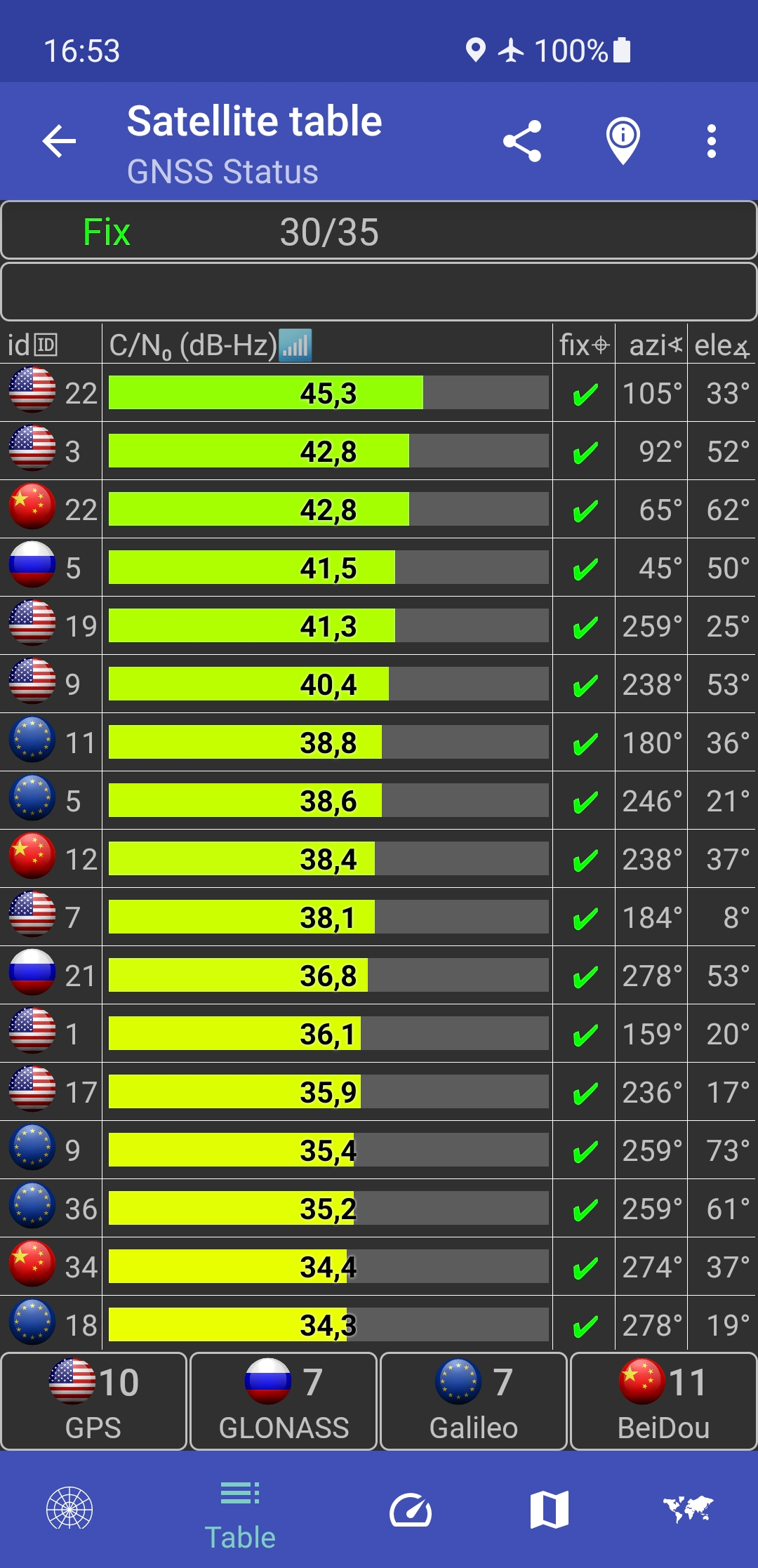
This app is a tool for displaying the GPS status and the status of other GNSS (global navigation satellite systems). It provides all information about all GNSS supported by your device (GPS, GLONASS, Galileo, BeiDou, ...).Your location can be shown as latitude/longitude, UTM (Universal Transverse Mercator), MGRS (Military Grid Reference System), OLC (Open Location Code / Plus Code), Mercator, QTH/Maidenhead, Geohash or CH1903+.
Via the "Share" functionality you can share your location to tell someone exactly where you are, this can be very helpful not only in emergencies. Location can be shared as latitude/longitude or as link to all major map services.
Furthermore, functions such as a GPS speedometer, a "Find my car" and a "My Places" functionality are integrated. This makes it possible to calculate and display routes to the location of the car or to other previously saved locations and to be able to navigate there.
The app supports the display of any GPX files with various map services.
New: Record your tracks while hiking, running or cycling, or import GPX files to find the right path while hiking, running or cycling. Export your captured tracks as GPX files. While hiking, running or cycling, you can share your previous route and your current location as a GPX file via email or social networks at any time. The finished GPX file can also be shared via email and social networks. At the recipient of the shared GPX file, clicking on this file opens and displays our app.
Choose between several map providers for the map displays, we also support offline maps!