GoFundMe: Fundraise and Give is a Finance application developed by GoFundMe Inc, but with the best Android emulator-LDPlayer, you can download and play GoFundMe: Fundraise and Give on your computer.
Running GoFundMe: Fundraise and Give on your computer allows you to browse clearly on a large screen, and controlling the application with a mouse and keyboard is much faster than using touchscreen, all while never having to worry about device battery issues.
With multi-instance and synchronization features, you can even run multiple applications and accounts on your PC.
And file sharing makes sharing images, videos, and files incredibly easy.
Download GoFundMe: Fundraise and Give and run it on your PC. Enjoy the large screen and high-definition quality on your PC!
Welcome to the world’s most powerful community for good, where everyone can give and get help. Launch a fundraiser in minutes, start a donor-advised fund to support all your favorite nonprofits in one place, and inspire your community with your GoFundMe Profile. There’s so much you can do on GoFundMe.START A FUNDRAISER
Launch a fundraiser for yourself, a friend or a nonprofit. Manage your fundraiser on the go and share your unique fundraiser link with your community to spread the word. App notifications help you never miss a donation alert or an important update about your fundraiser.
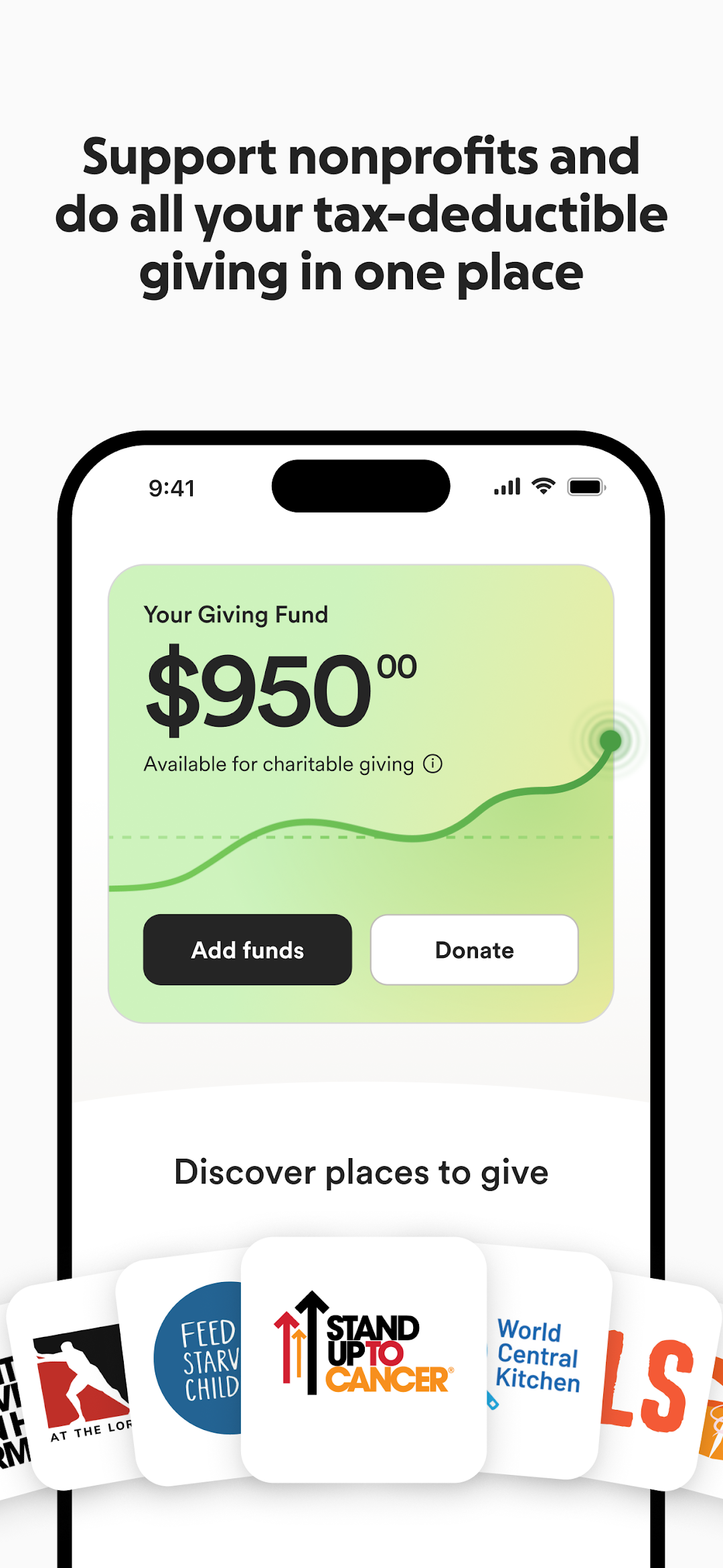
*NEW* ALL YOUR GIVING IN ONE PLACE WITH GIVING FUNDS
Giving Funds are donor-advised funds (DAF) that allow you to simplify giving and maximize impact while growing your contribution tax-free. You can donate the funds to a nonprofit of your choice at any time. During tax season, you'll get one receipt that shows all of your giving, all in one place.
GIVE FORWARD WITH GOFUNDME PROFILES
Share the causes you care about and inspire your community to help. Feature your favorite fundraisers and nonprofits, and track your impact from fundraisers you’ve started and supported.