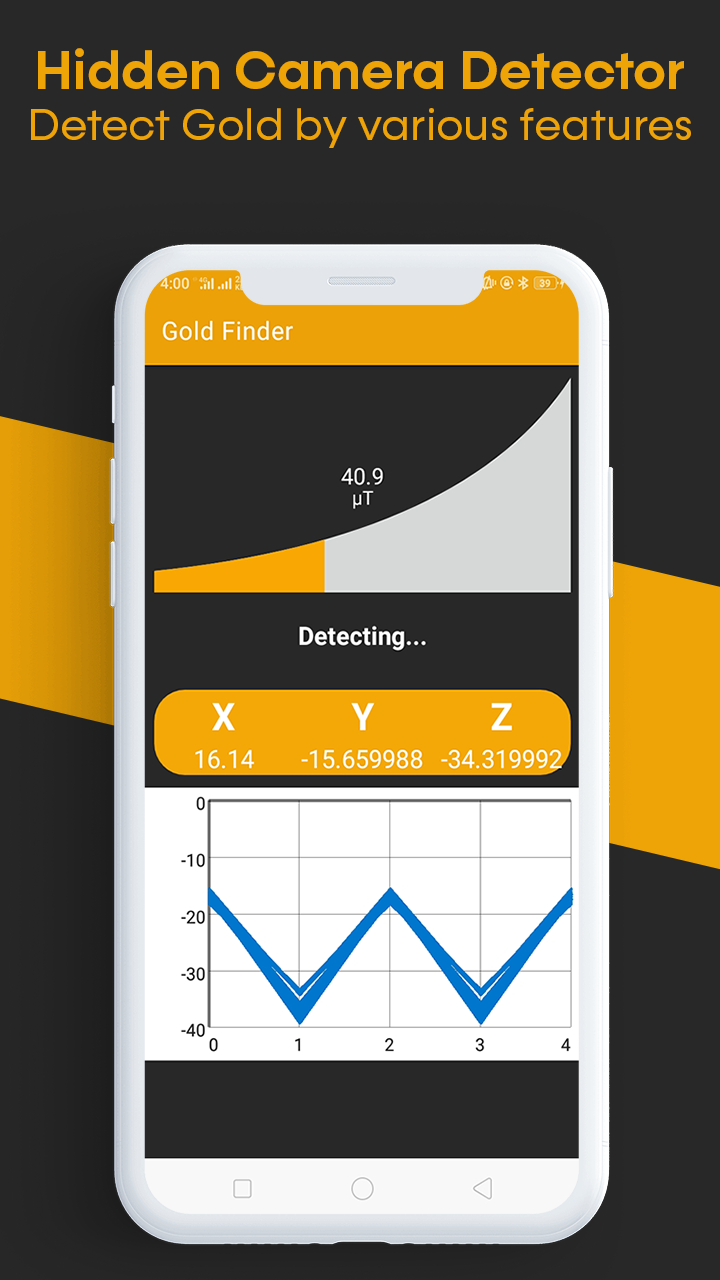
Gold Detector and Gold Finder is a Tools application developed by Appcave, but with the best Android emulator-LDPlayer, you can download and play Gold Detector and Gold Finder on your computer.
Running Gold Detector and Gold Finder on your computer allows you to browse clearly on a large screen, and controlling the application with a mouse and keyboard is much faster than using touchscreen, all while never having to worry about device battery issues.
With multi-instance and synchronization features, you can even run multiple applications and accounts on your PC.
And file sharing makes sharing images, videos, and files incredibly easy.
Download Gold Detector and Gold Finder and run it on your PC. Enjoy the large screen and high-definition quality on your PC!
You might be looking for any device or application to detect Gold via your phone? Gold Detector and Gold Finder is the new Gold Detector App which has various functionalities to work on your android phone to detect Gold and other metals smartly. Gold Detector and Gold Finder is a Professional Gold Detector app to predict gold nearby your surroundings. Gold Detector can be used as a Gold Scanner to scan gold for you. You can easily find and predict the location of gold and metals.Gold Detector and Gold Finder app converts any phone into a Pro Detector by measuring magnetic field values using the magnetic sensor on your Android device. The best metal detector for gold today is more useful for unearthing hidden metal objects or metals. The majority of a true metal detector is a handheld device with a sensor probe that may be moved over metal objects or the ground.
Gold Detector and Gold Finder is beneficial for the miners and other people who are looking to unearth the gold via gold detection devices and instruments. With this app, they can easily measure the strength of magnetic field to predict and detect the location of Gold. The accuracy depends on the magnetic sensor in your android phone. Now Silver Detector, Gold Detector, Gold Finder and Metal Detector comes in our app which helps you to find gold in your nearby location. The app uses various meters detection where you can see the Gold Detection Location.
The app Gold Detector and Gold Finder is built using new technologies considering user research and user experience. The user interface design is elegant and amazing to for user interaction. This helps users to engage in the app and work continuously to detect Gold using your Phone.
Gold Detector and Gold Finder Features:
• Detect by Radiation
• Detect by Meter
• Detect by Sensors and
• Detect by Graph
Note: If the detection doesn’t work, it might be the issue in your smartphone which doesn’t have electromagnetic sensor.