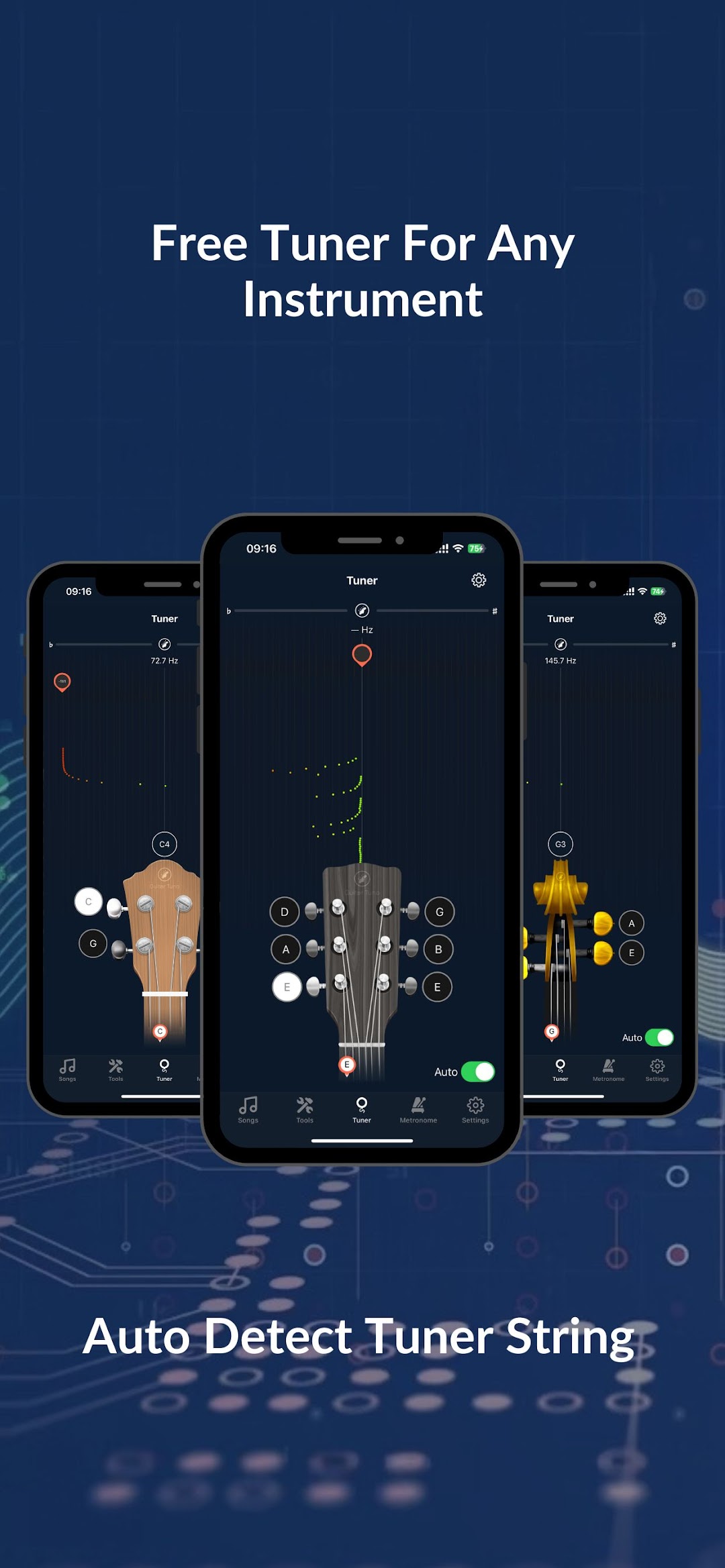
Guitar Tuner: Guitar Tuno is a Music&Audio application developed by LogyVN, but with the best Android emulator-LDPlayer, you can download and play Guitar Tuner: Guitar Tuno on your computer.
Running Guitar Tuner: Guitar Tuno on your computer allows you to browse clearly on a large screen, and controlling the application with a mouse and keyboard is much faster than using touchscreen, all while never having to worry about device battery issues.
With multi-instance and synchronization features, you can even run multiple applications and accounts on your PC.
And file sharing makes sharing images, videos, and files incredibly easy.
Download Guitar Tuner: Guitar Tuno and run it on your PC. Enjoy the large screen and high-definition quality on your PC!
GuitarTuno is a convenient app that supports playing your favorite guitar. The tuner tool quickly tunes your guitar strings within seconds with a free guitar tuning tool. It supports not only guitars but also many other popular instruments such as ukuleles, bass guitars, violins, and more. Discover a vast library of guitar and ukulele chords with over 500,000 songs. Learn the chords and how to play songs with chords.WHY CHOOSE GUITARTUNO?
Tune any string of the guitar, ukulele, violin, or any traditional instrument.
Over 20 instrument tuners to choose from.
High accuracy, with great sensitivity and sound recognition capabilities.
Learn guitar and ukulele chords by group.
Practice with a metronome and basic exercises to quickly grasp chords.
Left-handed tuning mode: Easily switch between left-handed and right-handed tuning modes, flexible for both left-handed and right-handed players.
WHAT INSTRUMENTS DOES GUITARTUNO SUPPORT?
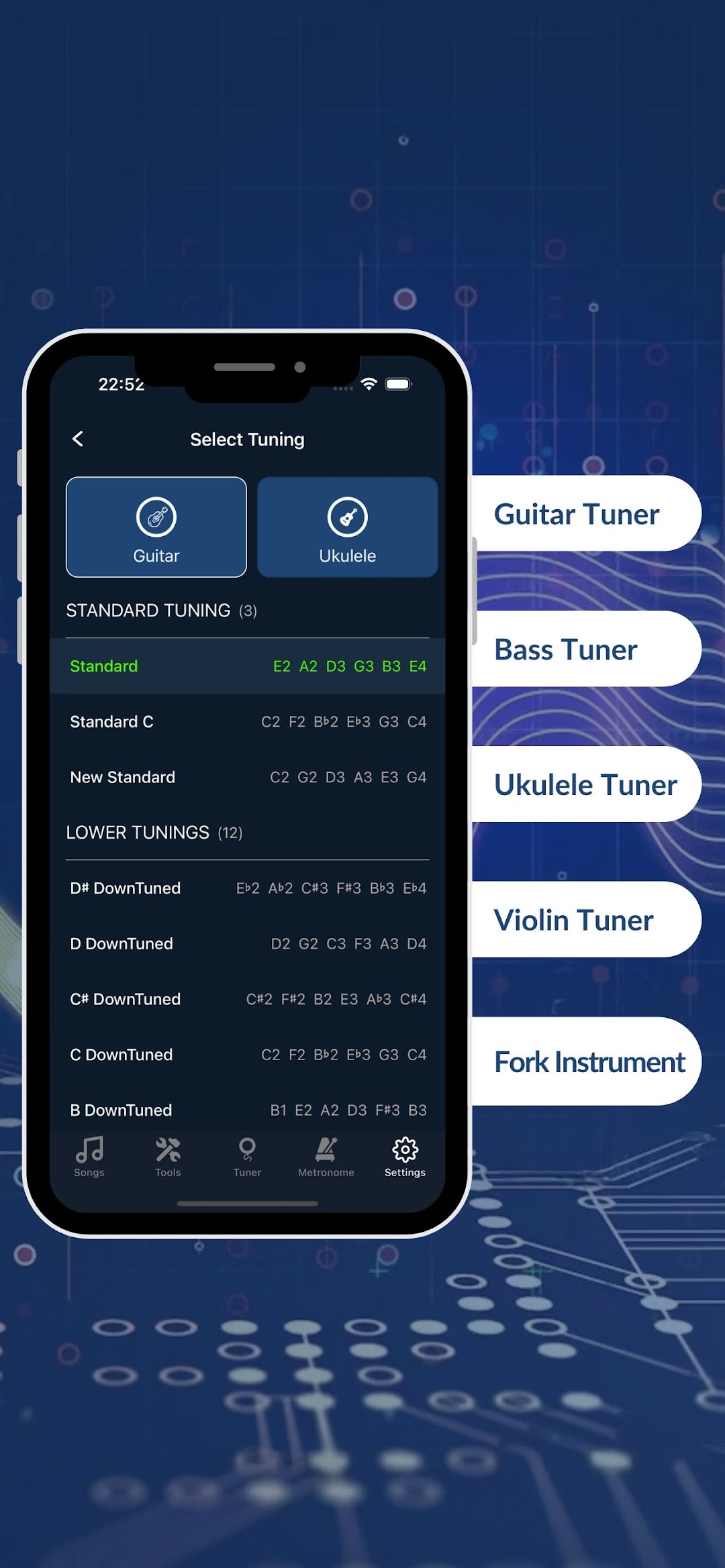
GuitarTuno's tuning tool supports over 20 instruments and various types.
Guitar Tuner
Tuner Guitar
Ukulele
Bass
Guitar string tuner
Electric guitar tuner
6-string, 7-string, 12-string guitar tuner
Bass guitar tuner: 4-string, 5-string
Ukulele tuner
Violin Family tuner
Viola
Violin
Banjo
Balalaika
Cavaquinho
WITH OVER 100 TUNINGS
Standard
Drop-D
Drop-C
Drop-A
Open E
Soprano in D
Low G
Low A
Slack key
...
SHARE YOUR FEEDBACK
We look forward to all contributions to make GuitarTuno even better.
Join the Group: https://www.facebook.com/groups/congdong.guitar.hoctap.ketnoi
Send feedback to: hopamnhanh.group@gmail.com
Ready to play and learn with GuitarTuno? Download the Guitar Tuner: GuitarTuno app now!