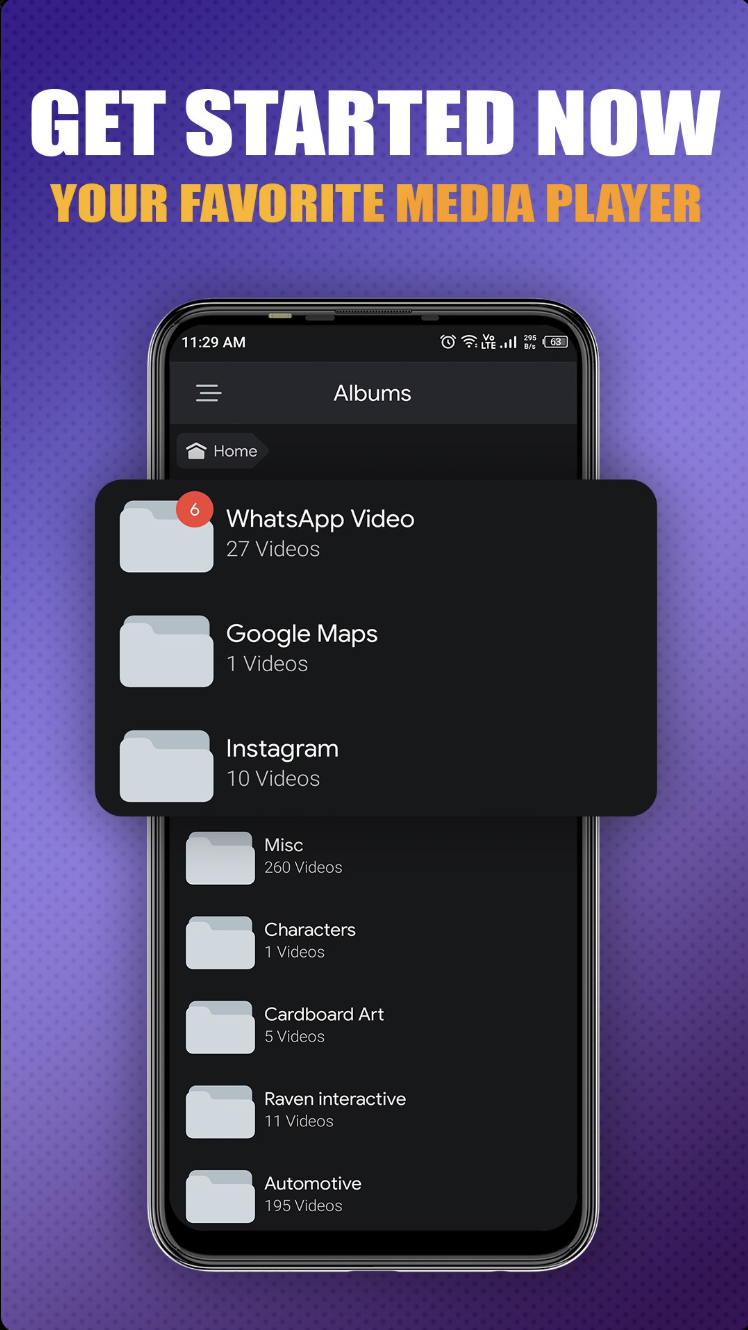
iPlayer: HD Video Player is a Video Players&Editors application developed by Onyx Technologies, but with the best Android emulator-LDPlayer, you can download and play iPlayer: HD Video Player on your computer.
Running iPlayer: HD Video Player on your computer allows you to browse clearly on a large screen, and controlling the application with a mouse and keyboard is much faster than using touchscreen, all while never having to worry about device battery issues.
With multi-instance and synchronization features, you can even run multiple applications and accounts on your PC.
And file sharing makes sharing images, videos, and files incredibly easy.
Download iPlayer: HD Video Player and run it on your PC. Enjoy the large screen and high-definition quality on your PC!
iPlayer Video PlayerExperience seamless video playback with iPlayer Video Player, the simple and efficient media player for your Android device.
Features:
- Wide Format Support: Play popular video formats including MP4, AVI, and MKV.
- Easy Controls: Intuitive play, pause, fast-forward, and rewind functions.
- Clean Interface: User-friendly design for effortless navigation.
- Full-Screen Mode: Enjoy videos in full-screen with a single tap.
- Orientation Support: Automatic adjustment between portrait and landscape modes.
Why Choose iPlayer Video Player?
Designed for those who prefer simplicity, iPlayer Video Player provides essential video playback features without any unnecessary extras.
Permissions Required:
- Storage Access: To locate and play video files stored on your device.
Download iPlayer Video Player now for a straightforward video watching experience on your Android device.