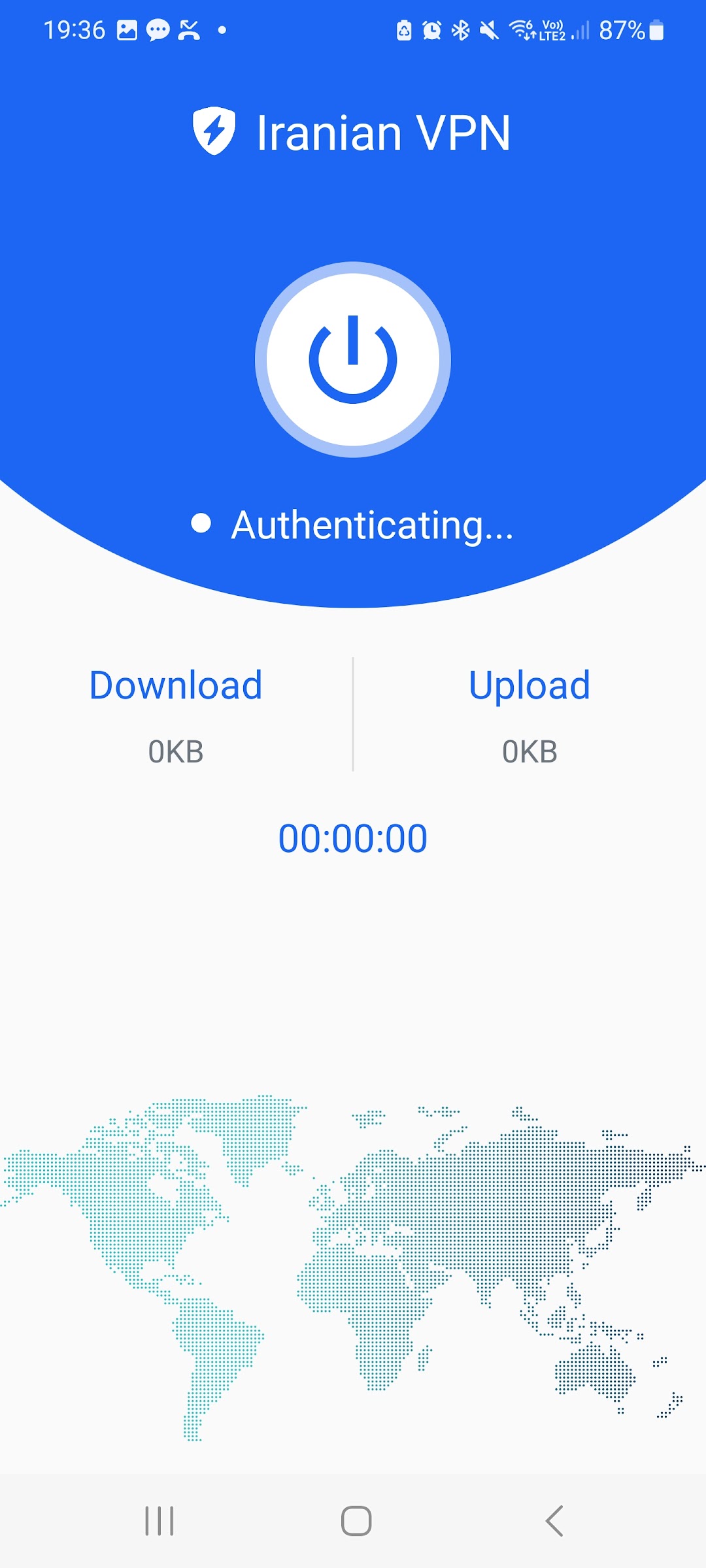
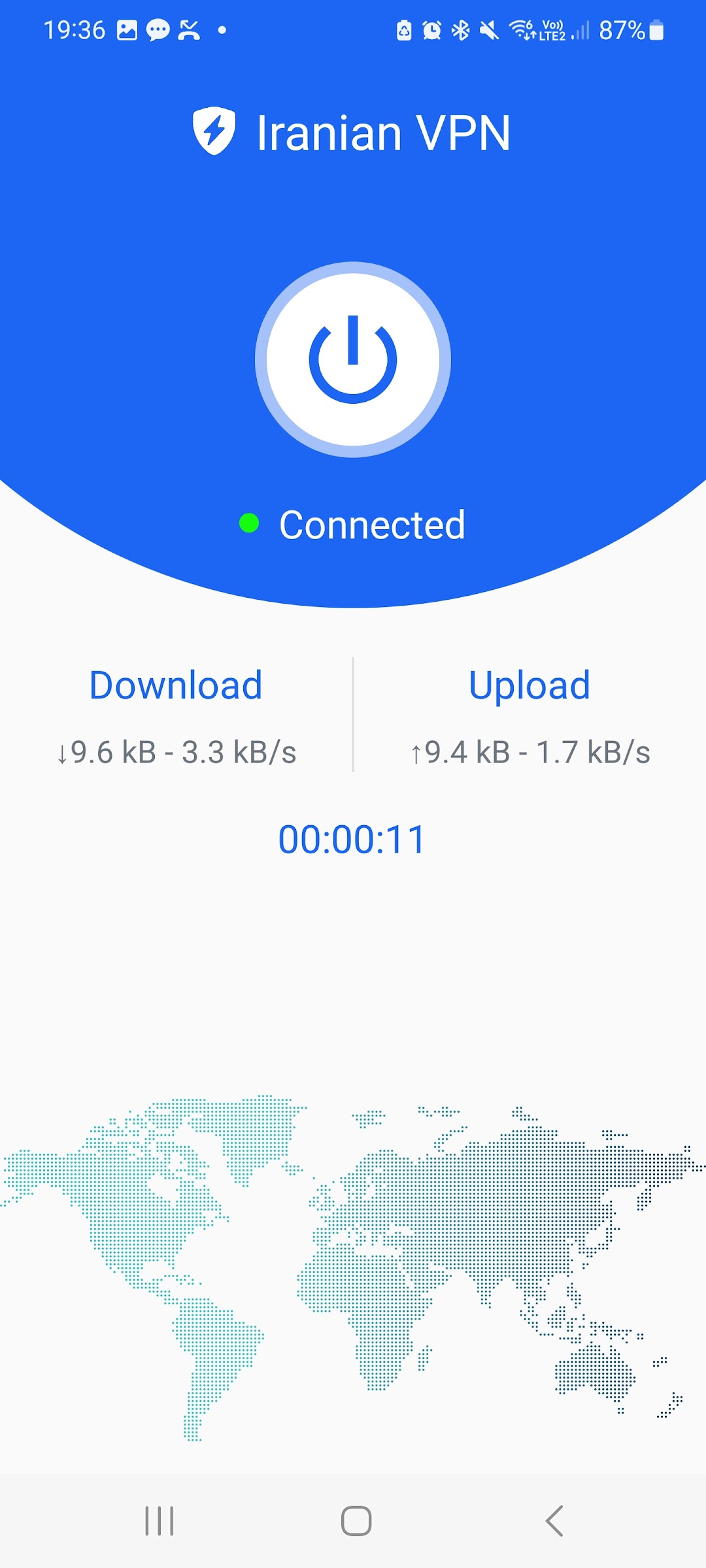
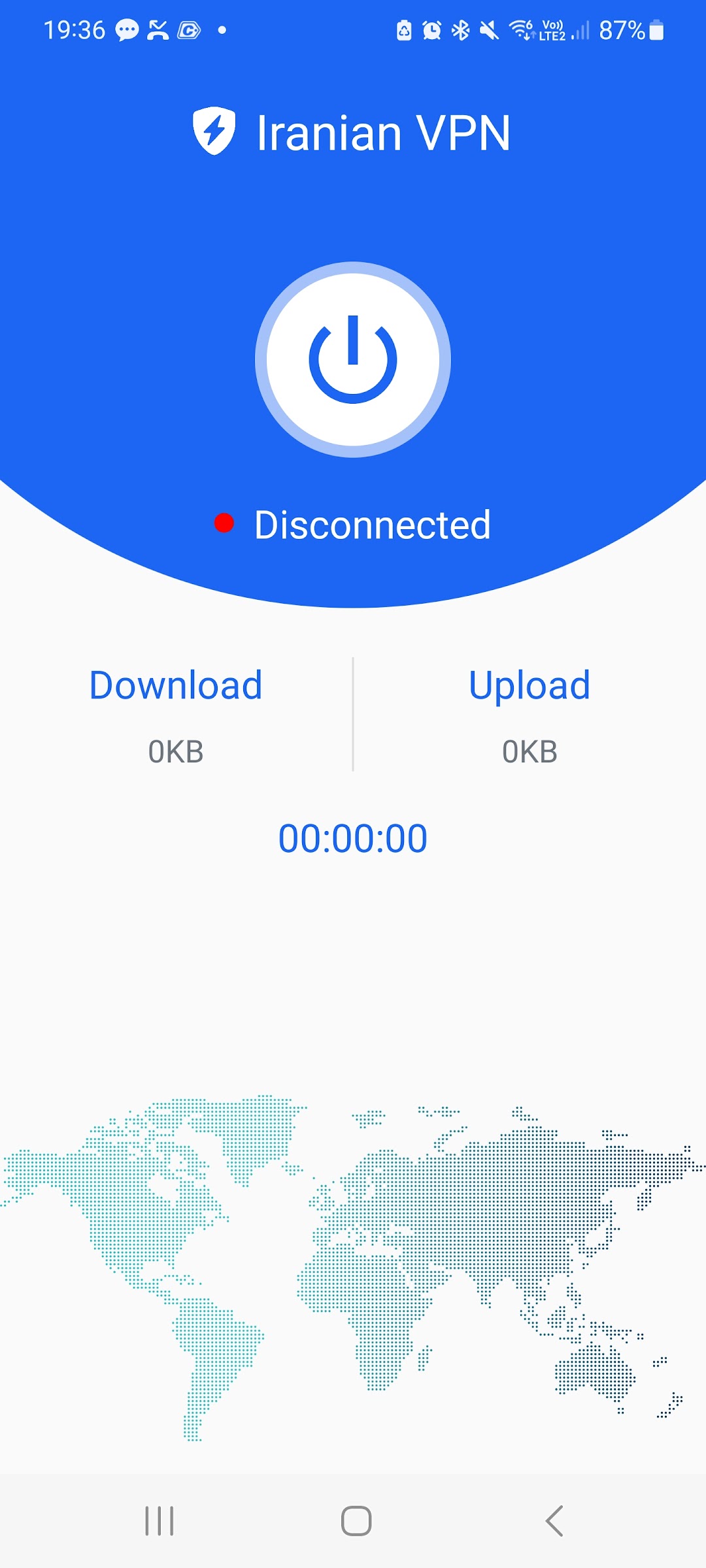
Iranian VPN برای ایرانیان خارج is a Tools application developed by Raadan Technology, but with the best Android emulator-LDPlayer, you can download and play Iranian VPN برای ایرانیان خارج on your computer.
Running Iranian VPN برای ایرانیان خارج on your computer allows you to browse clearly on a large screen, and controlling the application with a mouse and keyboard is much faster than using touchscreen, all while never having to worry about device battery issues.
With multi-instance and synchronization features, you can even run multiple applications and accounts on your PC.
And file sharing makes sharing images, videos, and files incredibly easy.
Download Iranian VPN برای ایرانیان خارج and run it on your PC. Enjoy the large screen and high-definition quality on your PC!
Are you tired of facing online restrictions and censorship in Iran? Do you want to protect your privacy and access blocked content? Look no further! Our VPN application is the solution you need.Our VPN (Virtual Private Network) application is designed to provide you with a secure and anonymous online experience. With our VPN, you can bypass government censorship and access Banks websites, Banks applications, and Government content that may be blocked in Iran for Iranian people living overseas. You can enjoy unrestricted access to social media, news, streaming services, and more, without worrying about being monitored or censored.
One of the main features of our VPN is encryption, which adds an extra layer of security to your online activities. Your internet traffic is encrypted, meaning that your data is scrambled and unreadable by anyone, including hackers, government agencies, or ISPs. This protects your sensitive information, such as passwords, financial details, and personal data, from being intercepted or accessed by unauthorized individuals.
Our VPN also allows you to change your IP address and virtual location, making it appear as if you are browsing from a different country. This helps you bypass geo-restrictions and access content that may be unavailable in Iran. You can connect to servers in various countries, giving you the freedom to browse the internet without limitations.
Privacy is our top priority, and our VPN does not log your online activities. We do not store your browsing history, IP address, or any other identifiable information. Your online activities remain private and anonymous.
Our VPN application is user-friendly, with a simple and intuitive interface. You can connect to our VPN with just a few clicks and choose from various server locations. Our VPN works on multiple devices, including smartphones, tablets, and computers, so you can protect your online activities across all your devices.
Join millions of satisfied users who trust our VPN application to bypass online censorship, protect their privacy, and enjoy unrestricted access to the internet. Download our VPN application now and experience a secure, anonymous, and unrestricted online experience in Iran.