Jabra Sound+ is a Productivity application developed by Jabra by GN Hearing A/S, but with the best Android emulator-LDPlayer, you can download and play Jabra Sound+ on your computer.
Running Jabra Sound+ on your computer allows you to browse clearly on a large screen, and controlling the application with a mouse and keyboard is much faster than using touchscreen, all while never having to worry about device battery issues.
With multi-instance and synchronization features, you can even run multiple applications and accounts on your PC.
And file sharing makes sharing images, videos, and files incredibly easy.
Download Jabra Sound+ and run it on your PC. Enjoy the large screen and high-definition quality on your PC!
For over 150 years, we've been crafting technology that makes life look and sound better. Whether you're managing a million-dollar project from your kitchen, running your first 5k in the park, or simply getting lost in your favorite tunes, we've got you covered. Download the Jabra Sound+ app to unlock the full potential of your new device.KEY FEATURES:
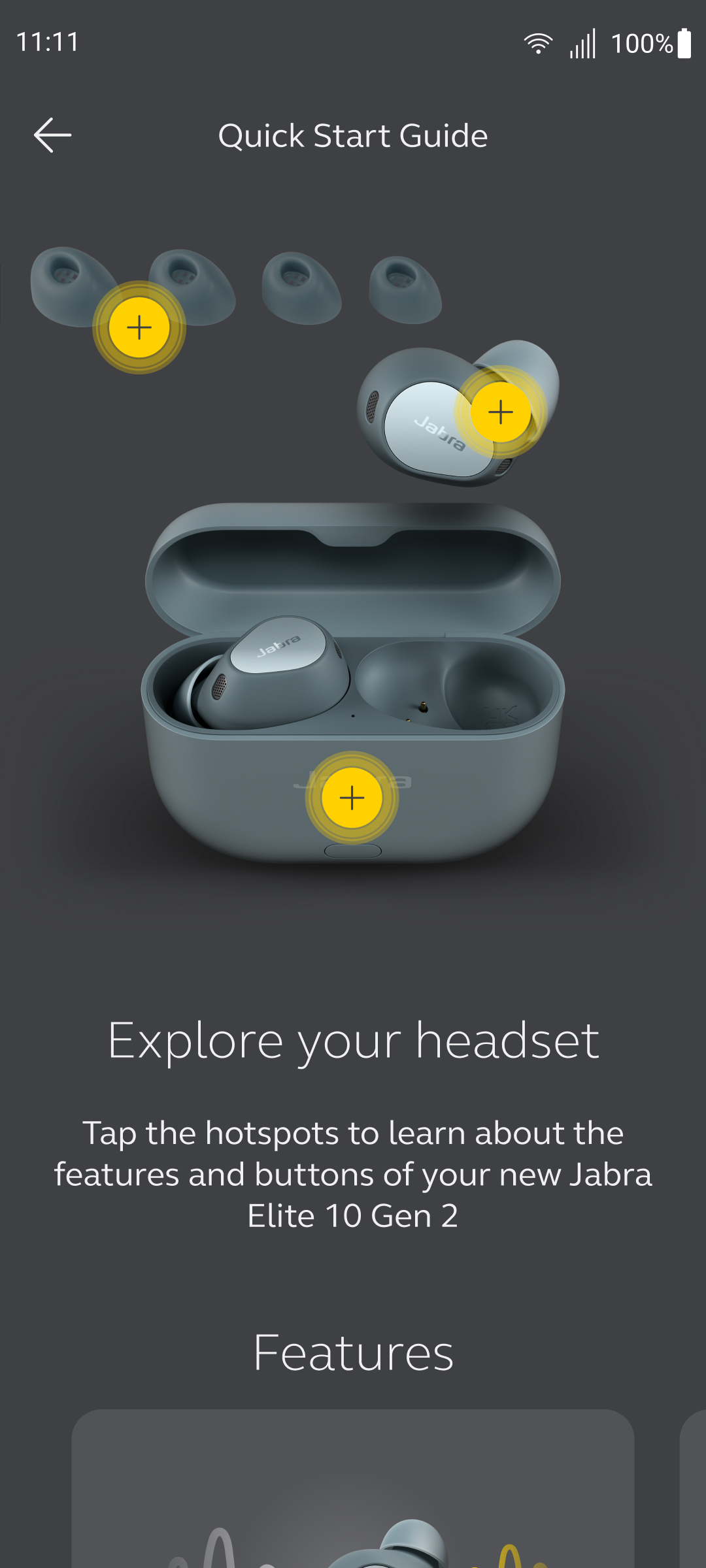
PERSONALIZED AUDIO: Customize your device effortlessly with step-by-step guidance, ensuring optimal settings for every moment.
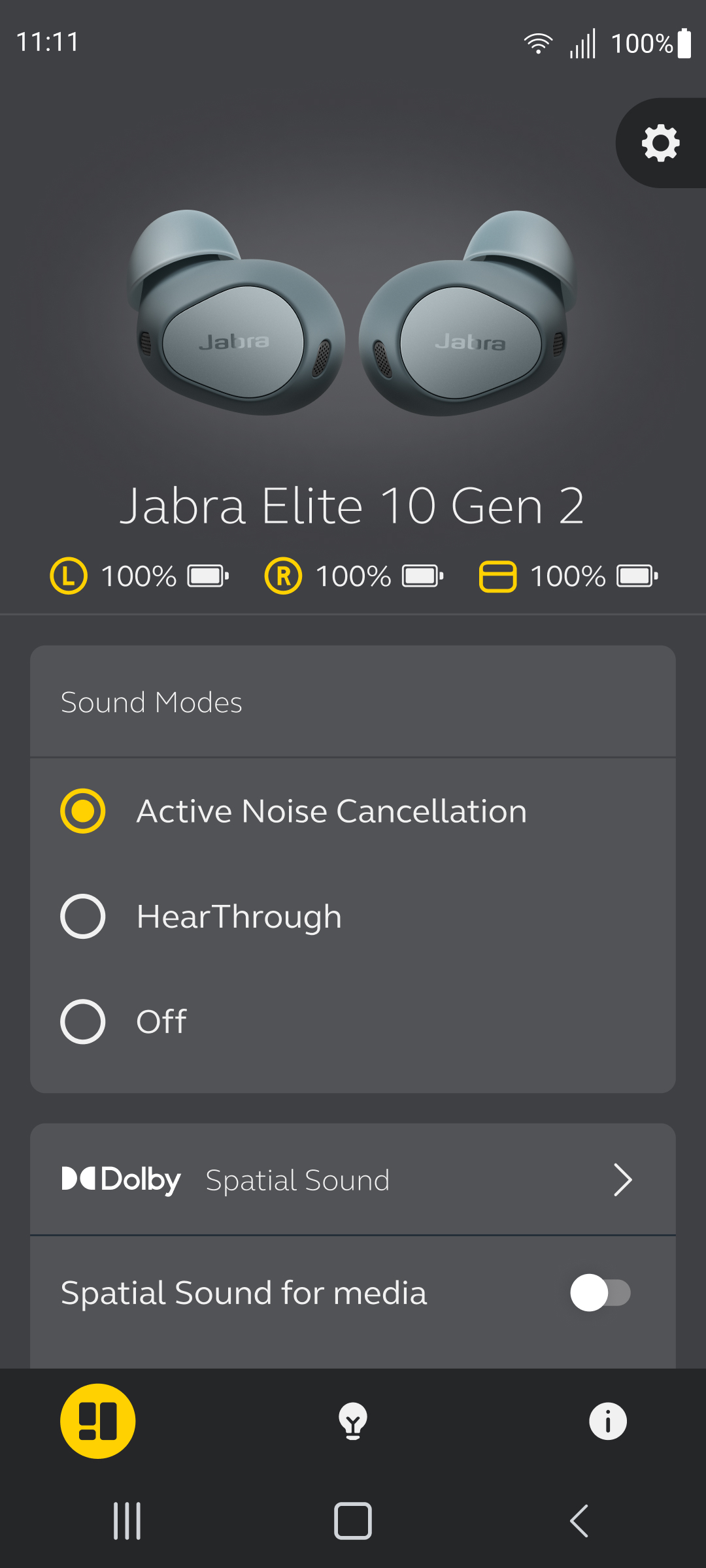
CONTROL YOUR SURROUNDINGS: Adjust how much of the outside world you hear with intuitive controls, right from the app.
STAY UPDATED: Receive notifications about the latest updates for your product, so you're always up-to-date.
EFFORTLESS CONTROL: Access Google Assistant or Alexa with just a single touch for seamless voice command integration.
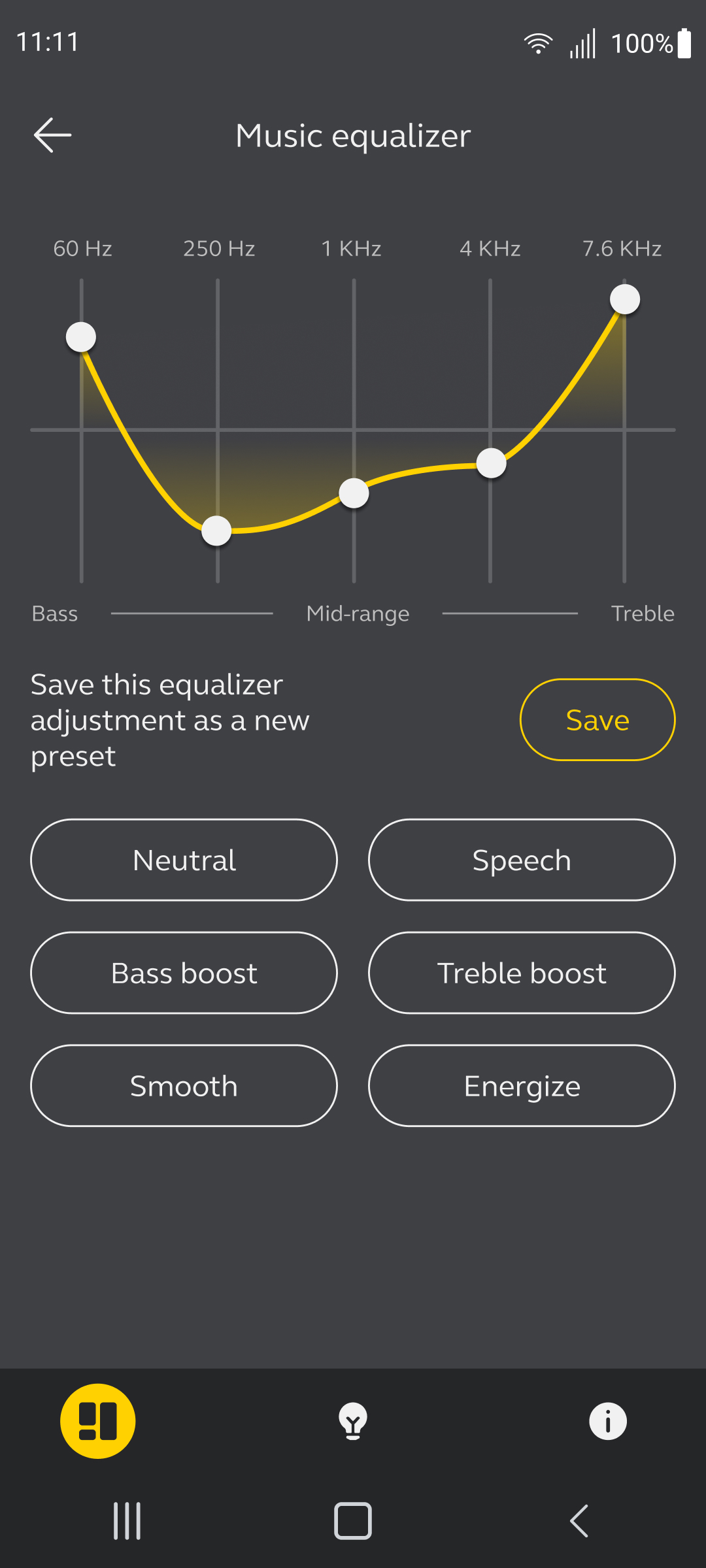
PRECISE SOUND:: Fine-tune your music with a 5-band equalizer. Choose from presets or personalize your sound for the perfect listening experience.
INSTANT MUSIC ACCESS: Set up Spotify Tap for quick and easy listening.
Clear Conversations: Customize call settings for crystal-clear communication.
2-YEAR WARRANTY: Register your Elite headphones for an extended warranty.
Note: Features and interface may vary depending on the specific Jabra device in use.