K3 Connect is a Lifestyle application developed by PKinno Inc., but with the best Android emulator-LDPlayer, you can download and play K3 Connect on your computer.
Running K3 Connect on your computer allows you to browse clearly on a large screen, and controlling the application with a mouse and keyboard is much faster than using touchscreen, all while never having to worry about device battery issues.
With multi-instance and synchronization features, you can even run multiple applications and accounts on your PC.
And file sharing makes sharing images, videos, and files incredibly easy.
Download K3 Connect and run it on your PC. Enjoy the large screen and high-definition quality on your PC!
K3 Connect is a Smart Lock Solution. It’s elegant, intuitive, and feature-rich. It lets you use your smartphone to replace keys, you don’t have to carry bulky and heavy mechanical keys anymore. It also has a powerful key management system to share and control access right to your family and friends.Keyless Unlock: unlocking door by your smartphone
Remote Unlocking: unlocking door through Internet even when you are far away
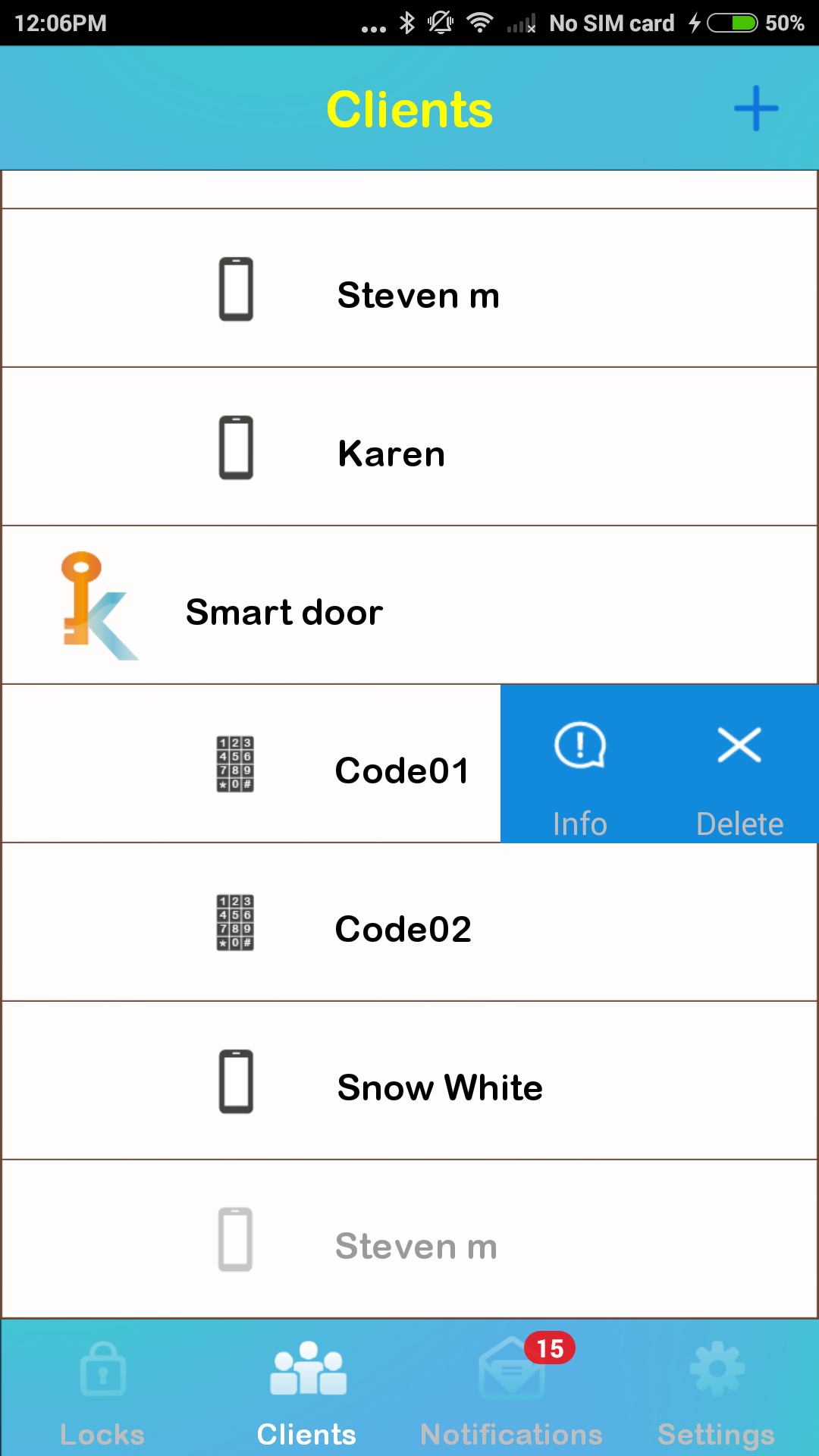
Management: one smartphone manages all of your Locks and Clients
Remote Provision: provide and delete access right to your family and friends through Internet
Notification: receive notification when someone accesses your Locks
Audit Trail: knowing who has accessed your Locks
Limited Access Right: with flexible patterns for different situations
In-Place-Add: add and manage non-phone items such as Cards, Fobs, or Codes
Synchronization : synchronize with Locks through BLE even when Internet is not available
Lock Configuration: set parameters of Locks from App UI
Security: use advance Cryptography Algorithms comply with industry standards
Firmware Update: update Locks to latest firmware through easy App operation
Note: Some features are only available on selected Lock models